
The Best Wrike Alternative Designed for Client Work
SmartTask helps agencies and SMBs manage projects, budgets, billing, time tracking, and clients without enterprise complexity or forced annual contracts.
Try it Live - It's FREE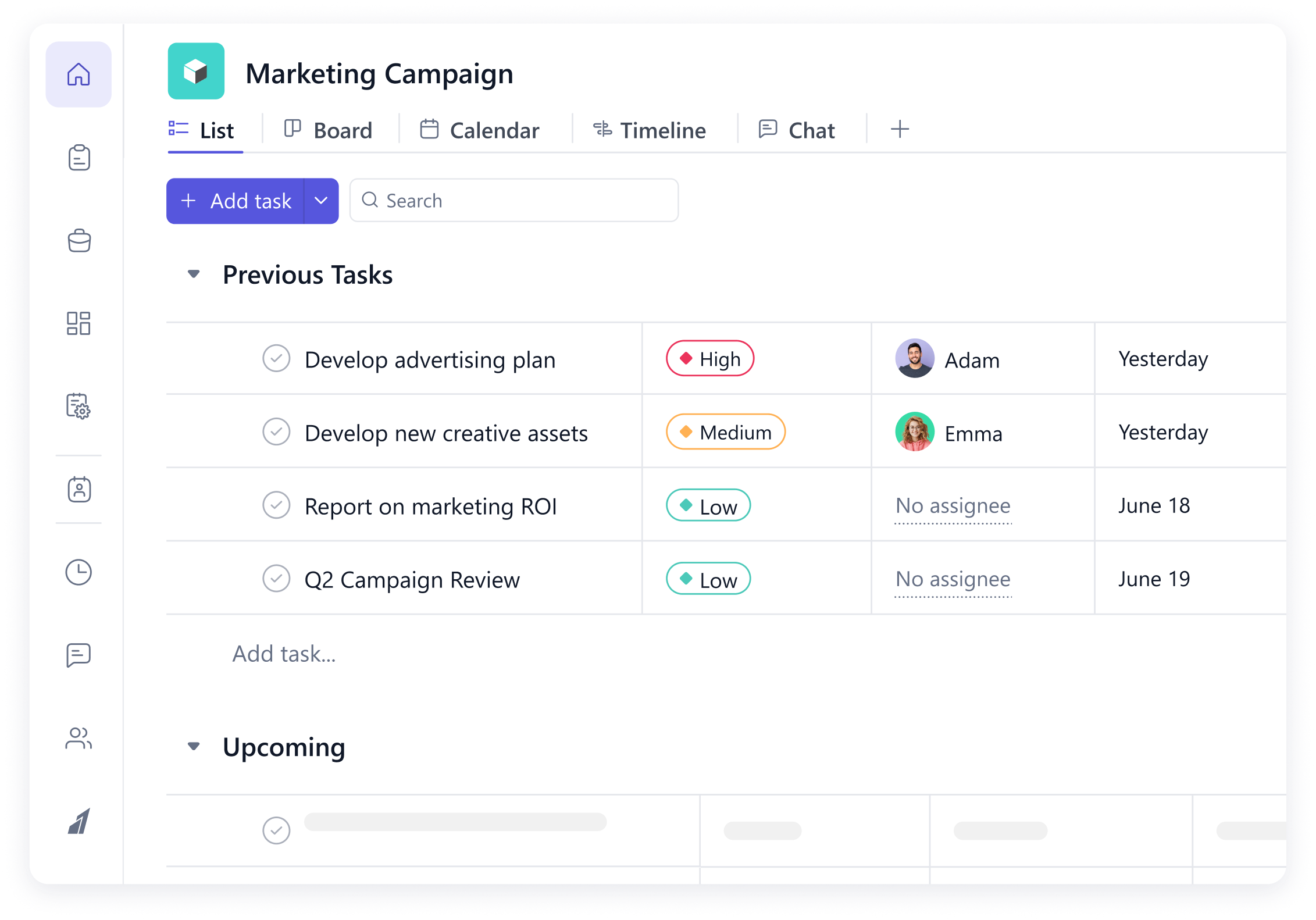
Why modern teams look for a Wrike alternative
Why Choose SmartTask?
SmartTask offers ease of use with powerful features specifically built for client work. Faster time to value
Right Feature at the right price
Built for Enterprise
High costs, complex interface, and limited time, billing capabilities aren’t SMB or agency-friendly.
Built for SMBs and Agencies
Built for flexibility and ease of use in mind. No un-necessary bloat and configurations that hinder your team.
Intuitive and User-friendly
Complex Interface
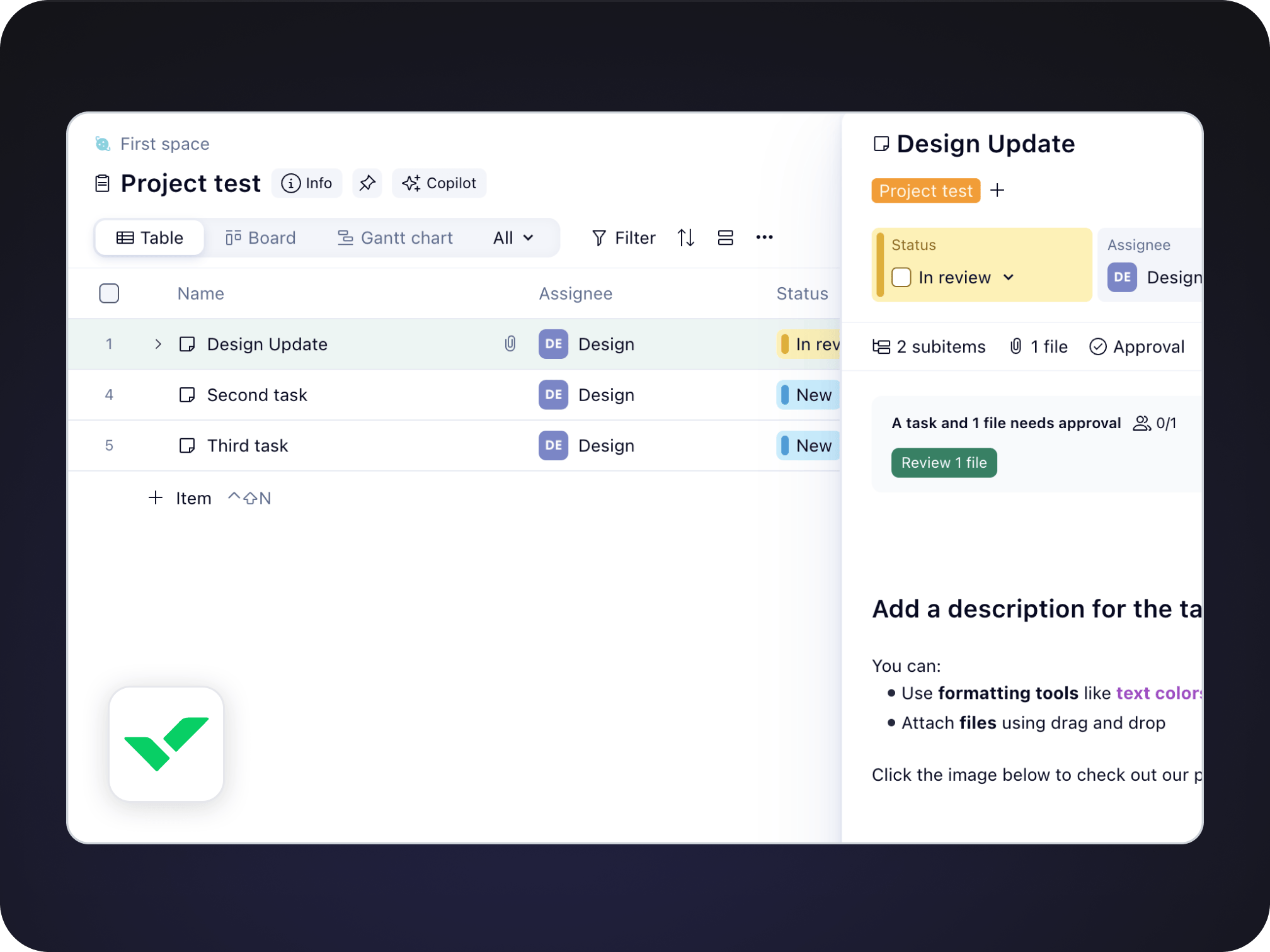
Complex interface and configurations take days to onboard your team, while the utilization rate remains low
Intuitive and User-friendly
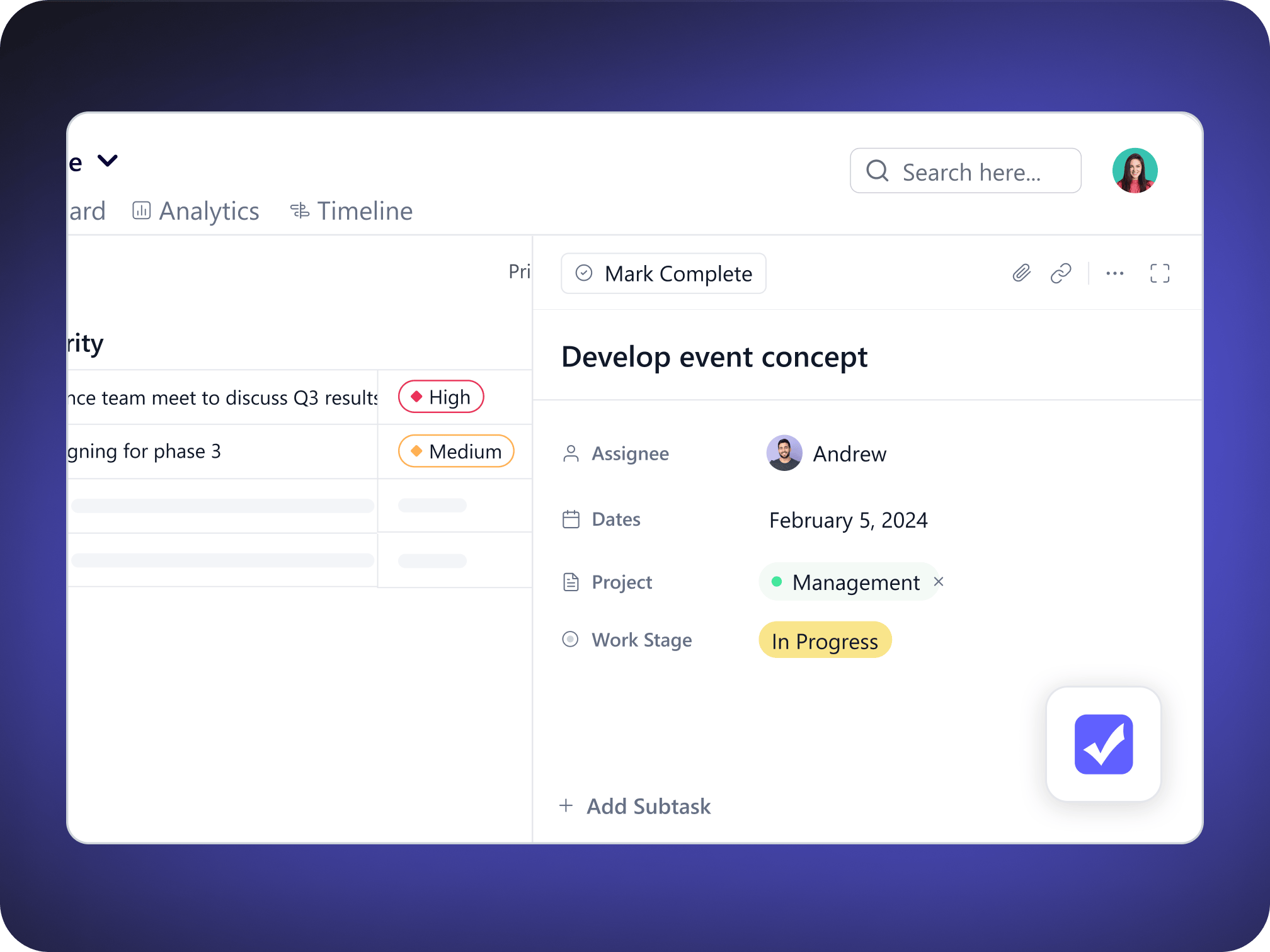
Known for its intuitive, user-friendly interface. It’s often praised for its ease of use, making it a popular choice for client delivery teams.
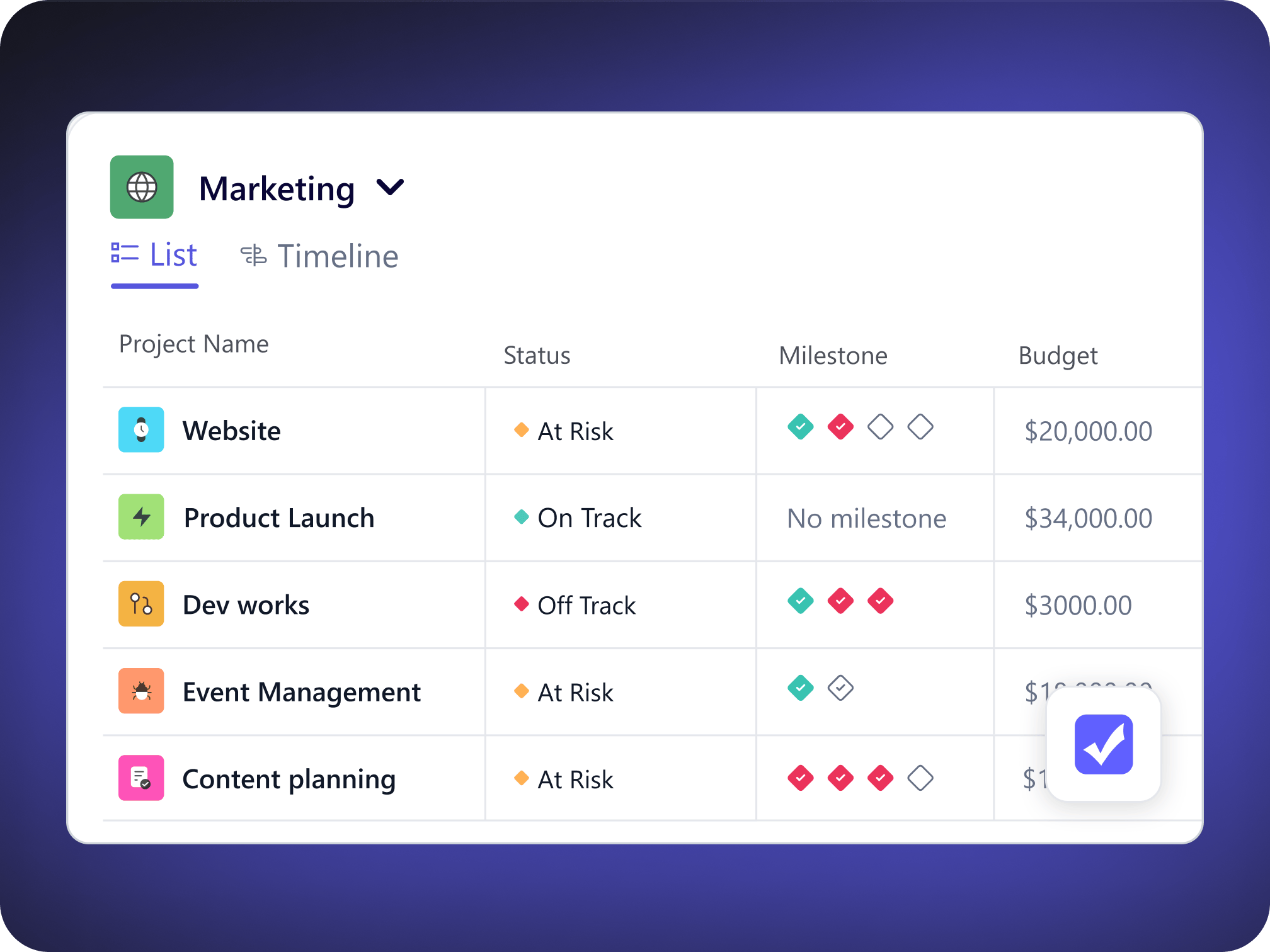
Strong Project Overview Capabilities
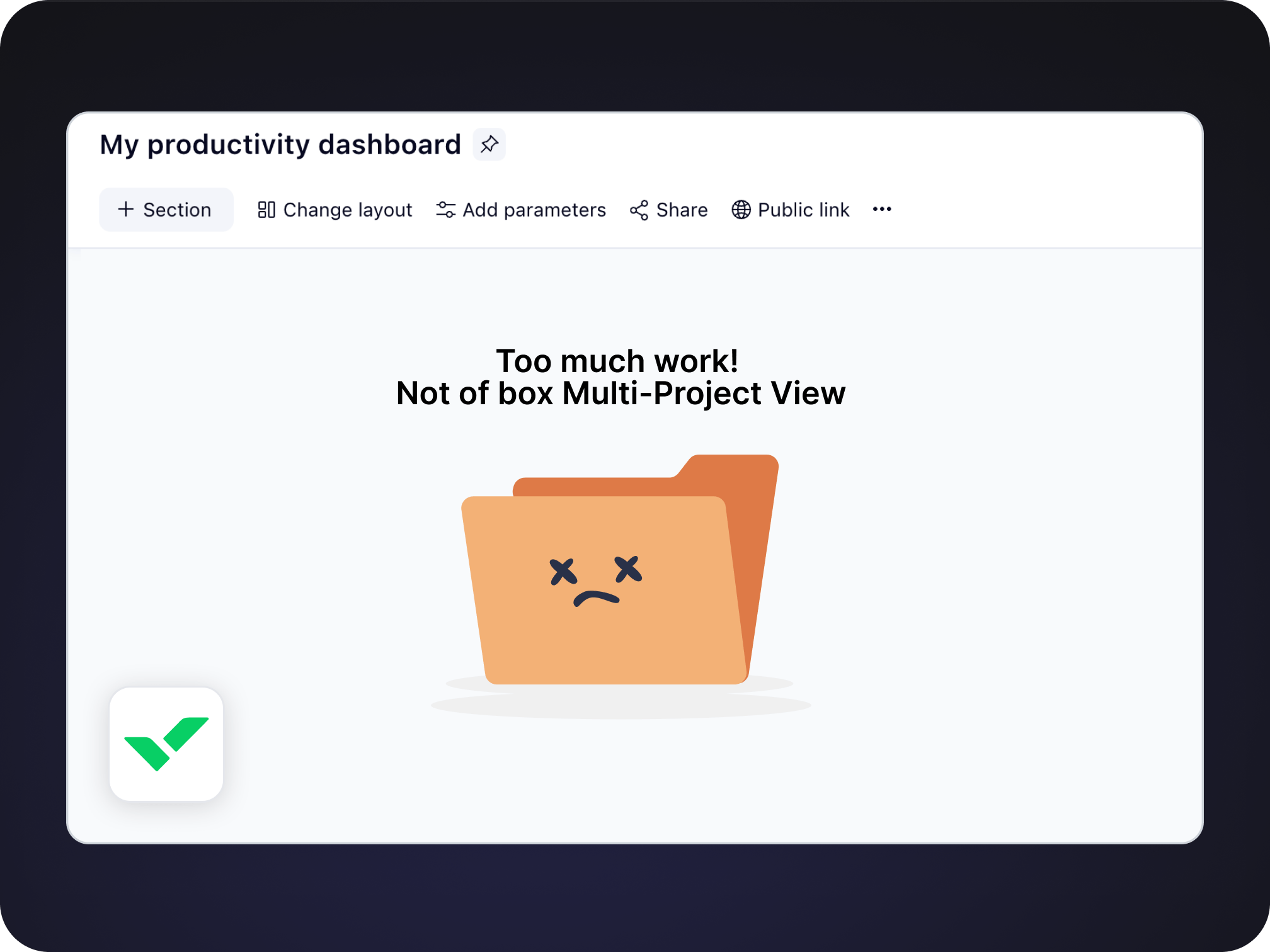
Difficult to achieve multi project view
No easy way except for creating complex reports under dashboard to have overview of running projects by manager or team.
Strong Project Portfolio capabilities
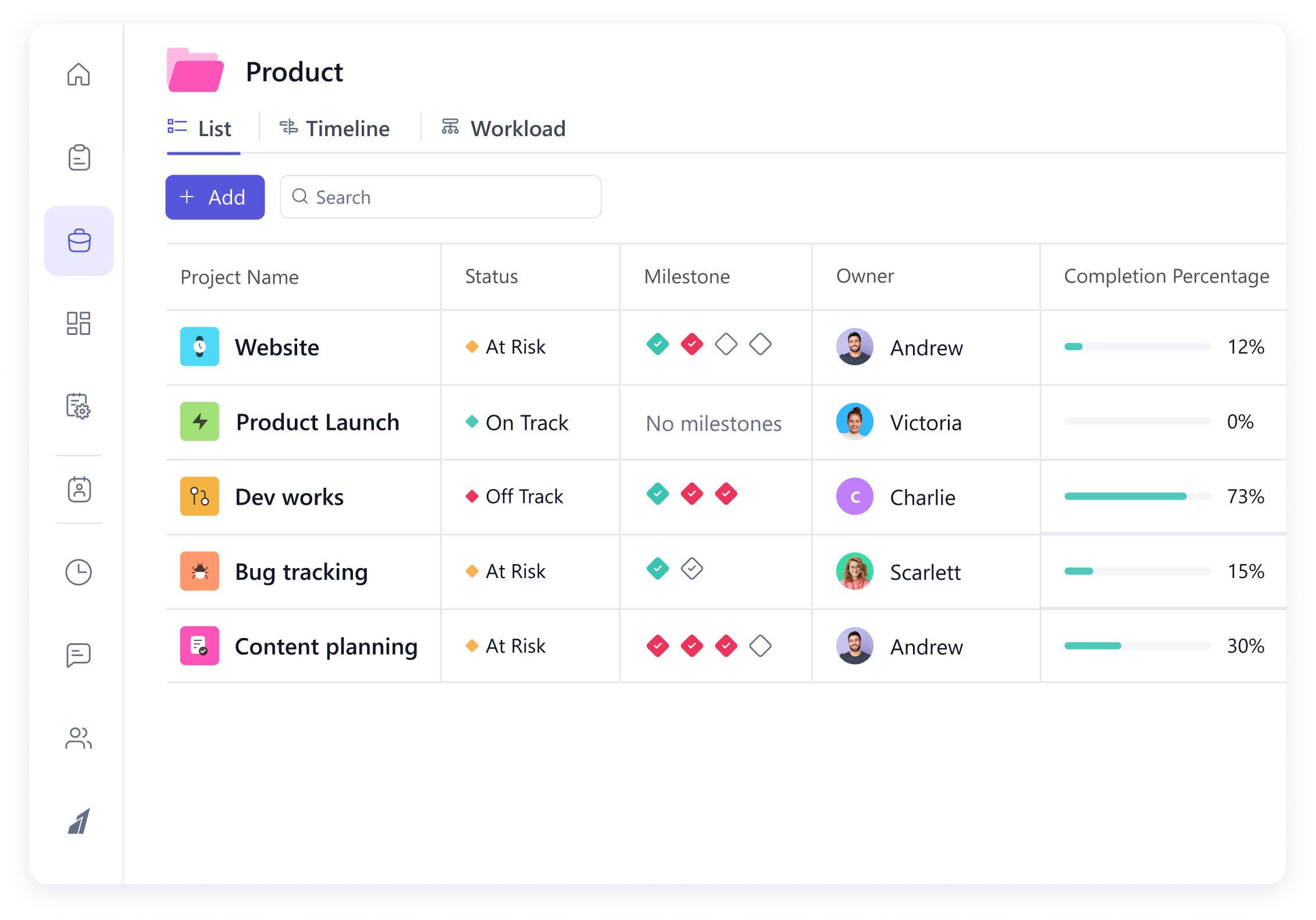
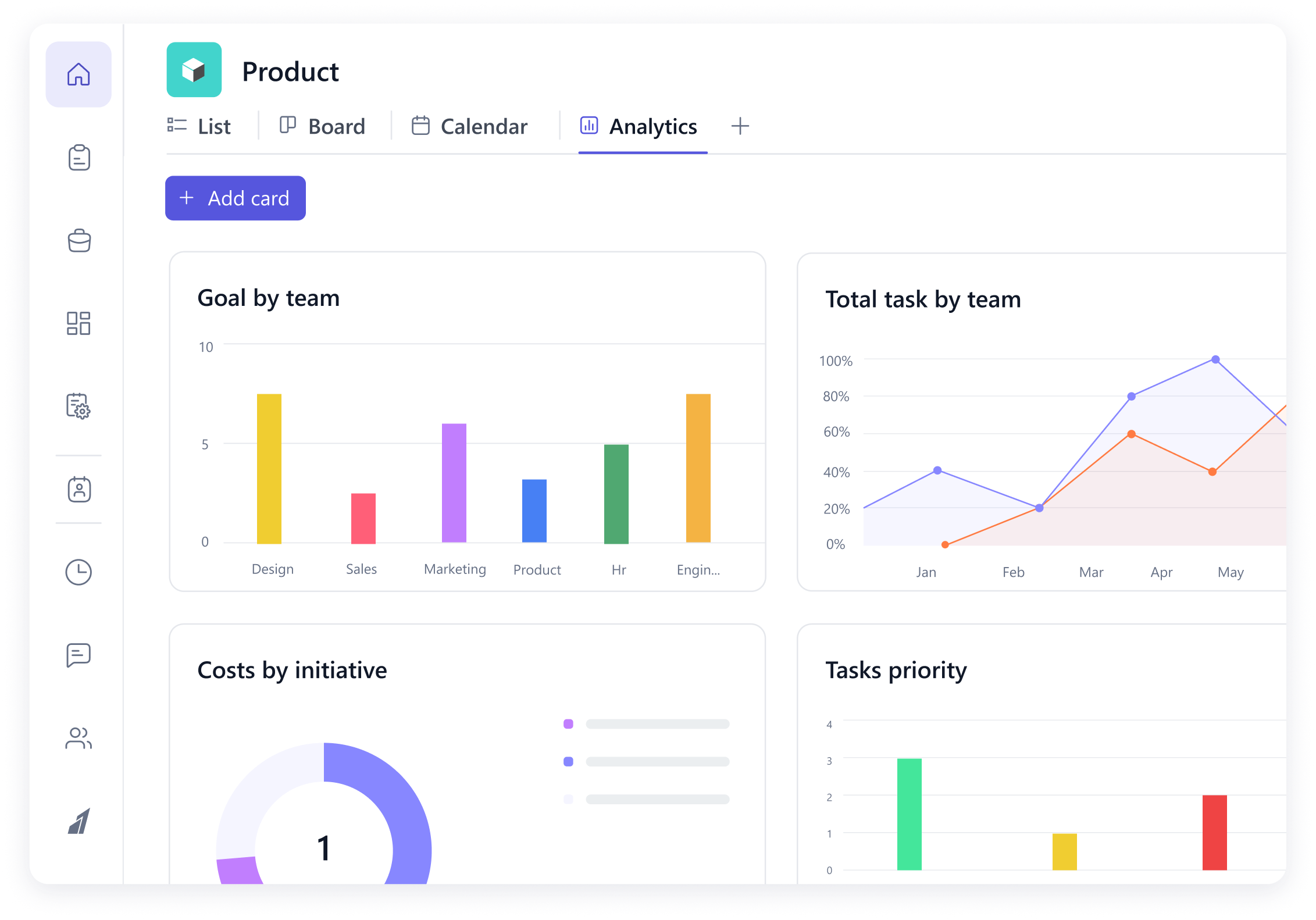
Get quick overview of running projects by team or manager. With data points like milestone progress, billing details and status updates. Further add more details with custom columns
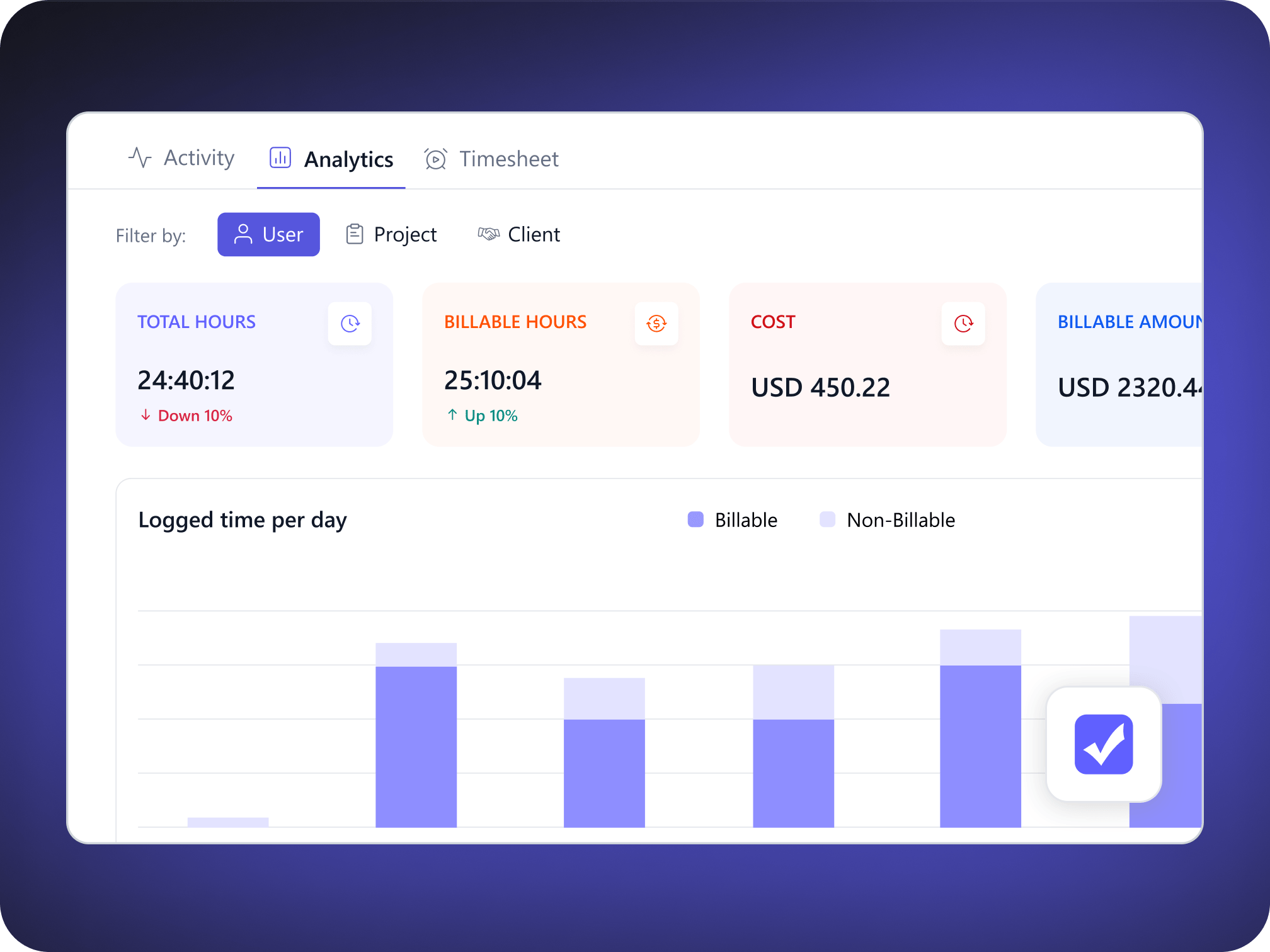
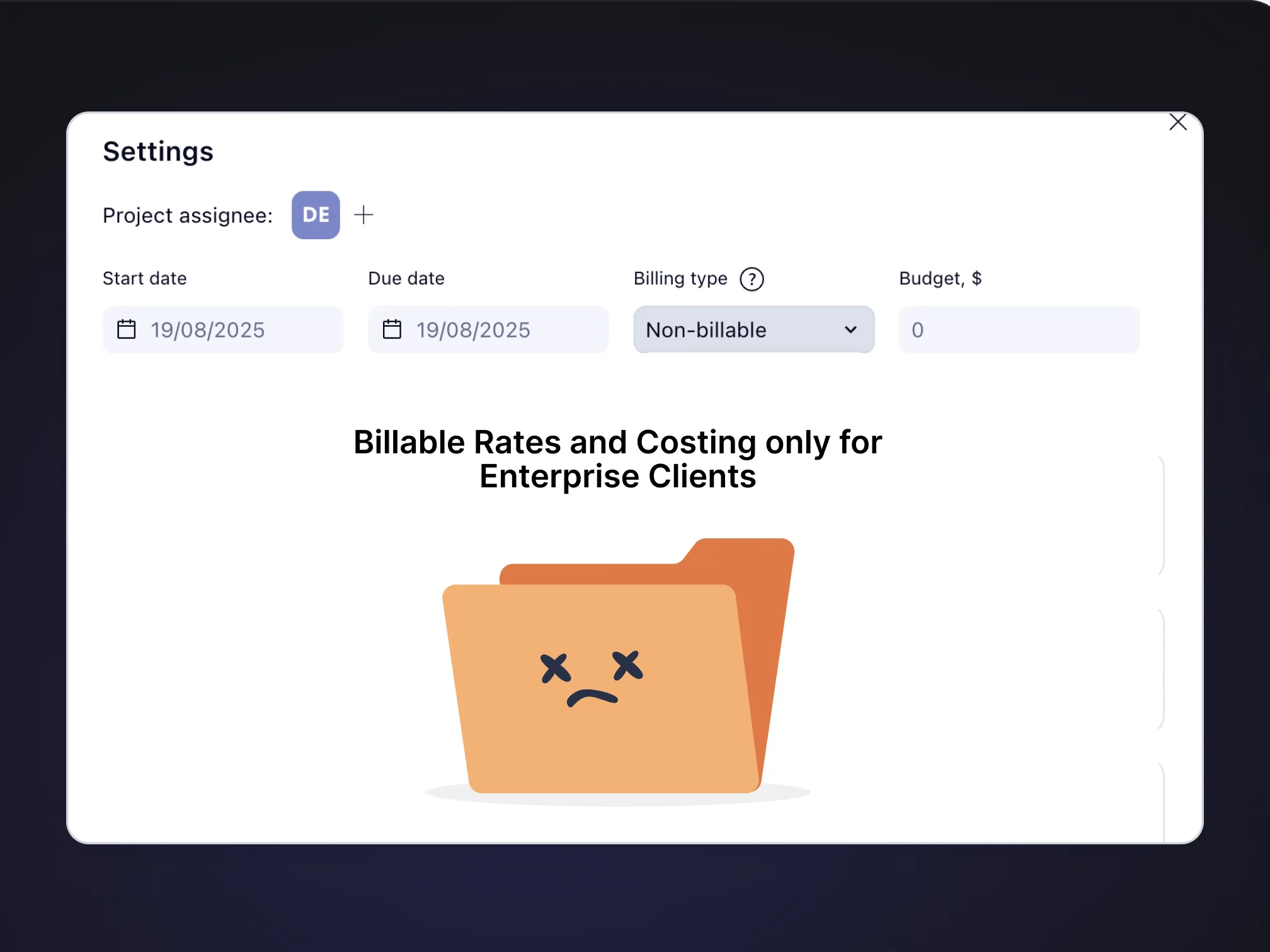
Limited Time Tracking and Billing capabilities
Features like billable time and rates are only available under Enterprise plan
Powerful Time Tracking and Billing capabilities
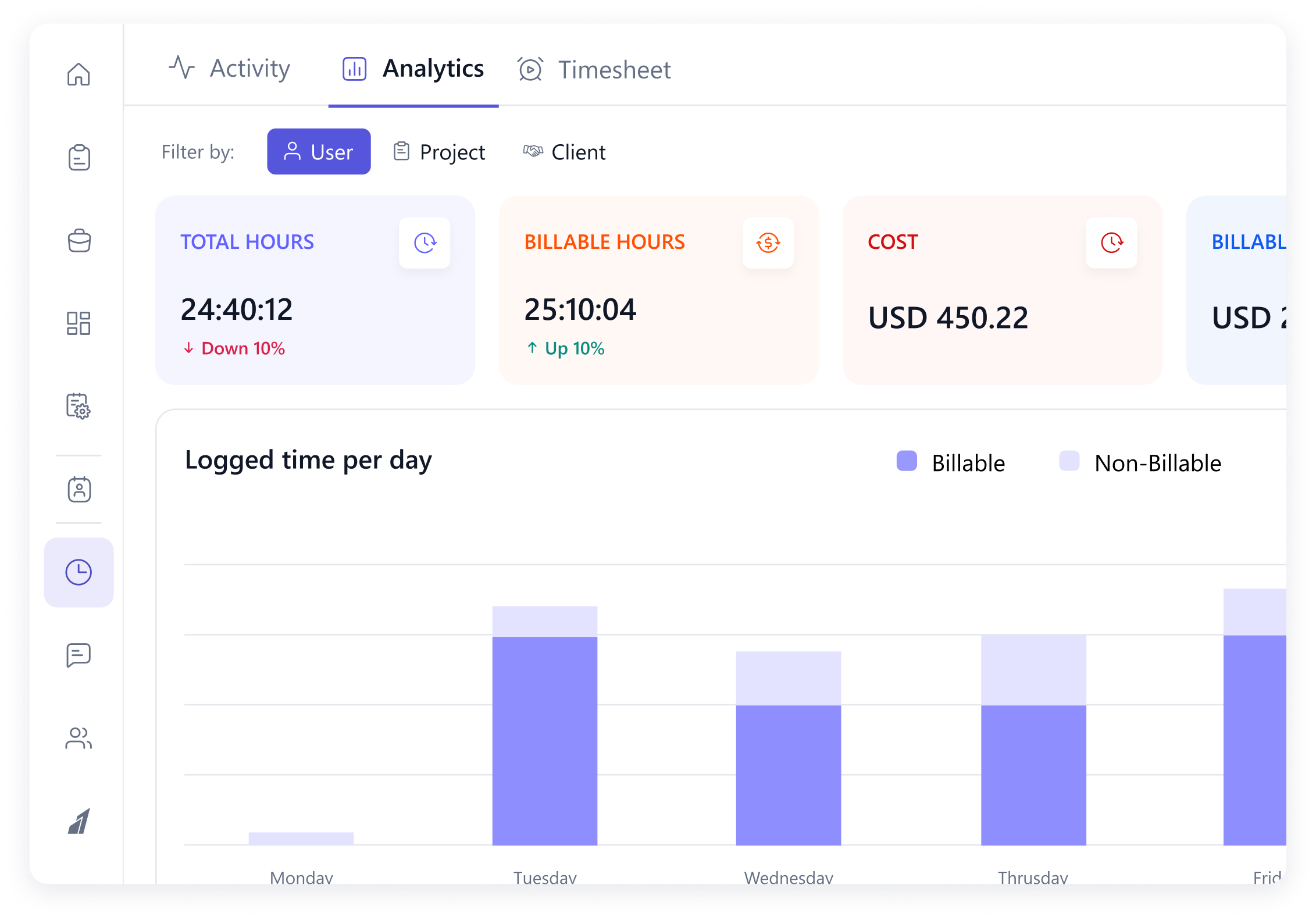
Timesheets, billable time and rates are available at project and global level on paid plans and not homed under expensive Enterprise tier
Focuses more on Gantt than Agile features
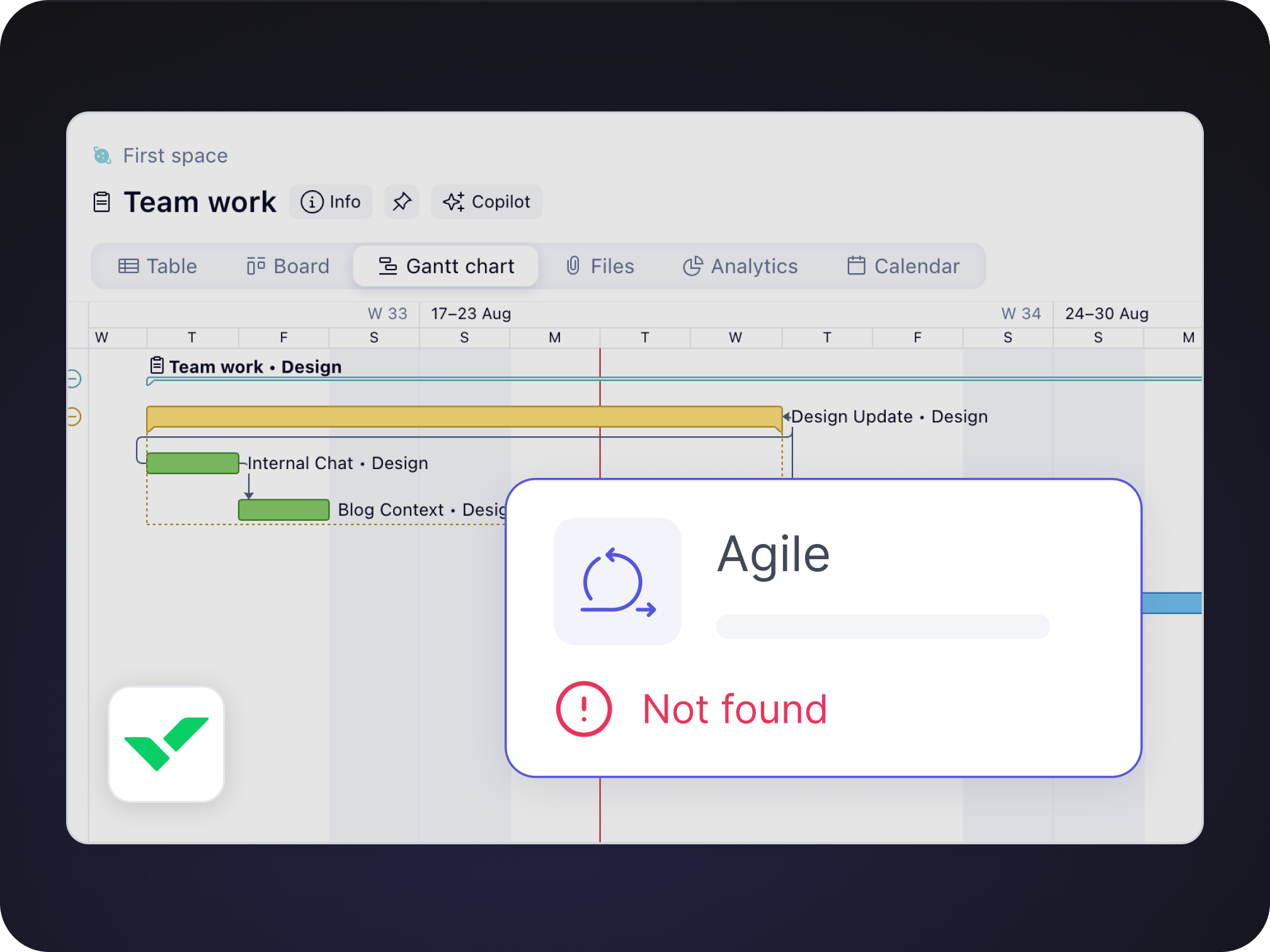
Lacks agile capabilities with strong focus on Gantt feature.
Offers strong Agile and Timeline feature
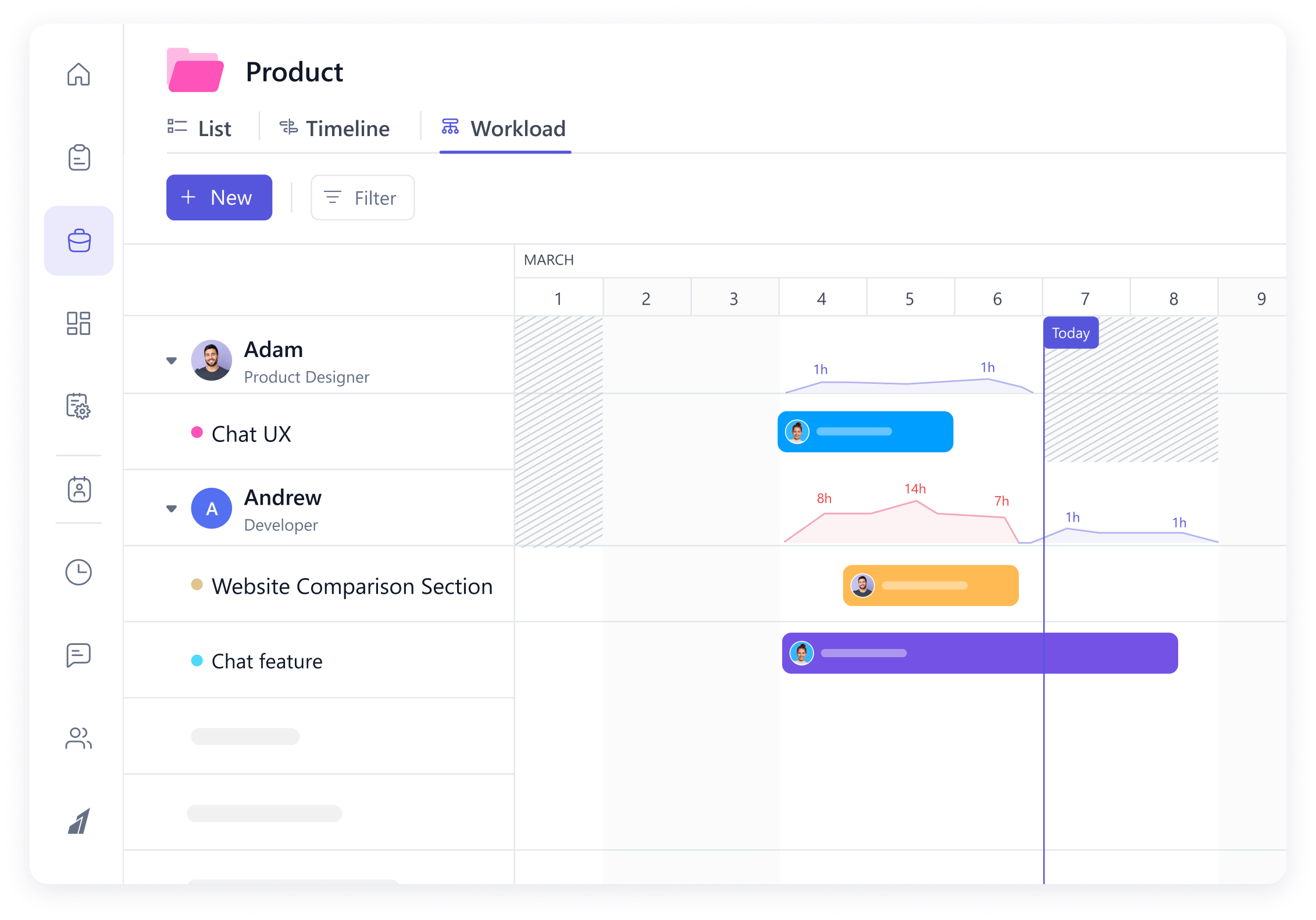
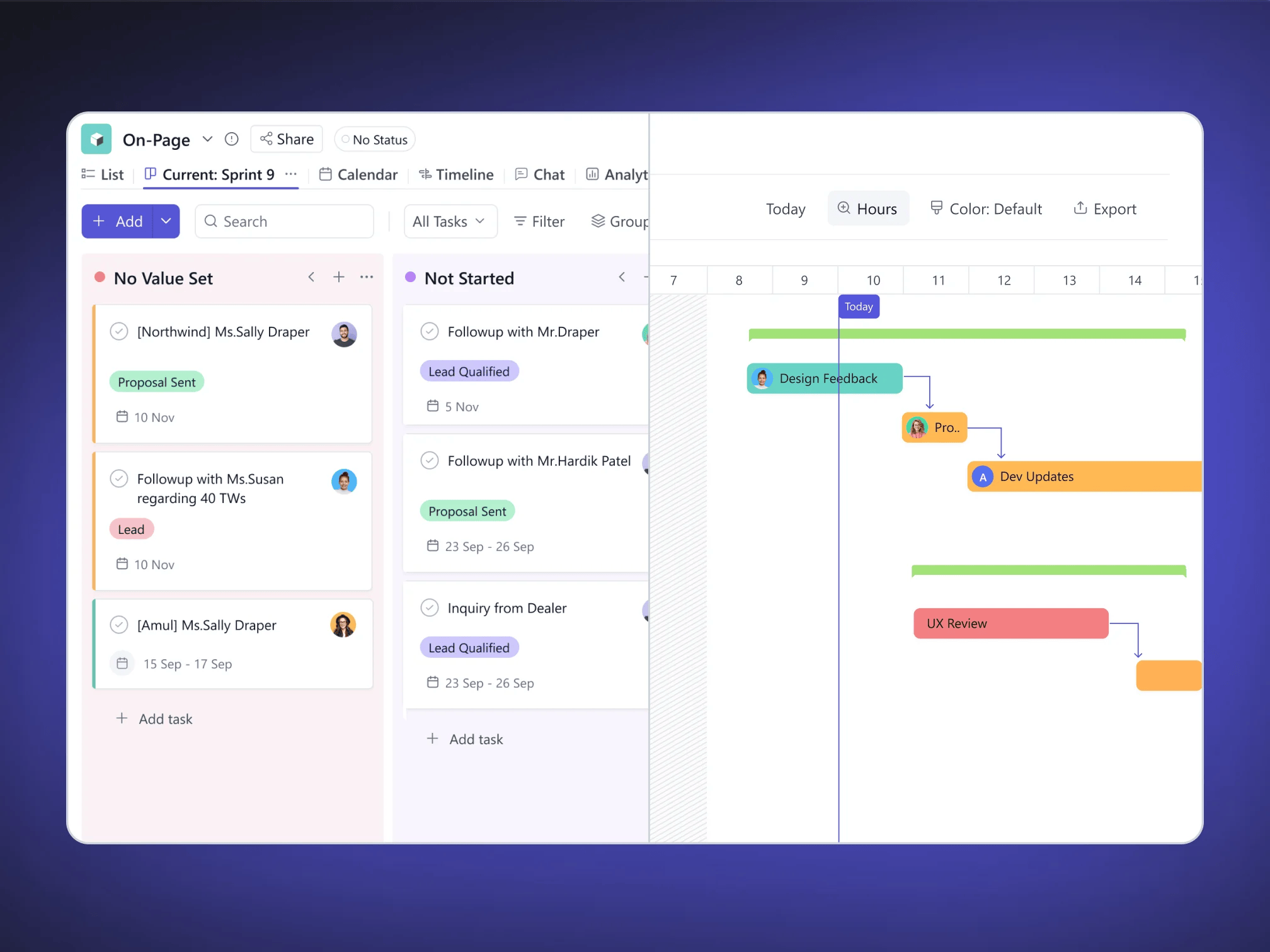
With SmartTask one can create Kanban, run sprints along side Timeline view in the same project. Its highly flexible
FEATURE BY FEATURE
Compare Wrike and SmartTask
Features |  Wrike Wrike | |||||||||||||||||||||||
|---|---|---|---|---|---|---|---|---|---|---|---|---|---|---|---|---|---|---|---|---|---|---|---|---|
Project Management and essential | ||||||||||||||||||||||||
| ||||||||||||||||||||||||
Views | ||||||||||||||||||||||||
| ||||||||||||||||||||||||
Workflows | ||||||||||||||||||||||||
| ||||||||||||||||||||||||
Time and Billing | ||||||||||||||||||||||||
| ||||||||||||||||||||||||
Reporting | ||||||||||||||||||||||||
| ||||||||||||||||||||||||
Don’t just take our word for it | | |
|---|---|---|
Platform | Wrike | SmartTask |
Captera | 4.2/5 | 4.5/5 |
G2 | 4.2/5 | 4.5/5 |
Trust Radius | 4.2/5 | 4.5/5 |


Make managing projects a breeze with SmartTask
Streamline processes with the best client delivery solution - SmartTask!
Try it Live - It's FREEPricing
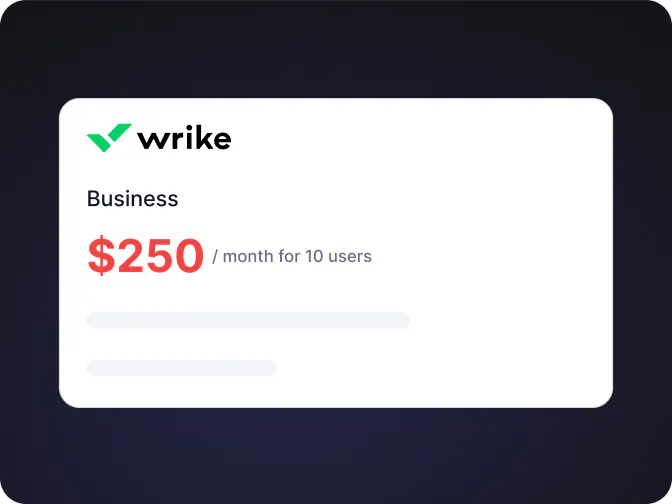
Wrike -
Forced Annual Contracts
-
Limited to 5 GB / user
-
No job-roles and budgeting
-
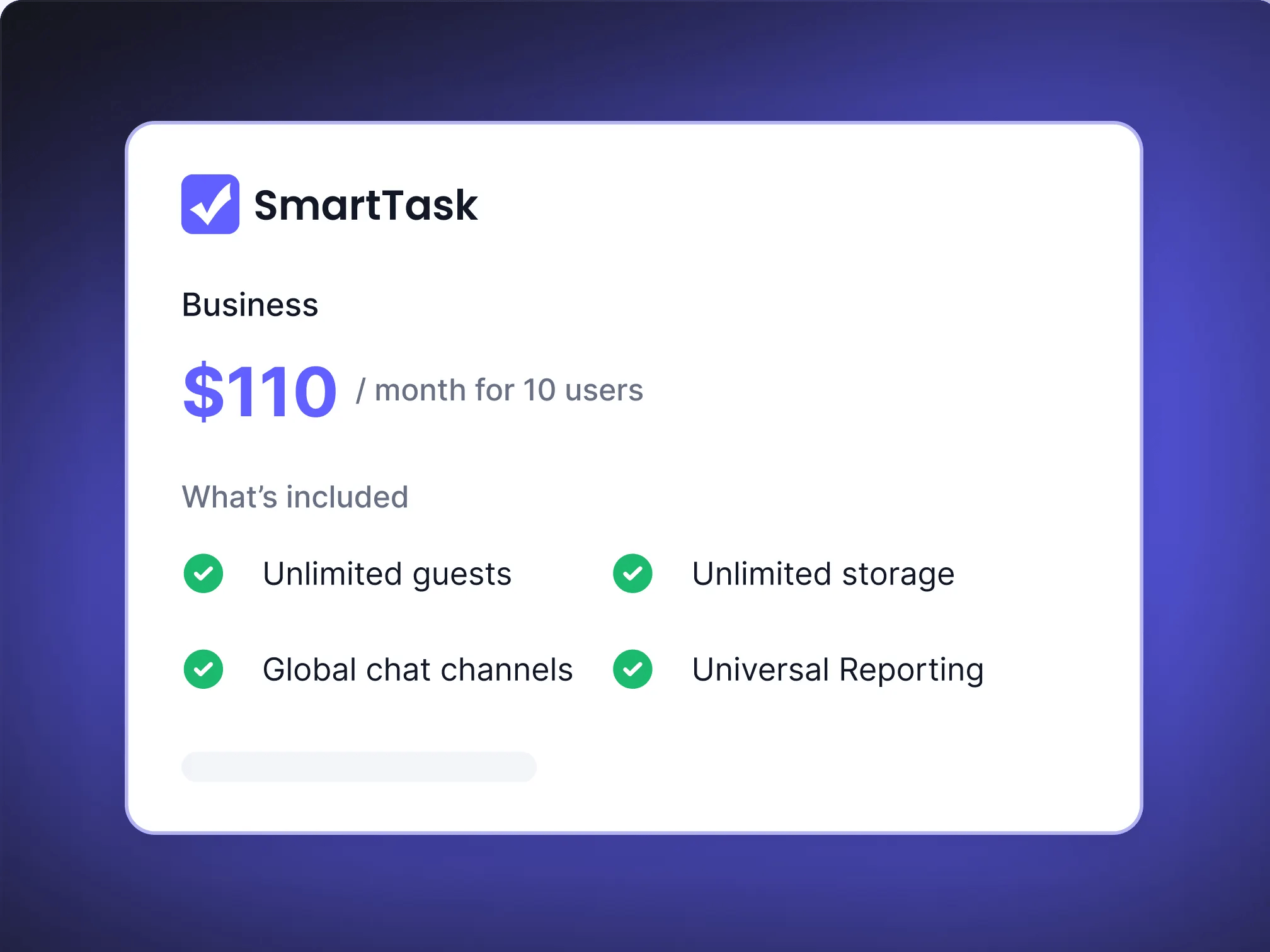
Unlimited guests
-
Unlimited storage
-
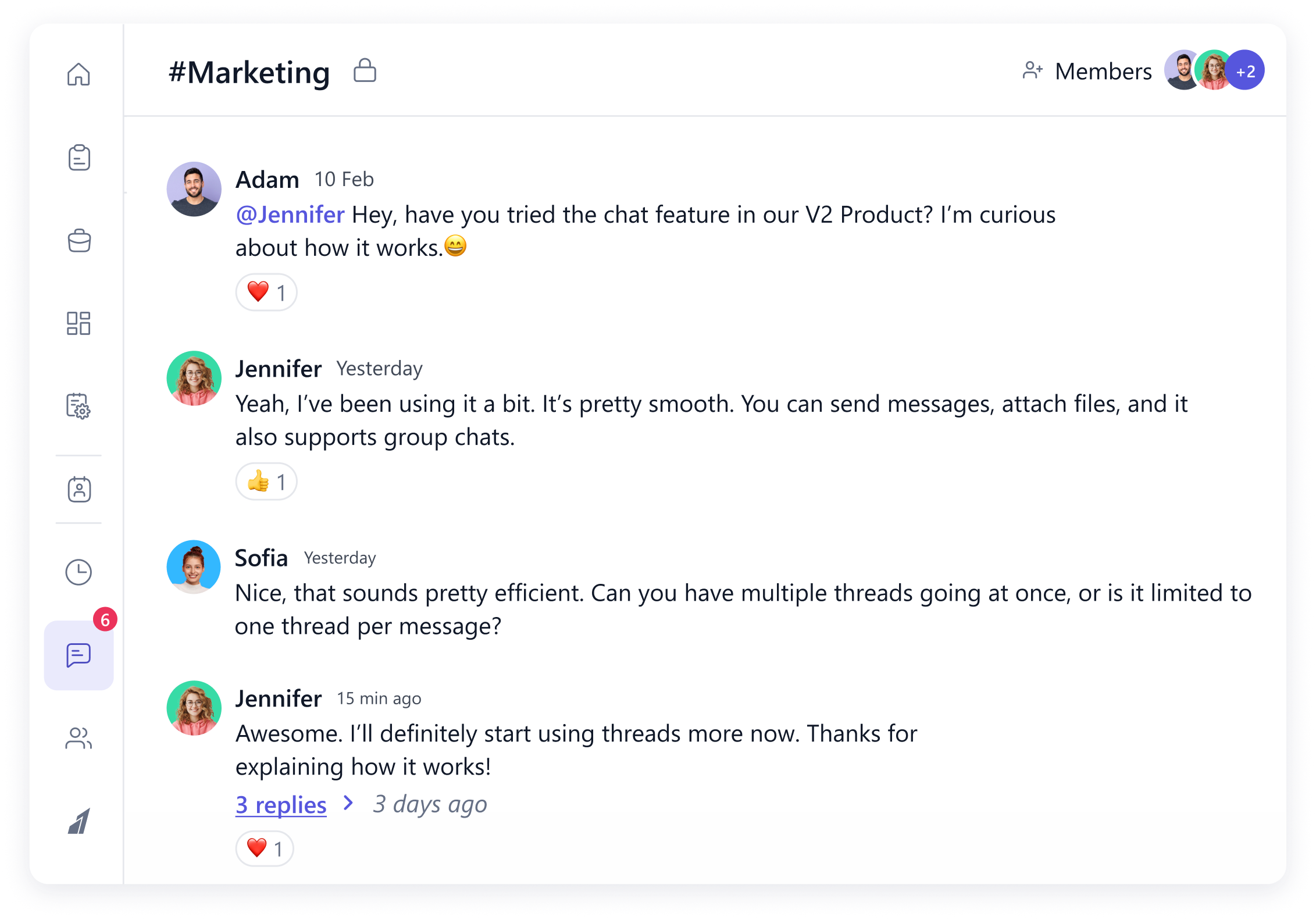
Global chat channels
-
Universal Reporting
-
Project budgeting and job-roles
Only one of these options was custom-built for client work
Wrike, on the other hand, was built for big businesses with the enterprise features they need, the add-ons they want, and a price point only they can afford.
Wait, can I really manage ALL my client work in SmartTask?
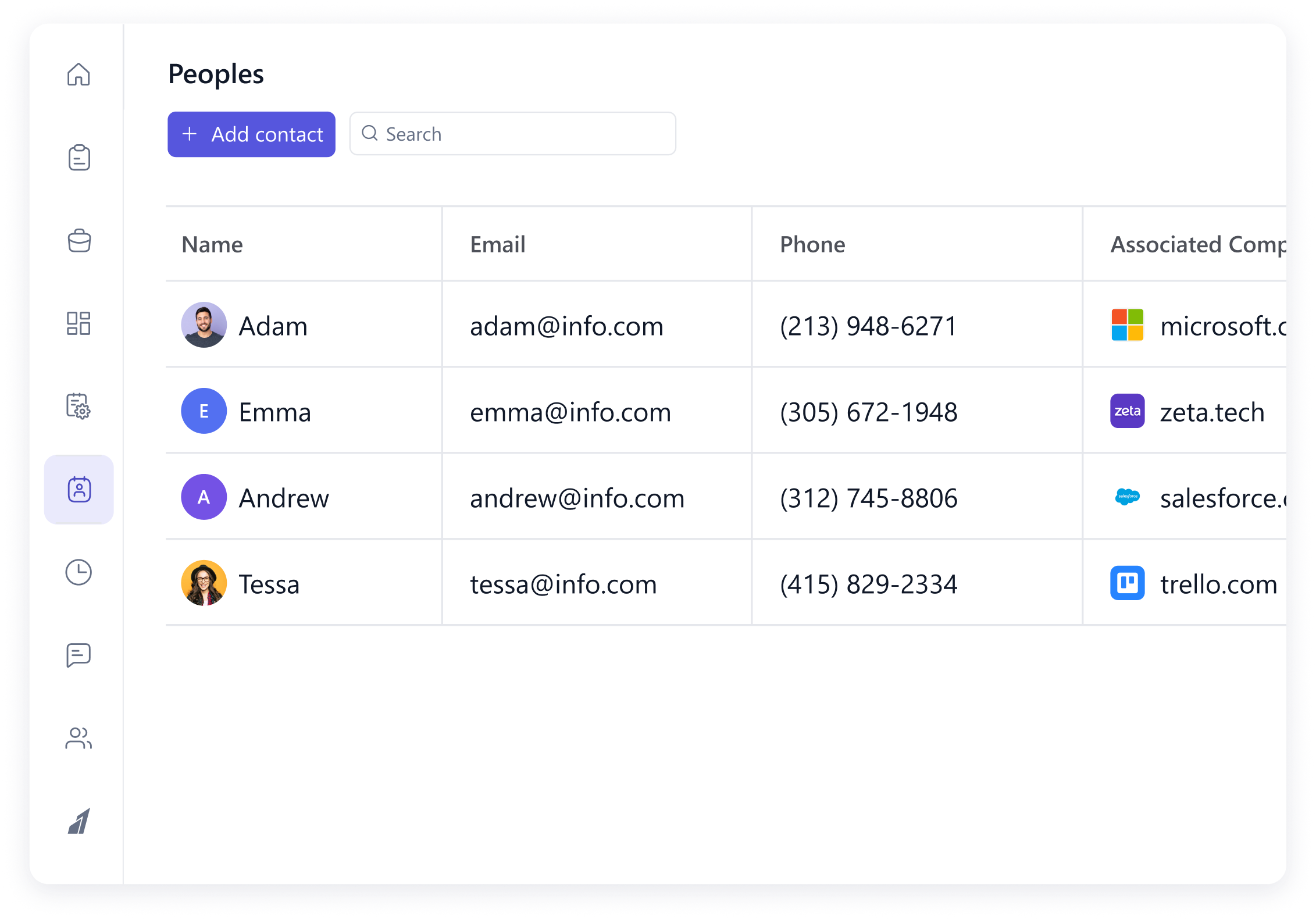
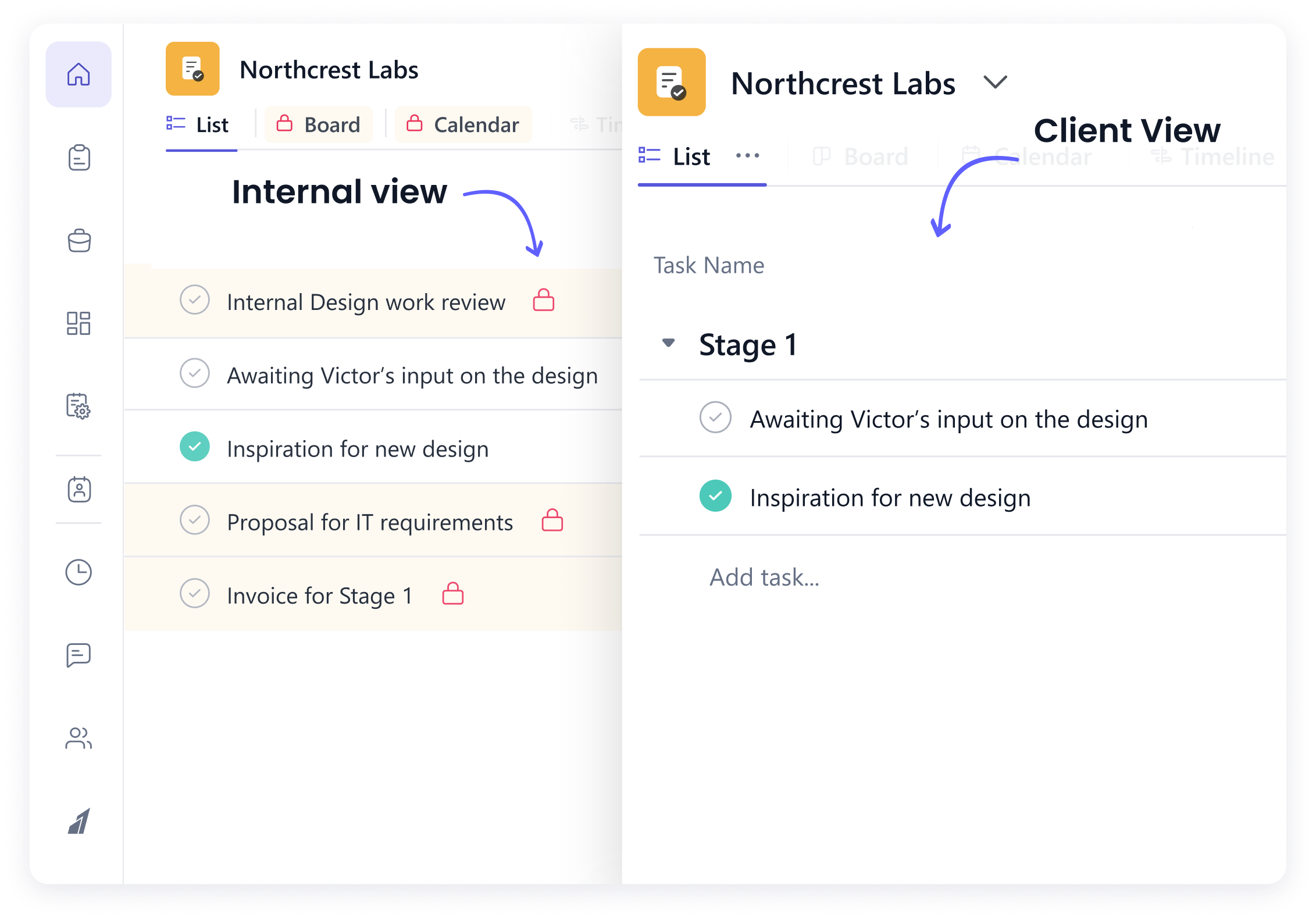
That’s exactly what SmartTask was designed for. From project management and time tracking to billing, and budget forecasting—it’s all seamlessly integrated. Need to handle complex scheduling and resource allocation? We’ve got you covered. And of course, you can add an unlimited number of clients with full visibility into their projects.
SmartTask is the first project management tool that my clients actually use! I’ve tried Asana and Trello before, but they never engaged with them. SmartTask changed that.
Does SmartTask offer a plan tailored for marketing and creative teams?
Yes! Unlike other tools that offer generic plans, SmartTask is built with client service and creative teams in mind. Our features are designed to support fast-paced collaboration, and campaign tracking—without the complexity or hidden pricing.
SmartTask is by far the best project management system I’ve used. It brings my entire team together, ensuring everyone stays in the loop. The connectivity is a game-changer.
I’m interested, but have more questions


