SmartTask's core features
Manage workflows, projects or sales processes with ease.
Essentials
Get up and running quickly with all the core tools needed to manage work from anywhere.
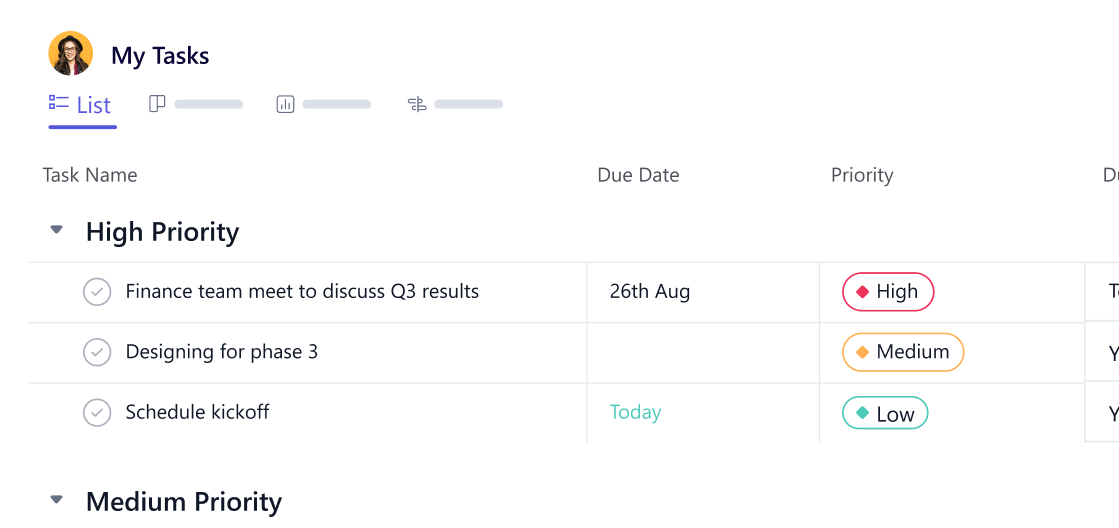
Tasklist View
Tasklist view is the most preferred when monitoring ad-hoc tasks with custom fields and dates.
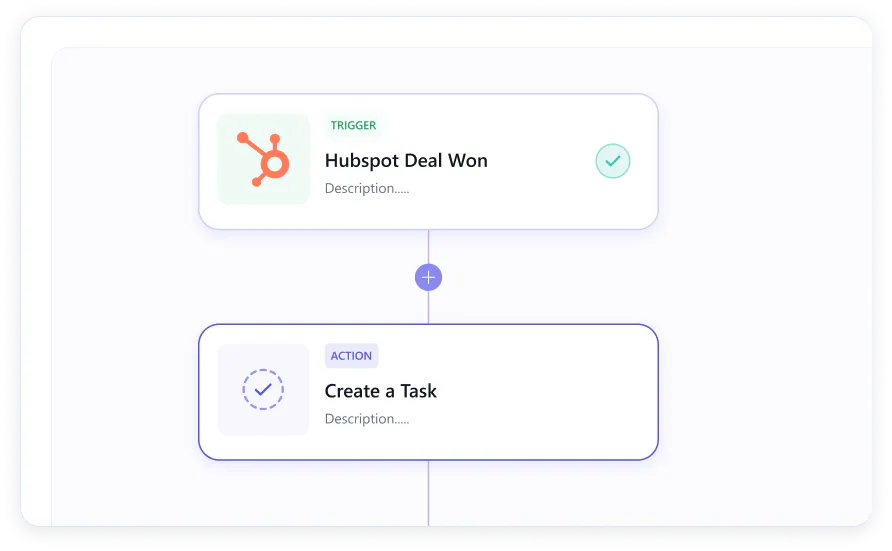
Workflow Automations
Create multi-step workflow automations within SmartTask
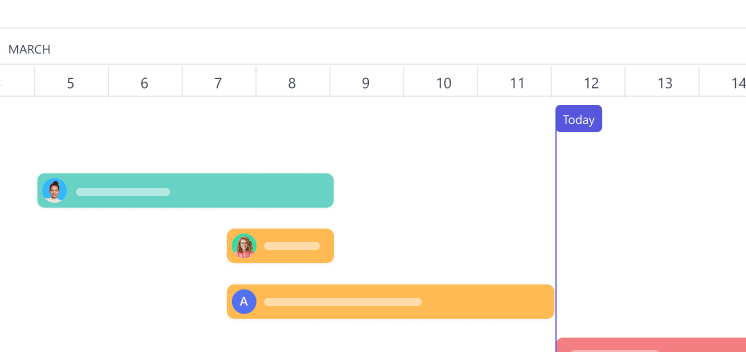
Projects
Have a fixed goal and deadline to achieve. Projects are what you would want to setup
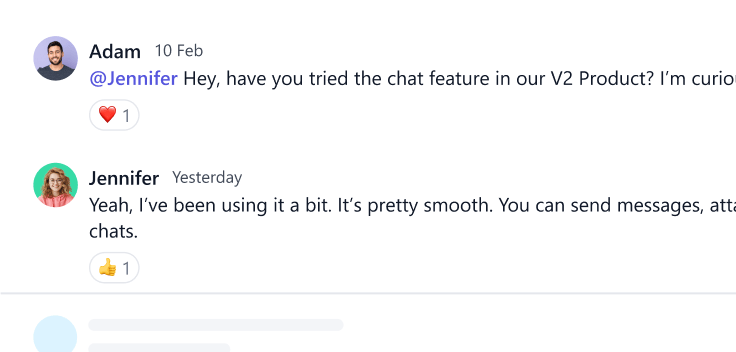
Comments
Ask a doubt or share more information through task comments
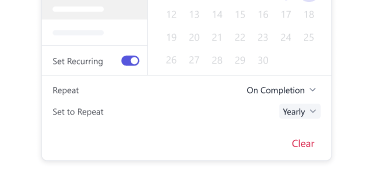
Recurring Tasks
Repeat tasks daily, weekly, monthly, yearly or the way you want through cust...
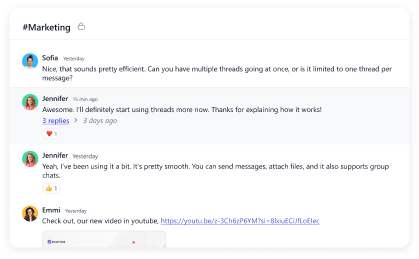
Chat
Communicate with the team for immediate resolution at project lev...
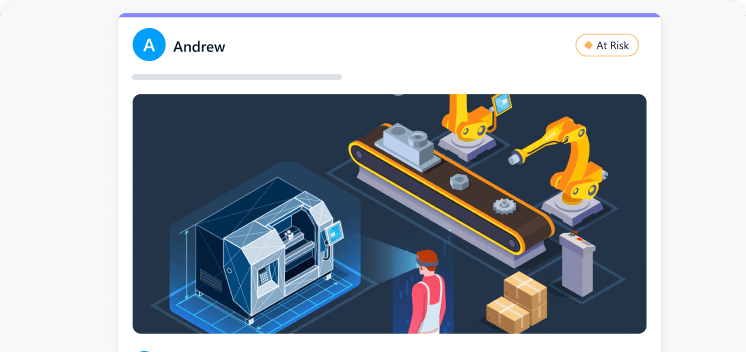
Discussions
Share what’s on your mind and engage in meaningful conversations
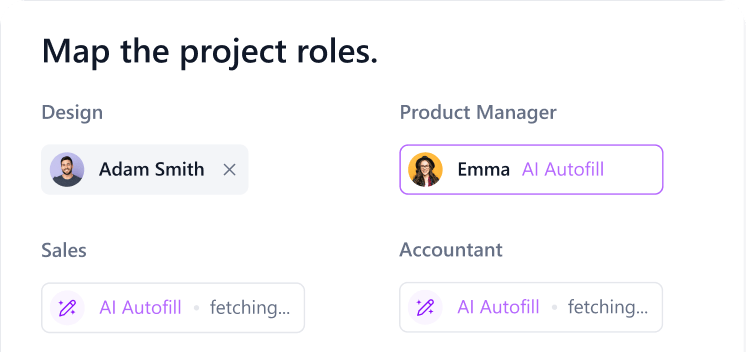
Resource AI
Profitability without overwork. AI-driven resource planning helps you fully utilize resources while maintaining balanced workloads.
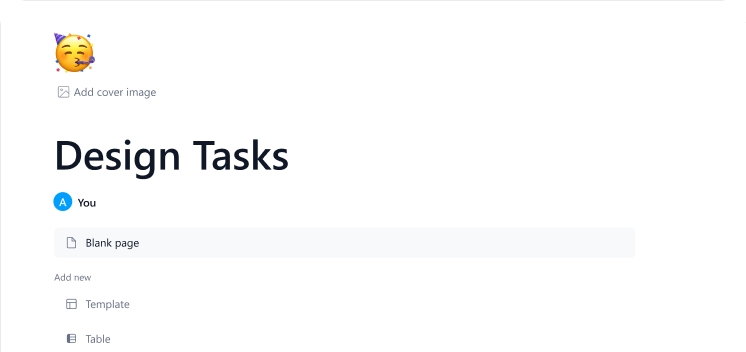
Docs
A central space to organize and collaborate on ideas, plans, and documentation.
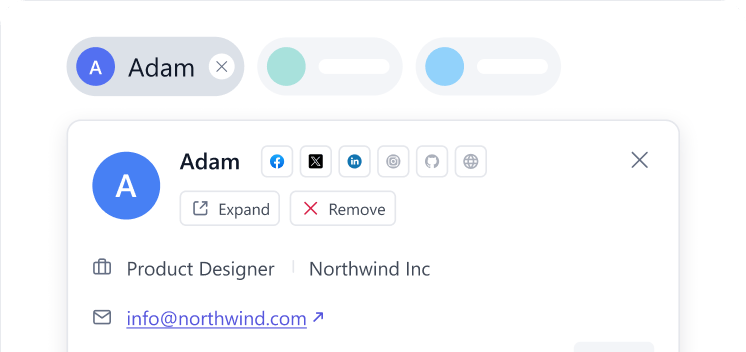
Tasks Contacts
Attach contacts to tasks. This helps provide clarity on stakeholders and keeps communication aligned for everyone involved.
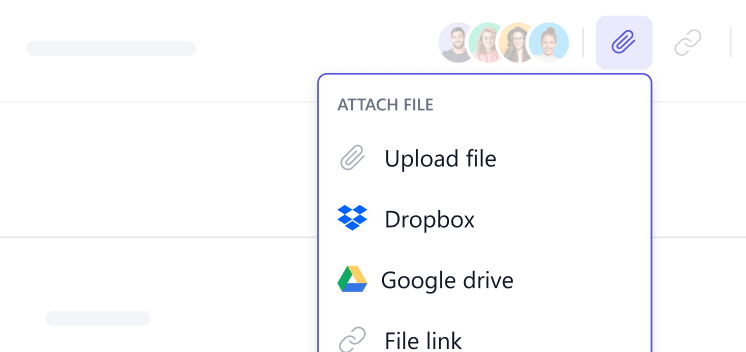
File Sharing
Share files from Google Drive, Dropbox, your PC or from any cloud storage.
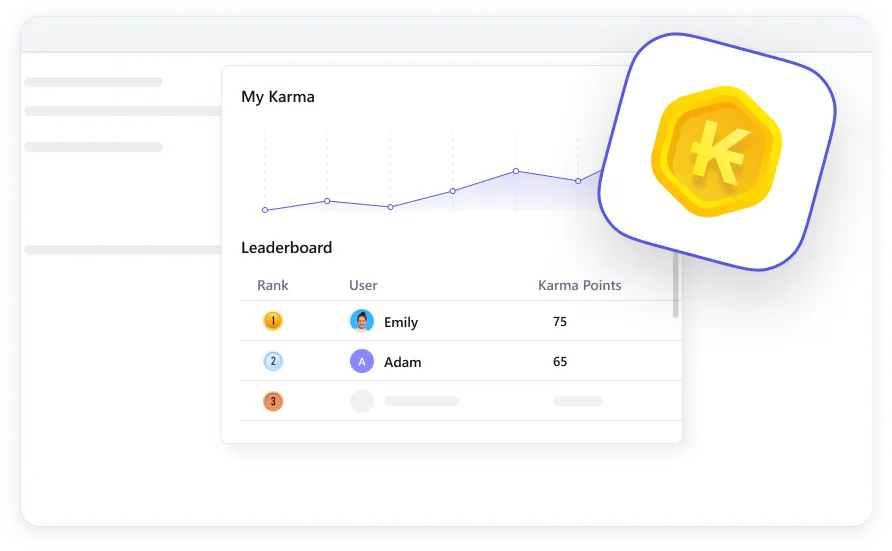
Karma Points
Recognize good work done by colleagues through Karma points
Task Management
Manage tasks from whereever you are. Further customize with Custom Fields and user permissions
Recurring Tasks
Repeat tasks daily, weekly, monthly, yearly or the way you want through cust...
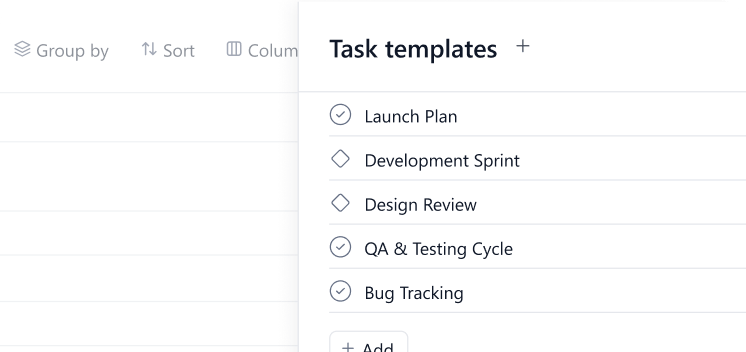
Task Template
Standardize long running repetitive work with ready to use task structures that ensure consistency and save time.
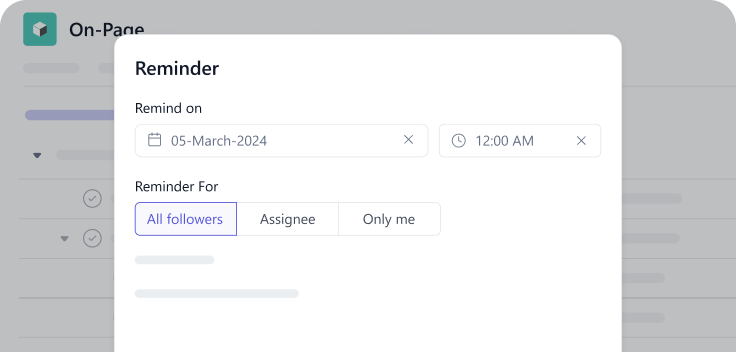
Reminder
Never miss a deadline with timely reminders that keep tasks and priorities on track.
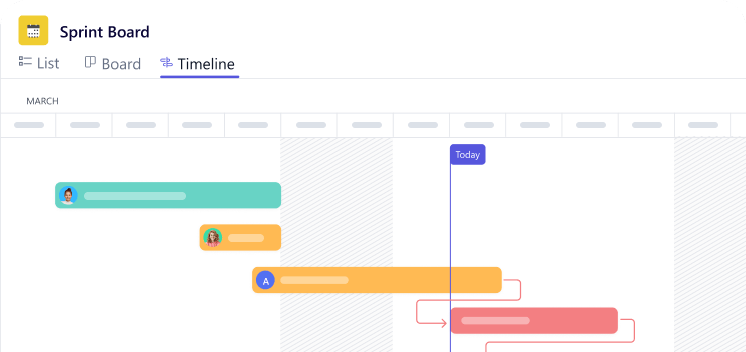
Task Dependencies
Set clear task sequences so work progresses in the right order every time.
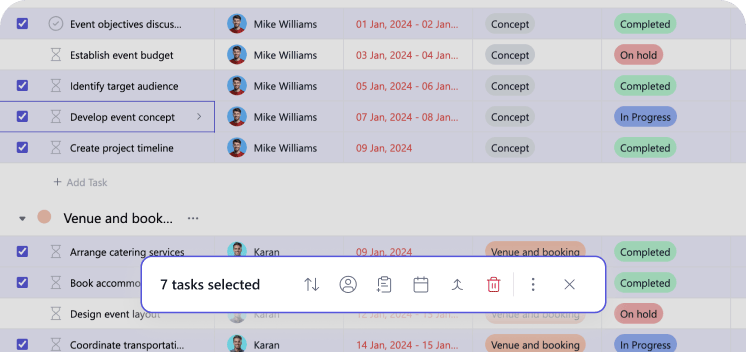
Multi Select For Bulk Action
Save time by updating, assigning, or managing multiple tasks in a single action.
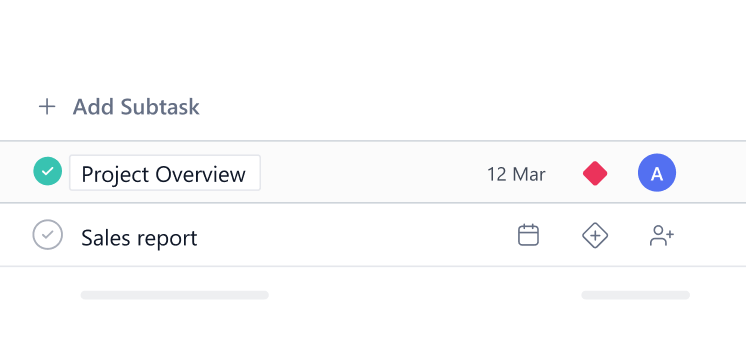
Subtasks
Break complex work into smaller actionable steps for better tracking and execution.
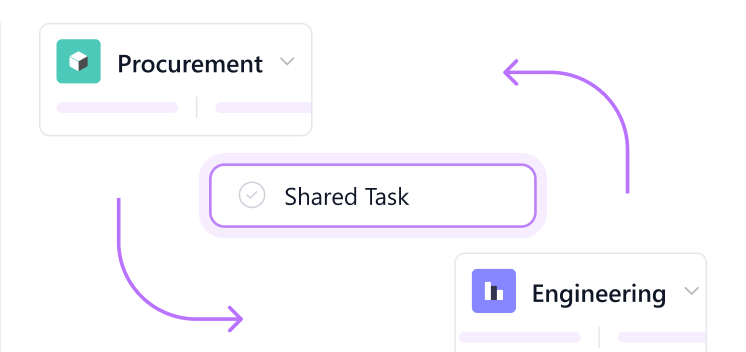
Multi-Homing Across Projects
Link a single task to multiple projects without duplication or extra effort.
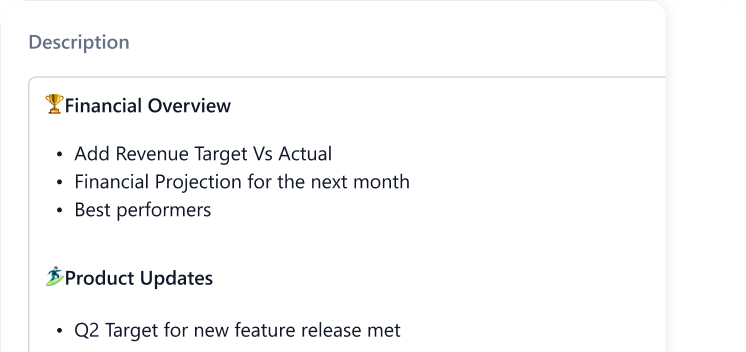
Rich Text Editing
Create detailed and well structured task descriptions with advanced formatting tools.
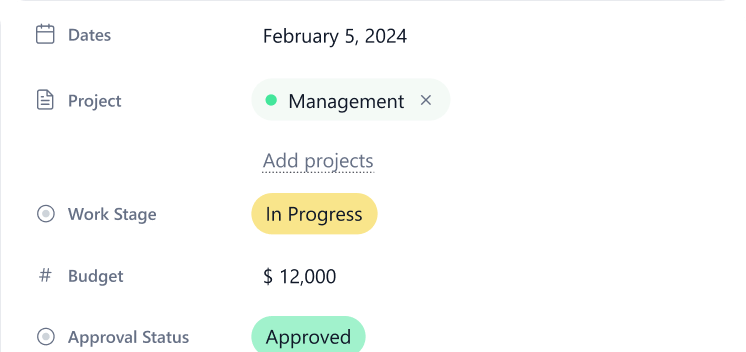
Custom Fields
Capture and track exactly the data your workflows need.
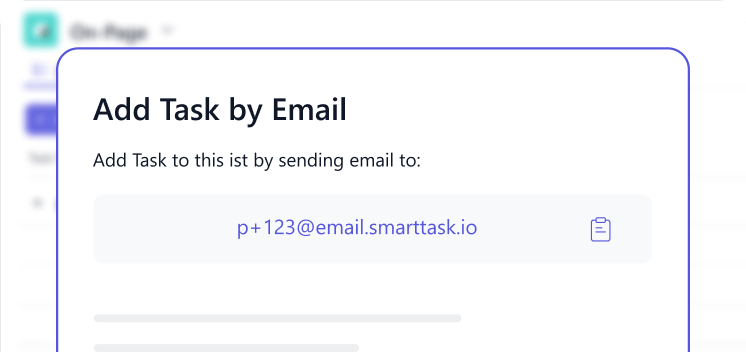
Task from Email
Convert emails into tasks instantly to ensure nothing important gets missed.
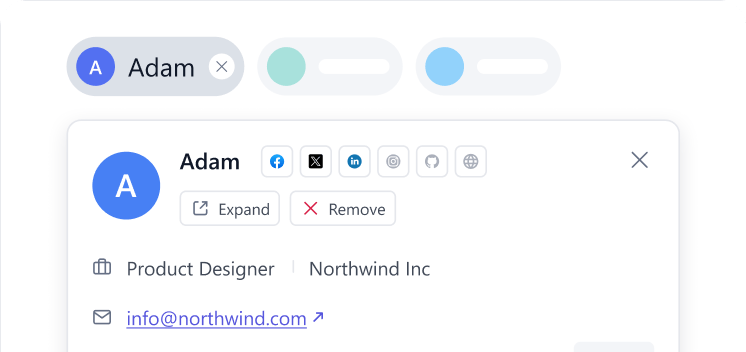
Contact Attachment
Attach relevant contacts to tasks to keep stakeholders visible and communication clear.
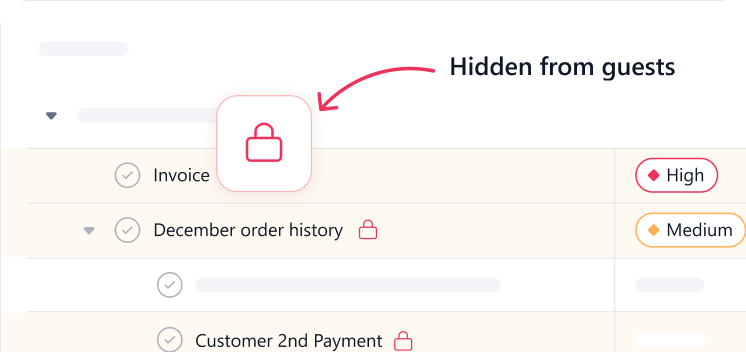
Hide Tasks from Guest
Maintain privacy by controlling which tasks are visible to external collaborators.
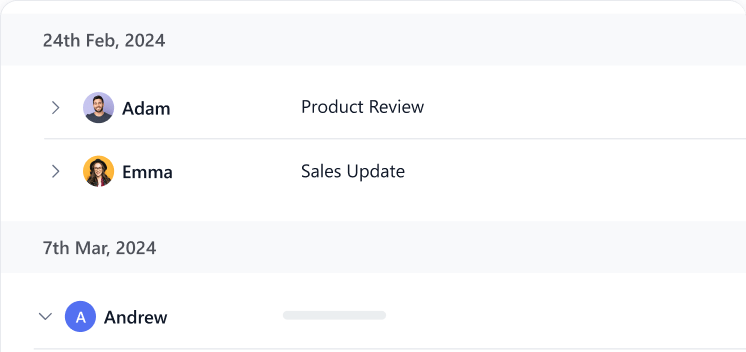
Activity Logs
Track every update and action with a complete history of task activity.
Project Management
Track multiple projects with ease. Know how they are progressing and work around the bottlenecks.
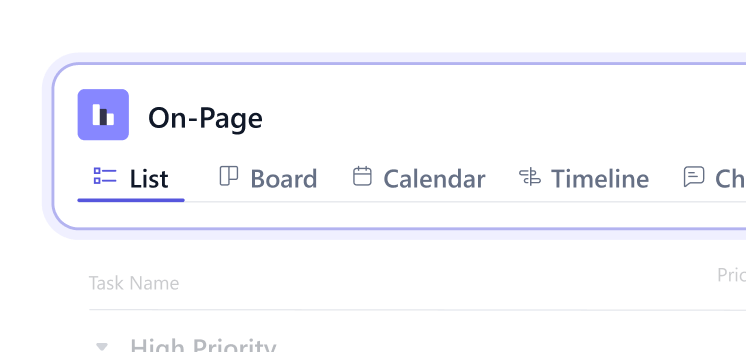
Dynamic Views
Switch between views instantly to visualize work the way that suits you best.
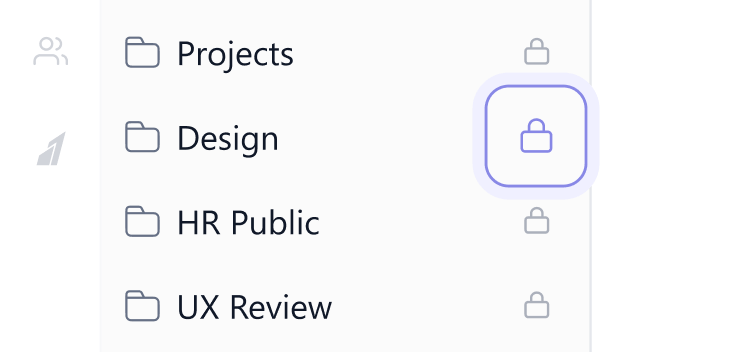
Private Projects
Control access and keep sensitive work visible only to the right people.
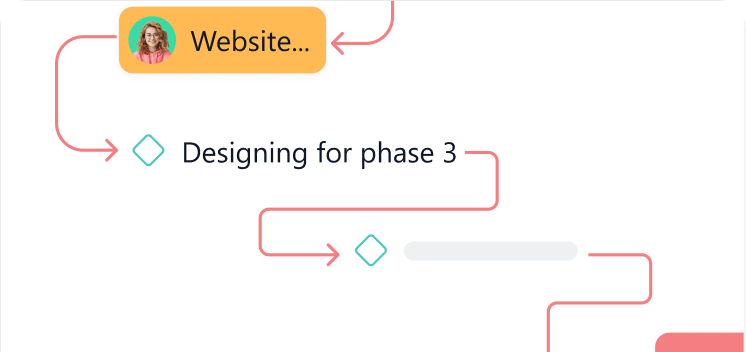
Project Milestones
Track key checkpoints to measure progress and keep projects on schedule.
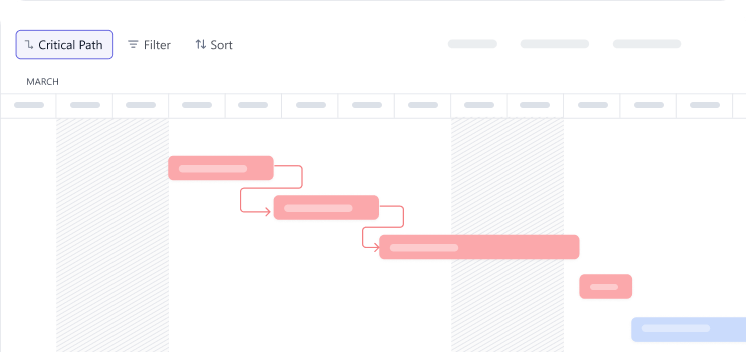
Critical Path
Identify the tasks that directly impact project timelines and completion.
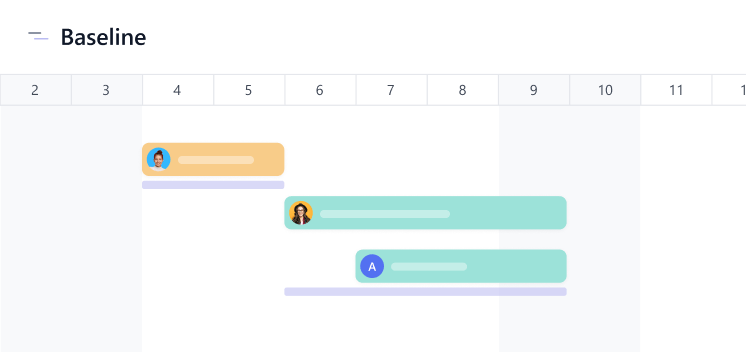
Project Baseline
Set original project plans and compare progress against planned timelines.
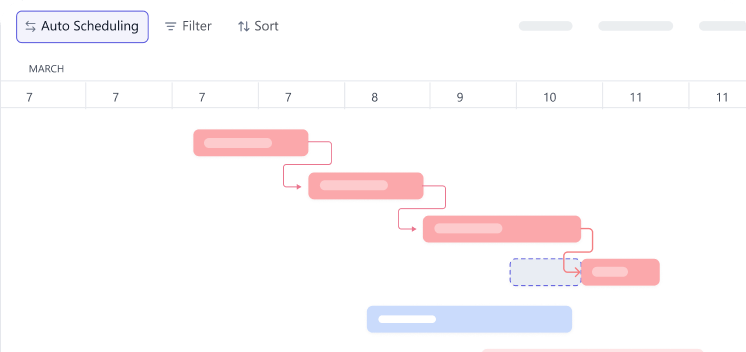
Auto Scheduling Tasks
Automatically adjust task timelines based on dependencies and changes.
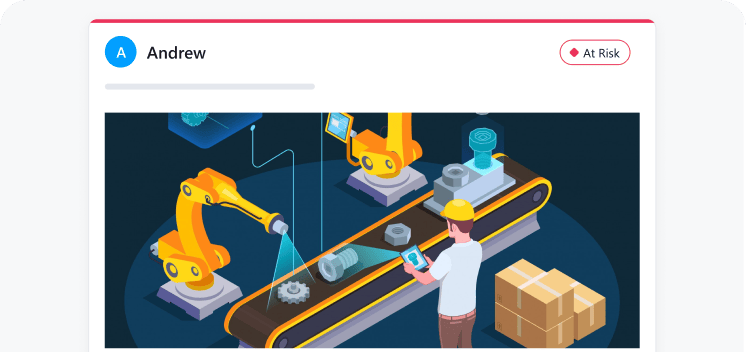
Project Status Updates
Keep stakeholders informed with clear and real time project progress updates.
Views
Gain instant clarity by viewing work in the format that fits your workflow best.
Tasklist View
Tasklist view is the most preferred when monitoring ad-hoc tasks with custom fields and dates.
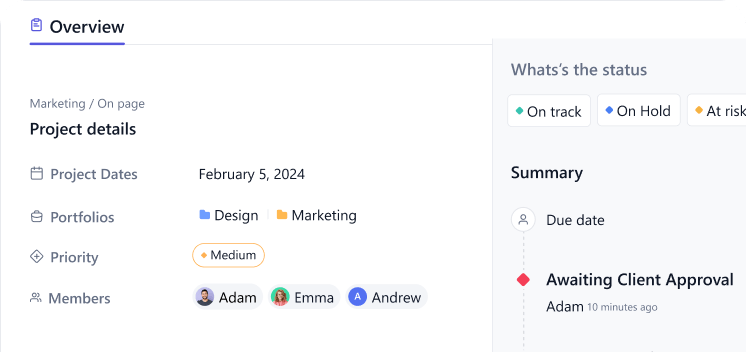
Project Overview
Get a high level snapshot of project progress, priorities, and performance.
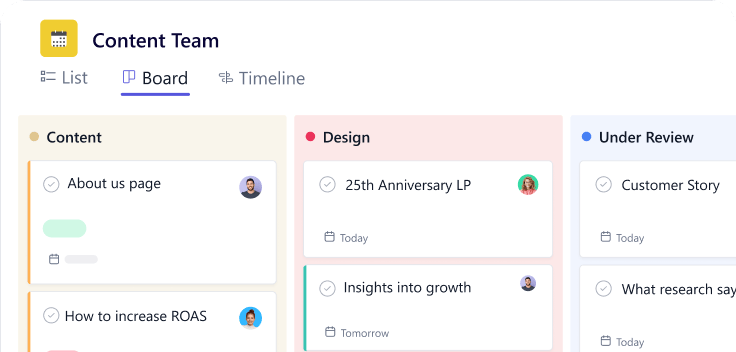
Board View
Visualize workflows with an intuitive drag and drop Kanban style layout.
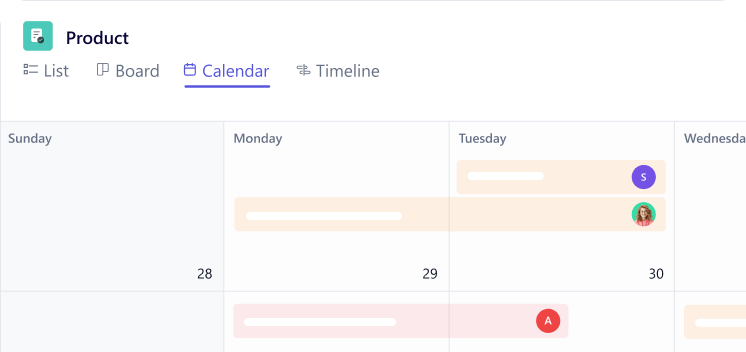
Calendar View
Plan and track tasks alongside important dates and deadlines.
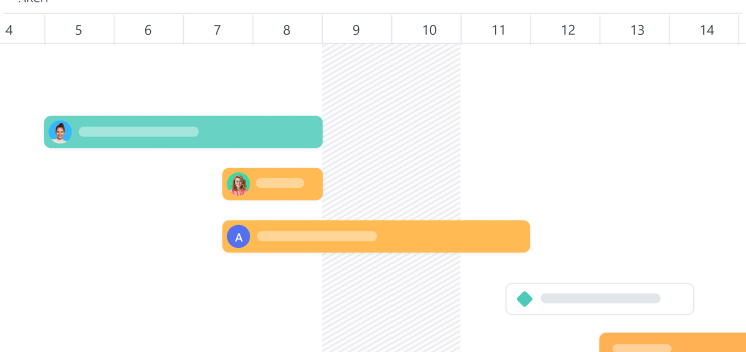
Timeline View
Visualize project schedules and dependencies across a clear time based layout.
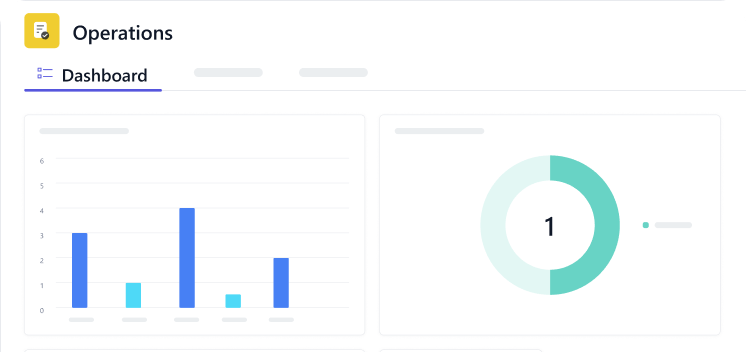
Dashboards
Monitor performance and progress with customizable data driven insights.
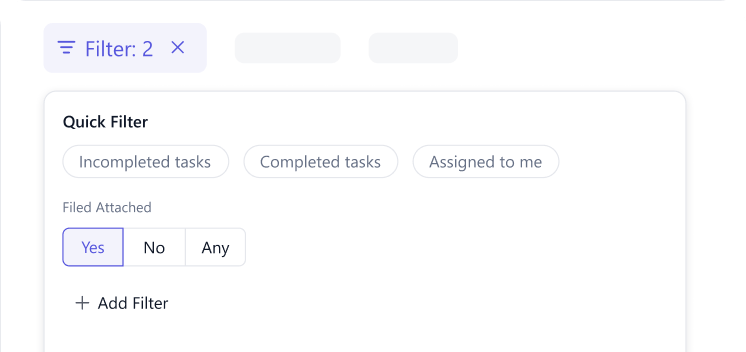
Filtered View
Focus on what matters by viewing tasks based on specific conditions or criteria.
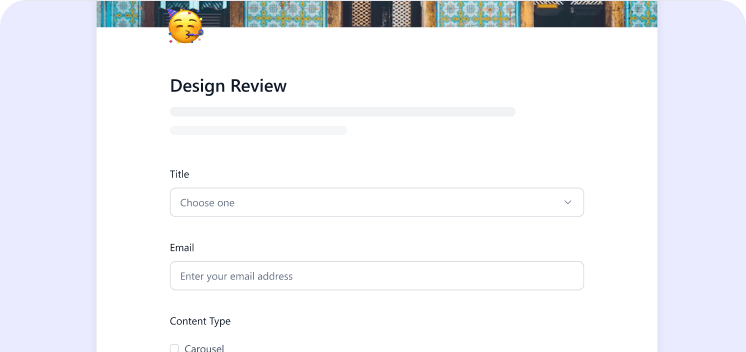
Forms
Collect and organize information directly into structured tasks and workflows.
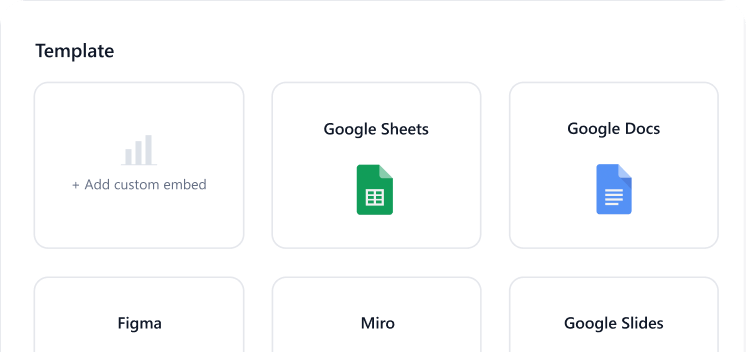
Embed
Integrate projects, forms, or views seamlessly into external platforms or websites.
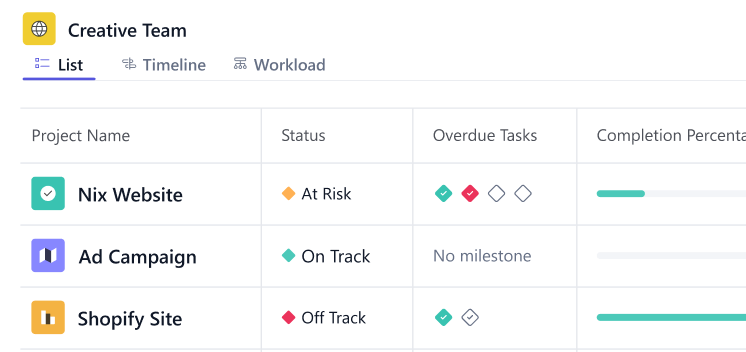
Portfolio View
Track and manage multiple projects from a single consolidated view.
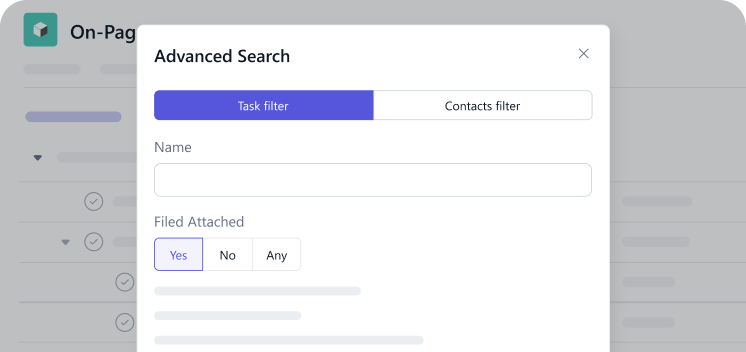
Advanced Search
Find tasks, projects, or information quickly with powerful search capabilities.
Time Tracking
Time reporting and estimates help understand resource utilization as well as budget and cost implications.
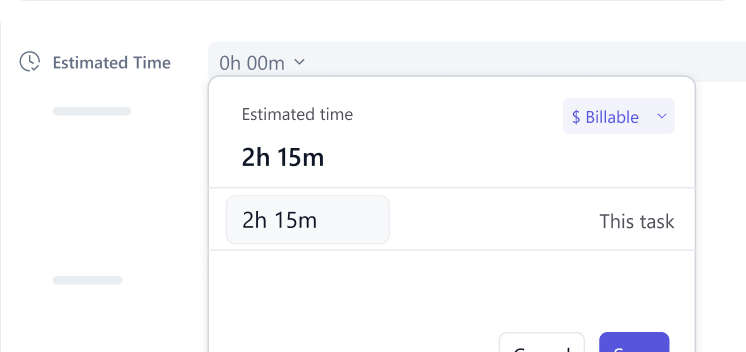
Time Entries
Log time effortlessly to maintain accurate records of work completed.
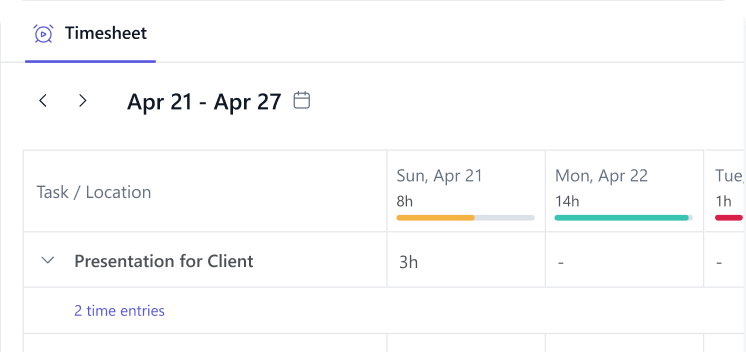
Timesheets
Get structured summaries of logged hours for tracking and reporting.
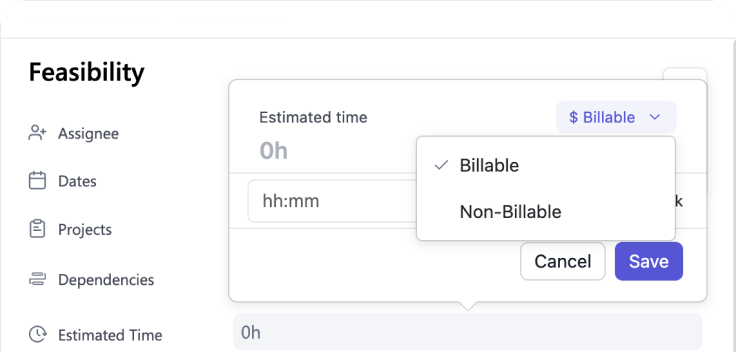
Billable Time
Track billable hours separately to ensure accurate client invoicing.
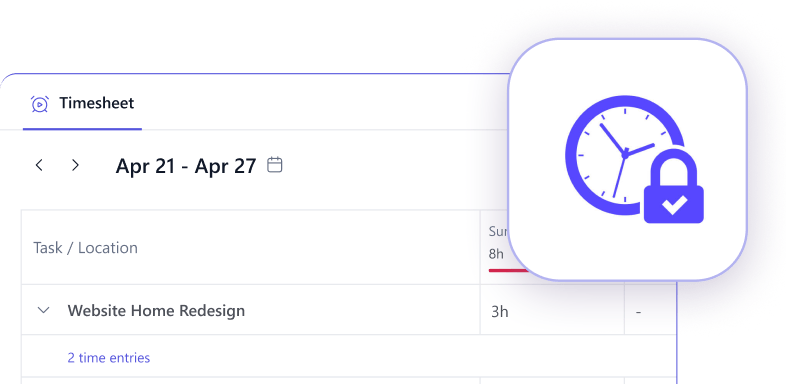
Time Locking
Prevent changes to approved timesheets and maintain data accuracy.
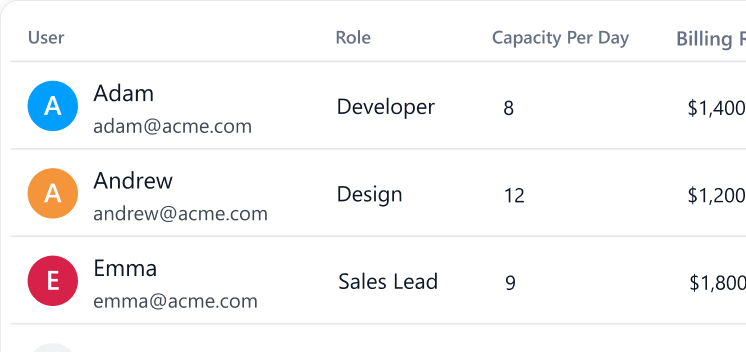
Billable & Cost Rate
Define billing and cost rates to track profitability and project margins.
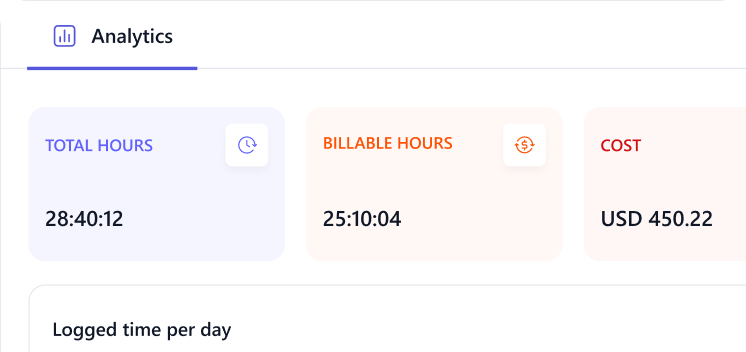
Project Budgeting
Set and monitor budgets to keep project spending under control.
Resource Management
Balance workloads and plan capacity so teams can do their best work.
Resource AI
Profitability without overwork. AI-driven resource planning helps you fully utilize resources while maintaining balanced workloads.
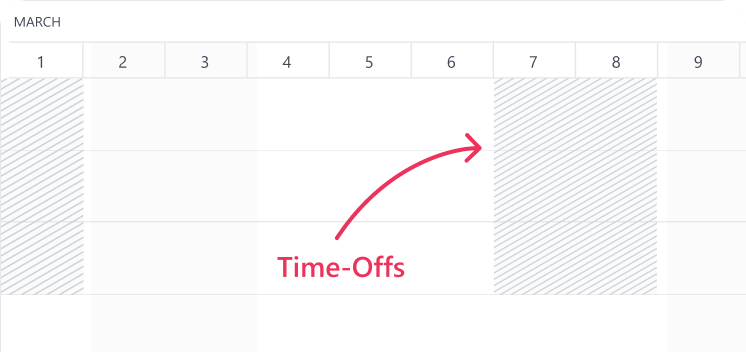
Time Offs
Manage team availability by tracking leaves and planned absences.
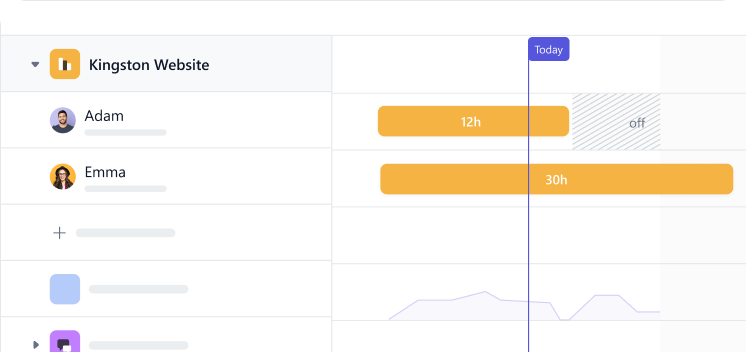
Capacity Planning
Plan workloads effectively by balancing team availability and demand.
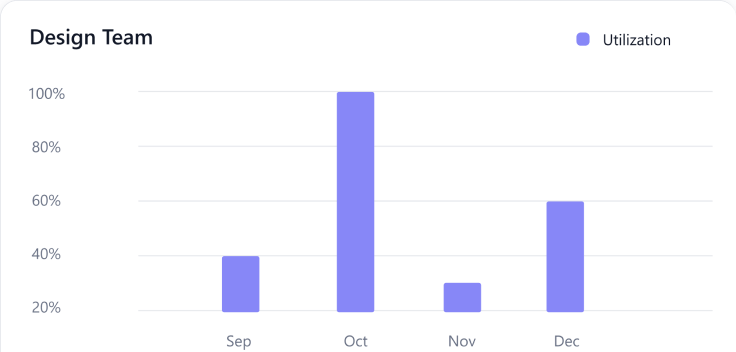
Utilization Report
Measure how efficiently team time is being used across projects.
Sales
Close deals faster with better visibility. Track leads, manage pipelines, and align sales with execution in one workspace.
Tasks Contacts
Attach contacts to tasks. This helps provide clarity on stakeholders and keeps communication aligned for everyone involved.
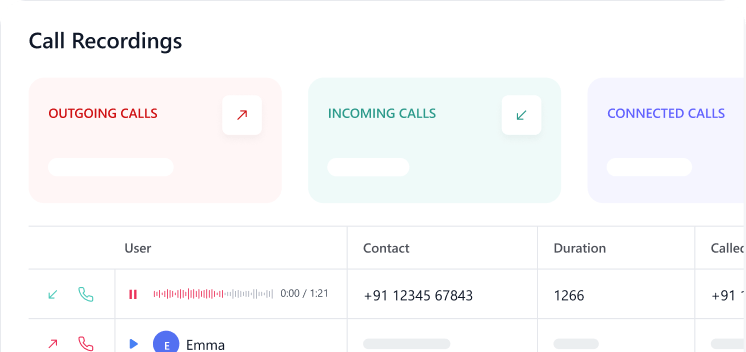
Call Recording
Record and store calls to maintain conversation history and reference.
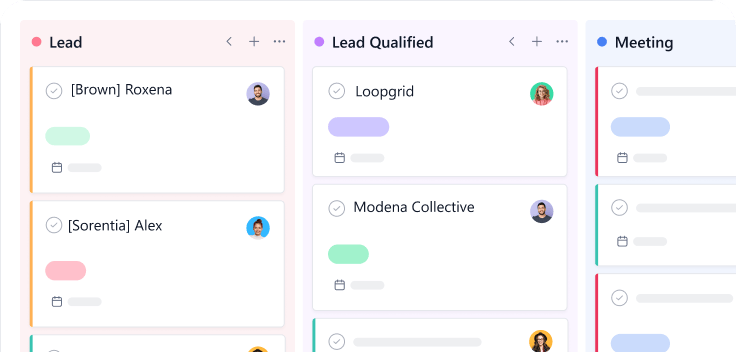
Deal Pipeline
Track sales opportunities through each stage for better deal visibility.
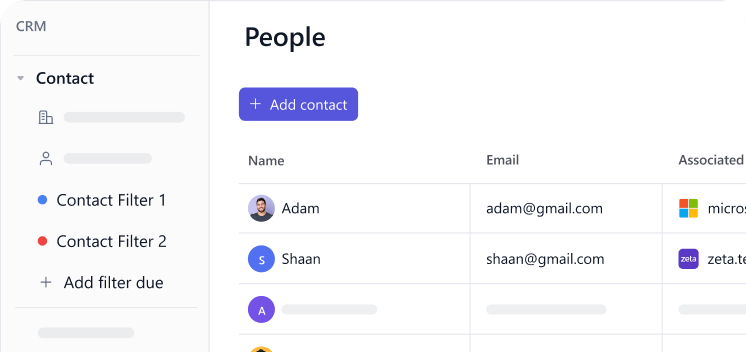
Contact Filtered Views
Organize and view contacts based on specific filters and criteria.
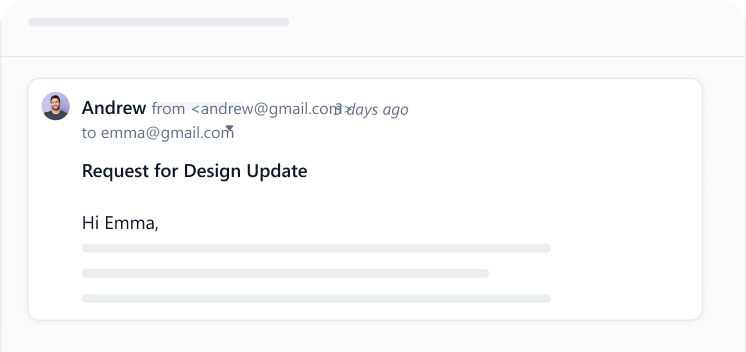
Send and Receive Email
Manage conversations directly within the platform without switching tools.
Client Facing
Build client confidence with shared visibility into progress, updates, and outcomes.
Unlimited Free Guests
Collaborate with external stakeholders without additional user costs.
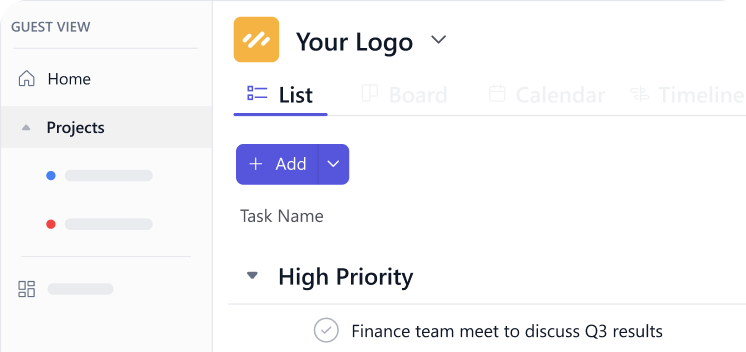
Client Portal
Provide clients with a dedicated space to track progress and collaborate.
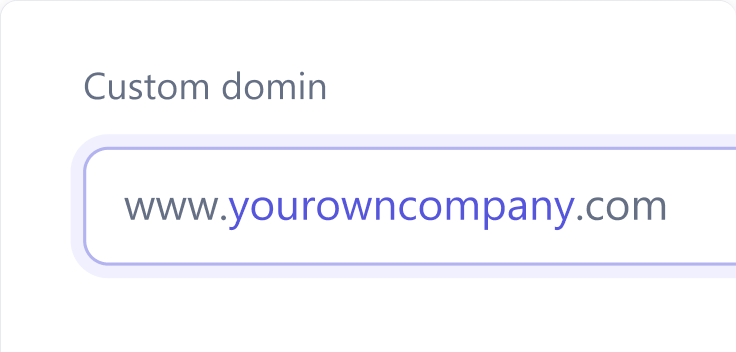
Custom Domains
Brand your workspace with your own domain for a professional experience.

Custom Email Domains
Send emails using your branded email domain for consistent communication.
Workflows
Reduce manual effort by automating steps and standardizing how work moves forward.
Workflow Automations
Create multi-step workflow automations within SmartTask
Recurring Tasks
Repeat tasks daily, weekly, monthly, yearly or the way you want through cust...
Reminder
Never miss a deadline with timely reminders that keep tasks and priorities on track.
Multi-Homing Across Projects
Link a single task to multiple projects without duplication or extra effort.
Project Baseline
Set original project plans and compare progress against planned timelines.
Auto Scheduling Tasks
Automatically adjust task timelines based on dependencies and changes.
Forms
Collect and organize information directly into structured tasks and workflows.
Time Offs
Manage team availability by tracking leaves and planned absences.
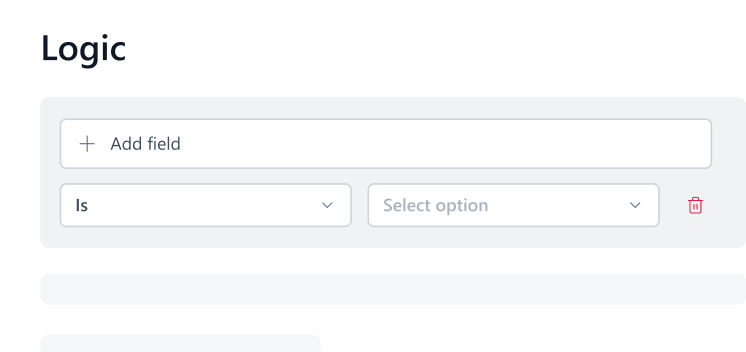
Forms with Logic
Create smart forms that adapt questions based on user responses.
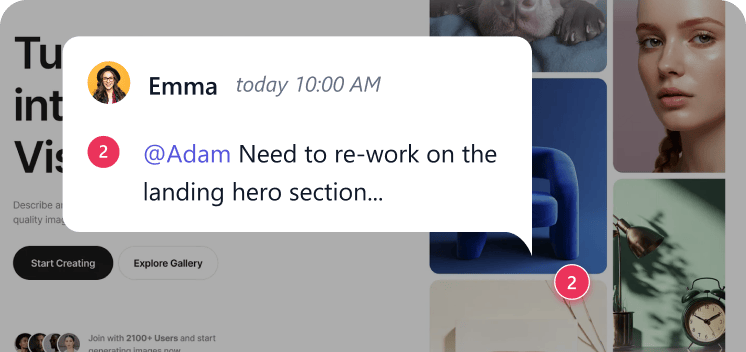
Proofing
Review, comment, and approve files with clear feedback and version control.
Reporting
With rich reporting in SmartTask. Analyze your data with multiple and varied analytical views
Custom Fields
Capture and track exactly the data your workflows need.
Activity Logs
Track every update and action with a complete history of task activity.
Critical Path
Identify the tasks that directly impact project timelines and completion.
Dashboards
Monitor performance and progress with customizable data driven insights.
Filtered View
Focus on what matters by viewing tasks based on specific conditions or criteria.
Portfolio View
Track and manage multiple projects from a single consolidated view.
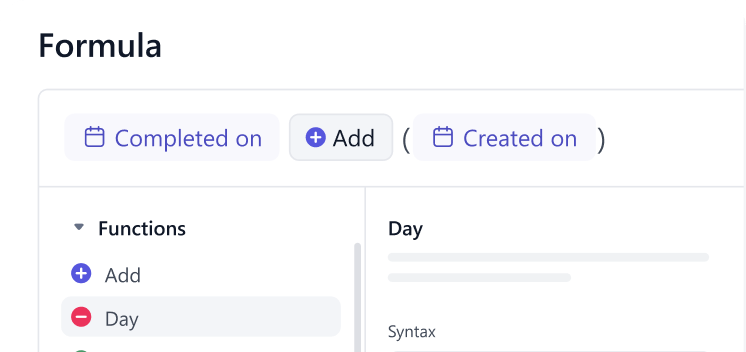
Formula Custom Fields
Automate calculations and derive insights by applying formulas to your custom field data.
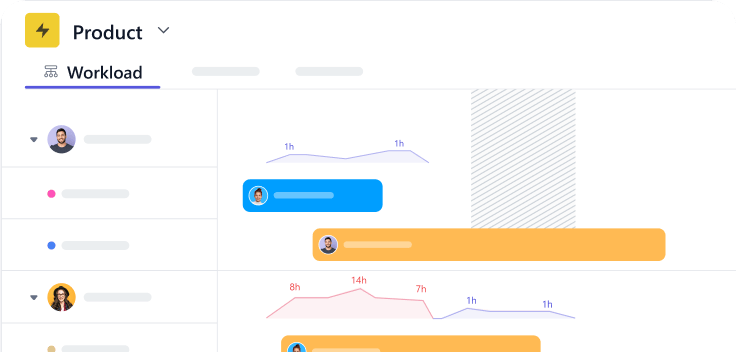
Workload
Visualize and balance team assignments to prevent overload and ensure efficient task distribution.
Karma Points
Recognize good work done by colleagues through Karma points
Ready to Grow Your Firm’s Margin With SmartTask?
Thousands of teams have already made the switch join them today.
Try it Live - It's FREE