
26 Best Project Management Software & Tools (2024 List)
Businesses work on complex projects all the time.
Projects with countless moving parts and multiple contributors. If managed poorly, they can turn into a puddle of wasted efforts in no time.
That's where project management software comes in.
It helps managers break down complex projects into simpler parts and keep teams sprinting toward a shared goal.
But here's a pitfall to avoid: making the hunt for the right project management software more complex than necessary.
We're here to help with that.
Below is a list of the 26 best project management software tools, each with its pros, cons, and best use case.
So, read along, and find the tool that's right for you in 20 mins or less ;)
1. SmartTask
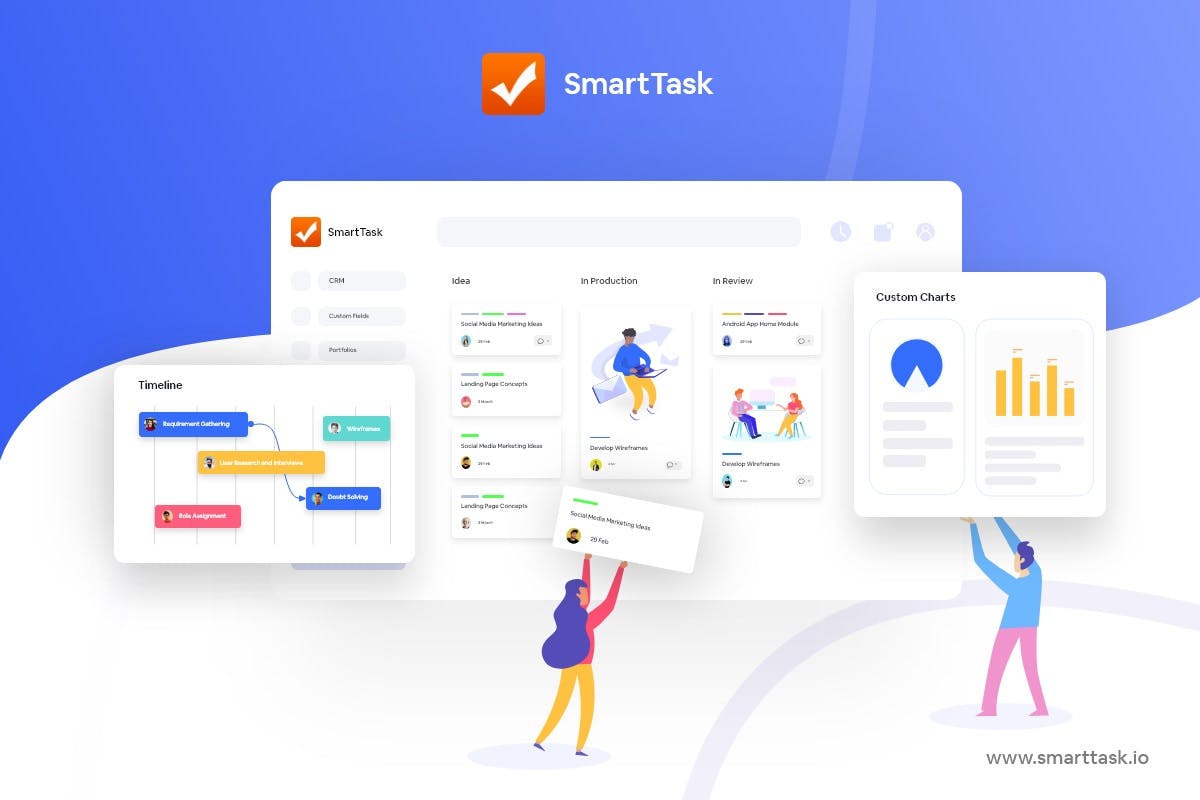
SmartTask helps you put all your work in one place, irrespective of your team size. It is built with two goals in mind:
- Give startups and SMBs an unfair advantage by handing them enterprise-grade features at a steal.
- Give enterprises the project management horsepower they need without subjecting them to steep learning curves.
Don't want to count your chicken before they hatch? Fair enough.
Here’s the feature set that helps SmartTask make teams 3X more productive: -
- Multiple Views: Each team prefers looking at data differently. With SmartTask, they can choose between Board view, List view, Timeline, Calendar view, and more.
- Portfolios: Get a high-level overview of everything happening in the Workspace.
- Time-tracking: Time reporting and estimates help understand resource utilization, budget, and cost implications.
- Workload view: Plan and allocate resources effectively such that no team member is under-utilized or overworked. It also helps you predict resource requirements.
- Task Management: Set task dependencies, due dates, priority, and tags.
- Comments & File Sharing: Share important information, attach files, and give feedback via comments. Do all of this on the task itself. No need to keep switching windows.
- Newsfeed: Save hours of standup meetings with feed updates and automated Check-Ins.
- Team Communication: Seamless real-time communication with individuals (or teams) via chats, voice-recorded messages, and video meetings.
- Automation: Automate repetitive project tasks for better project performance.
- CRM & Sales: Visualize sales analytics - estimated sales, sales funnel, and user-wise analytics. Move inquiries across multiple stages, have clarity on past conversations, and plan future action points.
- White-Label: The white-labeling feature lets you add your custom brand to the SmartTask platform. The outcome? Seamless client management.
- Custom Analytics: Once you finish a project, you can check key performance metrics and download a report for evaluation and future reference.
- Reminders: Alerts, notifications, and reminders to keep teams on track.
- Pre-made templates: Expert-designed templates to help you kick things off straight away.
- 1000+ integrations: Seamless integrations to help you achieve almost everything from a single platform.
- Available on almost every platform: Web, macOS, Windows, Linux, iOS, and Android.
- Free forever!!!
So, if you are:-
- An enterprise that wants powerful features without a massive learning curve
- A resource-strapped startup that wants an unfair advantage
- An SMB that wants customization without breaking the bank
2. Monday
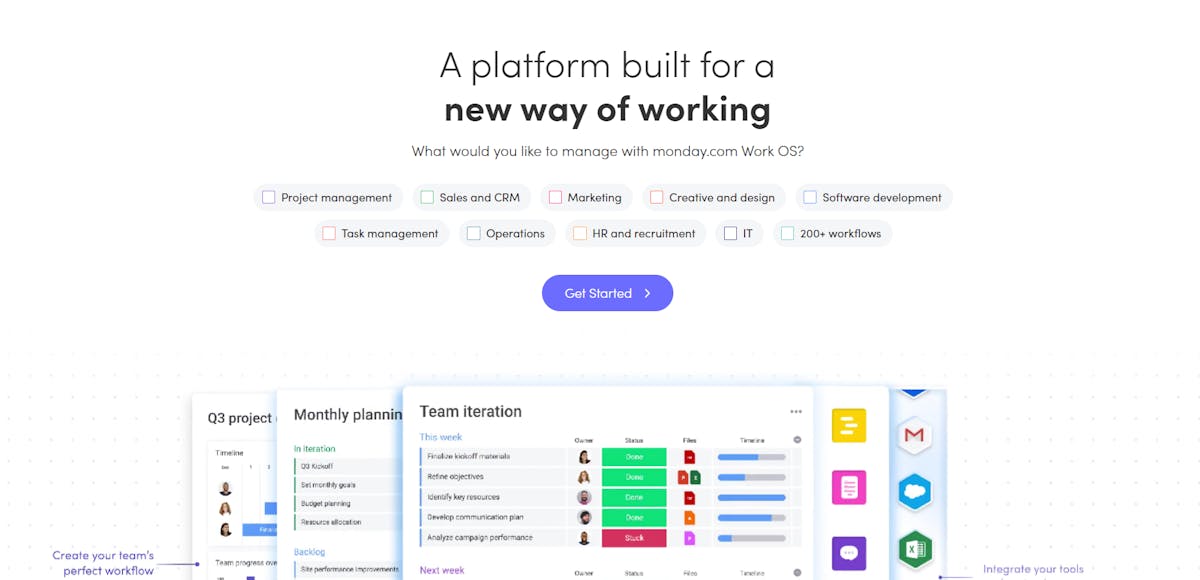
Monday.com positions itself as a complete work OS, a single source of truth to handle every workflow under the sun.
It now has dedicated apps for different use cases: Marketer, Sales CRM, Dev, and Projects being upgrades that stack nicely atop the core Work Management platform.
Do the upgrades come at an added cost? Affirmative.
We don't see that as a red flag because the core Work Management platform is sufficient for most SMBs. The bells and whistles on top are more relevant for enterprises.
Our two cents? Monday almost tastes perfection but is held back by underpowered team communication features.
We love it nonetheless.
Pros
- Beautiful UI
- So versatile and sophisticated; SMB-friendly as well as enterprise-ready
- Huge template library, several integrations, powerful automation
- Dedicated products for different use-cases
Cons
- Expensive
- Too much going on; can feel like you need a certification to extract its true potential
Best For
- SMBs that can afford pro versions + have the bandwidth to learn a sophisticated tool
- Large enterprises
3. Wrike
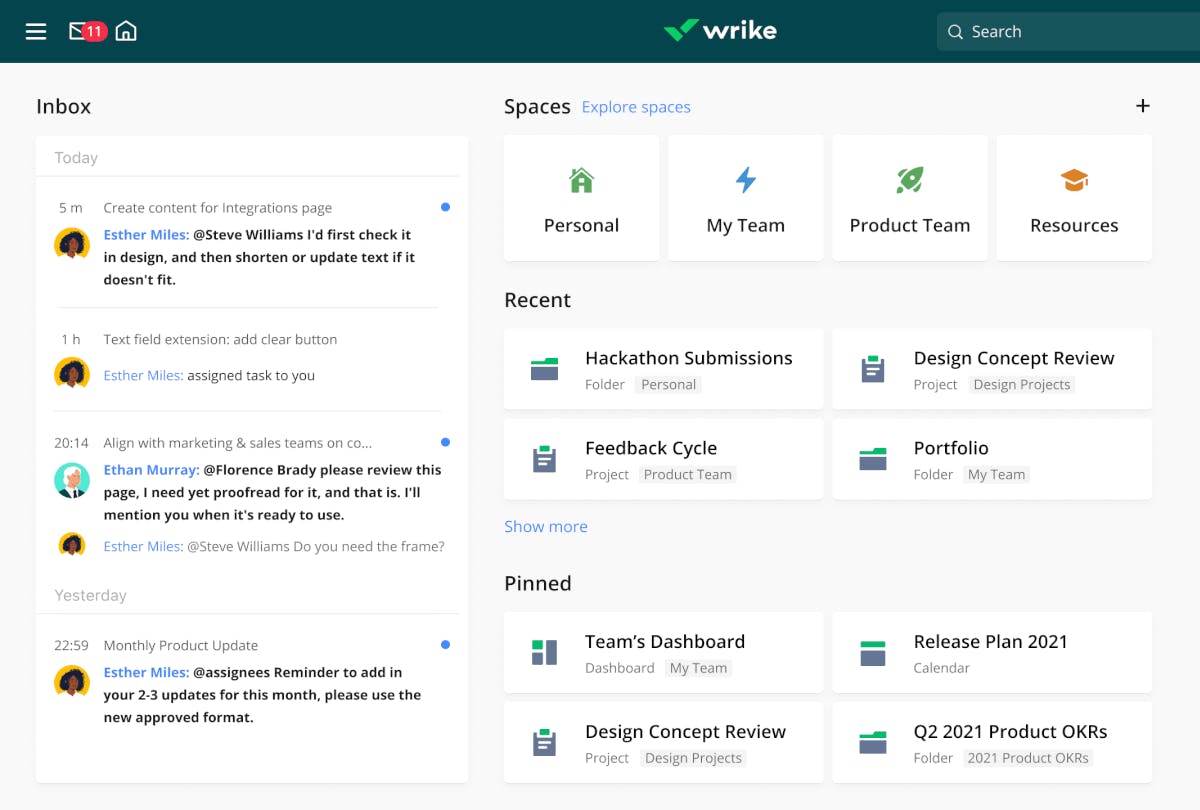
Acquired by Citrix technologies last year, Wrike started as a bootstrapped venture in 2013.
From launching an enterprise version to refining its feature stack, the app has grown considerably over the years.
Its current version leaves little to be desired in terms of sophistication. With trademarked work intelligence tech, Wrike empowers project managers with AI-powered risk prediction and automation.
There's a lot to love here but not if the UI puts you off.
Pros
- Custom request forms
- Powerful analytics
- In-built time tracking and invoicing
- Plenty of workflow automations and integrations
- Well-suited for several use-cases
Cons
- Costlier than competitors
- Not as intuitive for beginners; challenging learning curve
- UI is hit-or-miss
Best For
- Enterprises that are highly data-driven and have experience using PM software
- SMBs that want a tool for varied use-cases
4. Trello
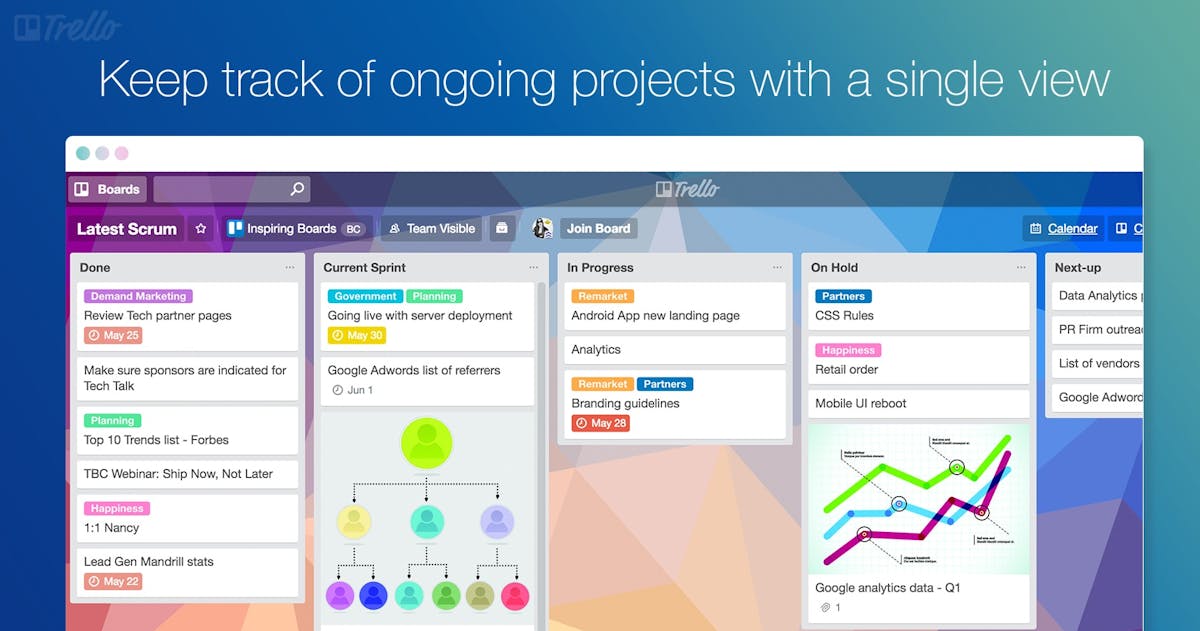
If you've been in the workforce for some time, we're betting you've heard of Trello.
At the outset, it is a simple Kanban-style project managing software that barely requires any learning to get started.
Users come to it for its attractive pricing and no-nonsense usability. To the tool's credit, it can support a fair amount of use cases, has useful automations, and most teams like using it.
However, it tends to be a gateway drug for project managers. Once they learn the ropes, most switch to more sophisticated options. Also, to track time in Trello, you need to rely on third-party integrations.
Pros
- Simple to use
- Great pricing
- The OG Kanban experience
Cons
- Doesn’t scale well, not sophisticated enough
- Limited views
- UI isn’t very modern
- No in-built reporting features
Best For
- Startups that don’t have complex projects to manage
5. Asana
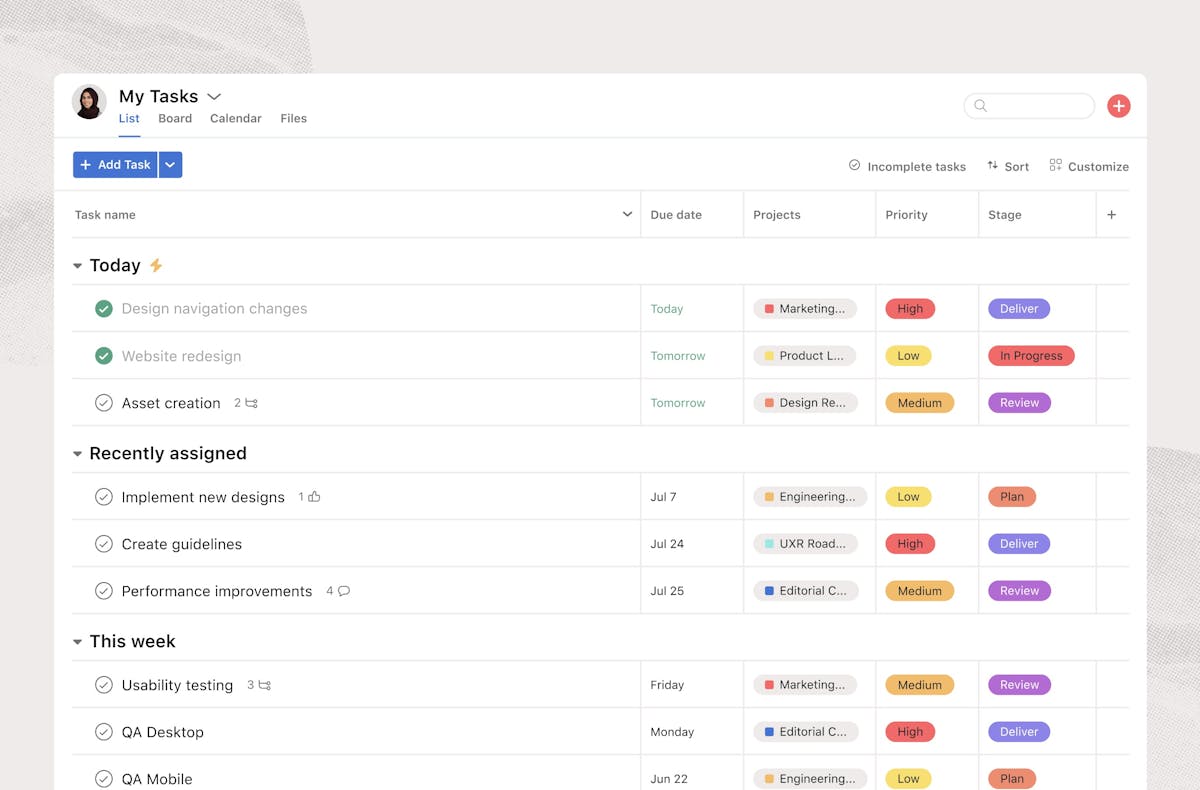
Founded by Dustin Moskovitz, the co-founder of Facebook, Asana had success written all over its face from the get-go. The 119,000 paying customers that it serves across 190 countries reflect the same.
It has a calming design and gets the basics right. But that's not where the buck stops for Asana. The tool also scales flawlessly and is laden with advanced features that most users discover gradually.
With mindfulness as one of the company's core values, we're certain careful consideration went into ensuring that Asana doesn't overwhelm newcomers.
Pros
- Flawless onboarding experience can get started right away
- Ability to integrate projects and tasks with high-level organizational goals
- Several integrations
- Enterprise-readiness without being overwhelming
- Ability to automate workflows
- Powerful free version
Cons
- Pricing
- Not robust enough for customization enthusiasts
- No native time tracking or CRM
- Intuitive at first but advanced features demand a lot of learning
- Can’t assign tasks to multiple members
Best For
- Enterprises that don’t have much experience with PM software
- SMBs that want just the right amount of customization
💡 You might want to check out -
6. ClickUp
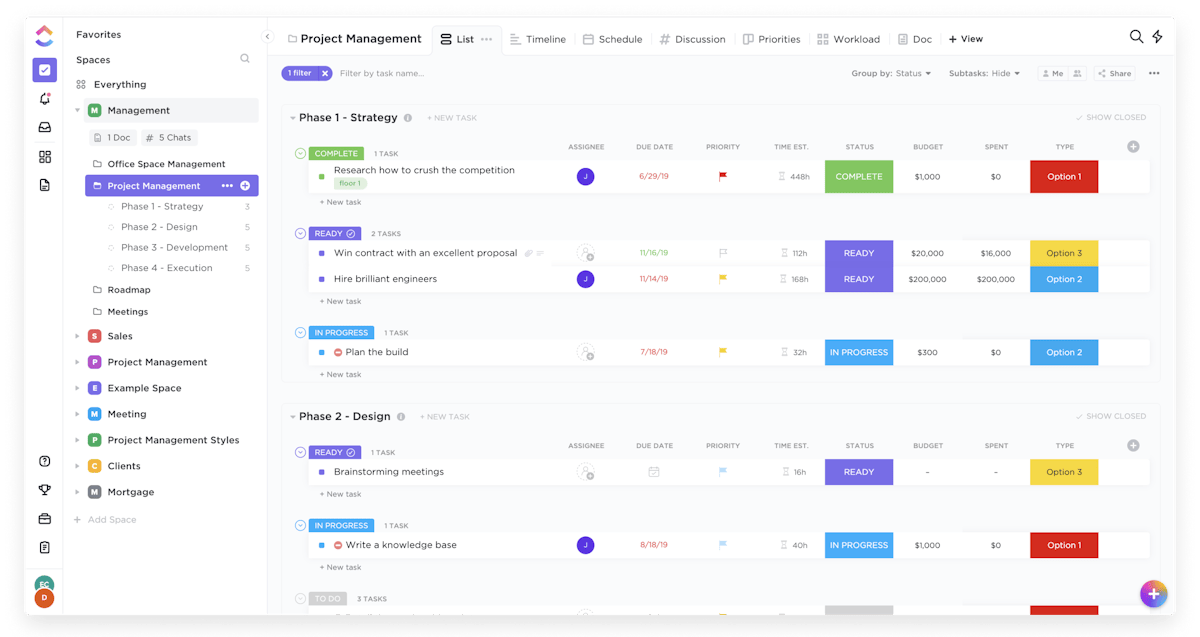
ClickUp is a tool that steals a mention in nearly every conversation about project management software and is one of the top project management tools. It isn't as seasoned as Asana or Monday, but it inarguably falls within the same tier.
Folks building ClickUp exhibit a clear commitment to improving their product as fast as possible. The sheer number of features they've raked up in a relatively short period exemplifies the same.
Even the pricing they offer is hard to contest. So, take it from us, ClickUp deserves the customer base it has built.
We'd have placed it higher on the list only if...
Using ClickUp without prior experience with project management software wasn't like being asked to run a marathon just because you have legs.
For better or worse, it has too much going on.
Pros
- One of the best-looking PM software out there
- So much room for customization: templates, automations, customizable dashboards, ClickApps, integrations, docs, whiteboards
- Arguably the best mobile app in the PM space
- Great pricing given the tool’s capabilities
- Views galore
Cons
- Challenging onboarding/too much to learn
- Challenging to keep up with all the features that are pushed out at breakneck pace (can be a pro for certain users)
Best For
- Fast-growing startups and SMBs that want something built for scale
- Enterprises that can handle a challenging onboarding process
💡 You might want to check out -
👉 ClickUp Vs Trello: Which is the Best Project Management Tool?
7. Teamwork Projects
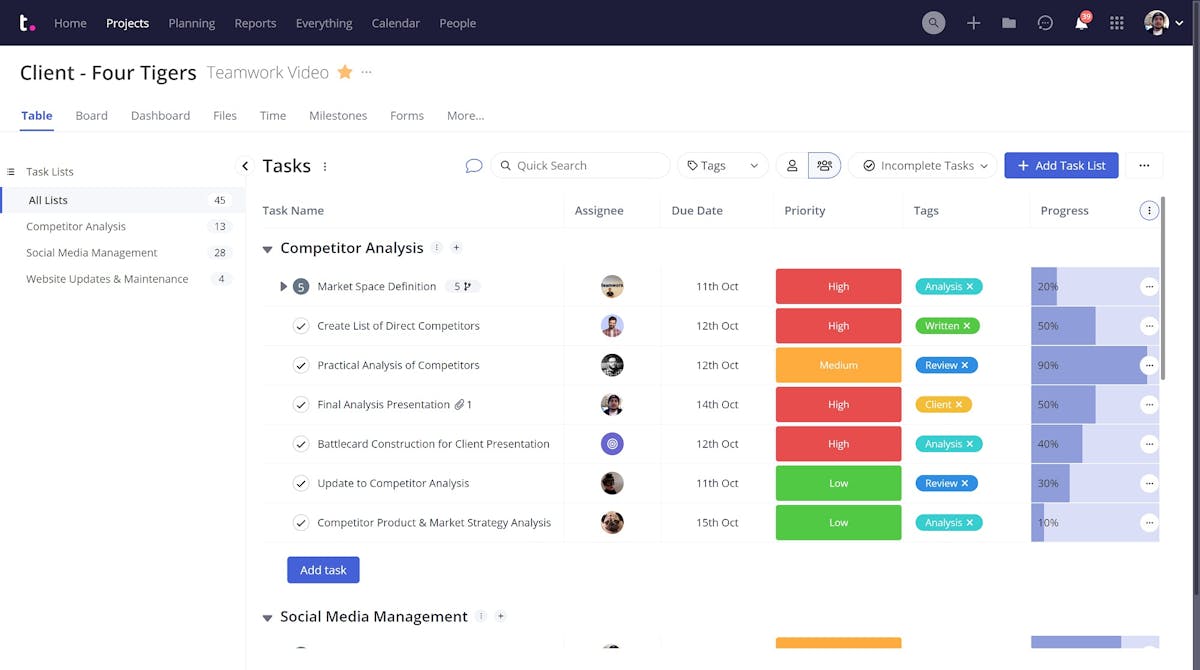
Built by former agency executives, Teamwork is one of the best software for project management that nails team collaboration.
It is designed with client work in mind and gives you the power to add client users directly. How does that make your life easier?
Well, you don't need to invest in a separate client portal. Teamwork doubles up as one. Apart from that, it does task management just as well as our top contenders.
Does it justify its pricing? We're not sure.
Pros
- Ability to import data from major PM software: Asana, Trello, ClickUp, Wrike, Basecamp, and Monday
- Excellent team communication features
- Great balance between functionality and ease-of-use
- Good enough template library
- Rich features like CRM, time tracking, invoicing, intake forms
Cons
- Pricing is a little steep
- UX can be improved
- The free version only supports 5 users for 2 projects
Best For
- Creative agencies that need a PM tool capable of financial management (time tracking, billing, budgeting, invoicing)
- SMBs that need sophisticated features but dislike steep learning curves
8. Jira
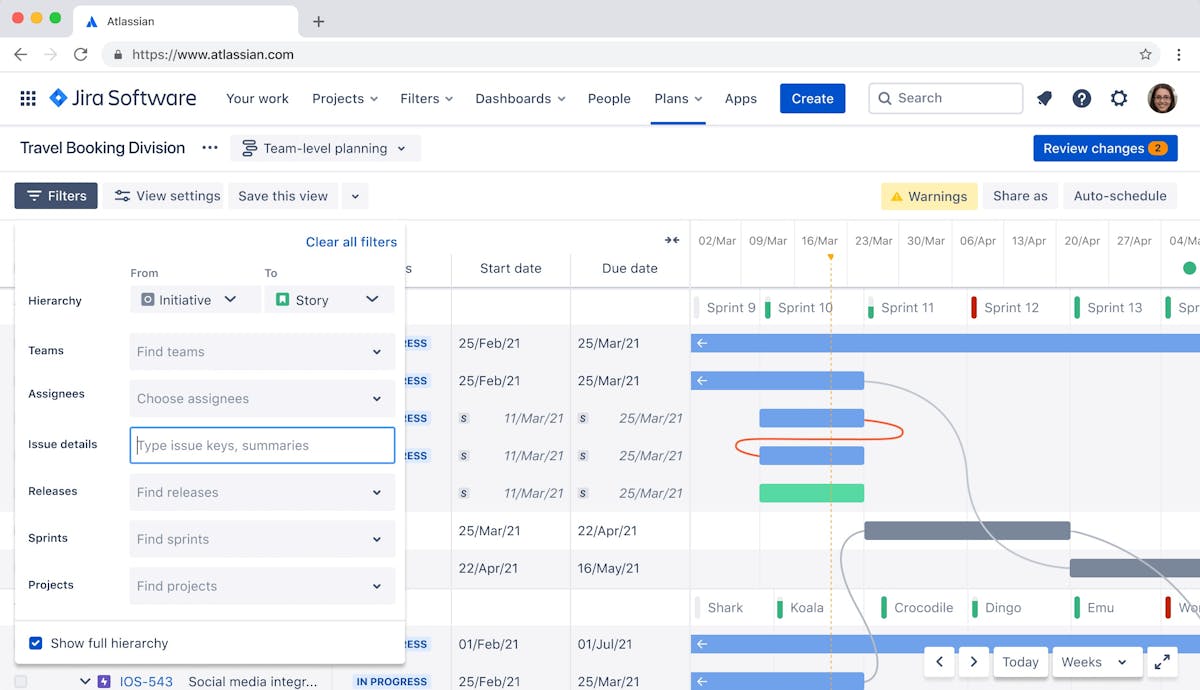
Jira is two decades old software project management tool. It was conceived purely as a bug-tracking tool. Over time, it evolved to accommodate several other use cases.
Sure, you can give it features like time-tracking and invoicing using plugins, but that's not the same as having them out of the box.
Is it better at project management than the other tools on the list? Not for creative teams and agencies.
Even Jira knows that and positions itself as "the #1 software development tool used by agile teams".
Nonetheless, it's still great for ad-hoc task management and can fluently handle agile/scrum workflows.
Pros
- Highly optimized for agile and scrum workflows
- The free plan supports up to 10 users
- Powerful reporting capabilities
- Ability to create detailed roadmaps that inform high-level decision making
Cons
- Complicated UI; initial setup is a pain
- Works best when combined with other Atlassian products (Confluence); thus, racking up cost
- Limited collaboration tools
- Not suited for creative teams
Best For
- Software teams in mid-level organizations that plan on using the tool alongside other Jira software
💡 You might want to check out -
👉 Asana Vs Jira: Which is the Best Project Management Tool in 2024
👉 ClickUp vs Jira: Which One’s a Better Project Management Tool?
9. Smartsheet
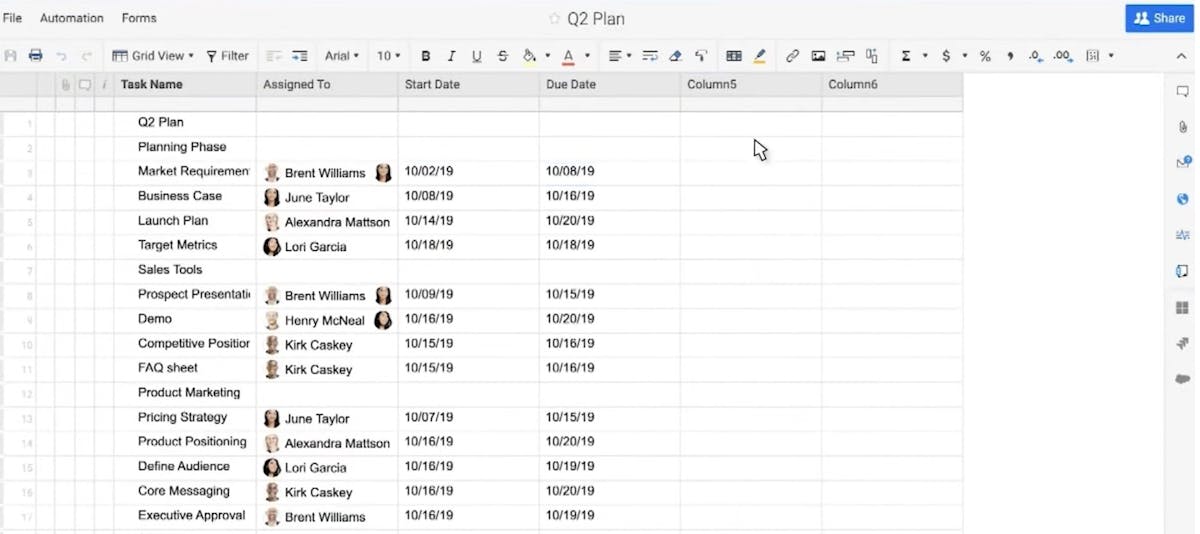
We know the name gives its way, but here's us saying it out loud.
Smartsheet is a project management platform best described as a superpowered spreadsheet.
Thanks to a well-thought-out task management system designed for scalability, Smartsheet can handle most use cases you send its way.
From planning to review, Smartsheet's feature set offers utility throughout the typical project lifecycle. It also boasts a respectable list of integrations.
Where it falls short is someplace unexpected. Smartsheet isn't nearly as intuitive as it sounds on paper. Excel experts may feel at home here, but we're not sure creatives will.
Pros
- Powerful analytics and reporting
- Impressive integrations
- Built for scale for most use-cases
- Fair pricing
Cons
- Confusing UI
- Limited views; not suitable for agile teams
- No free version
Best For
- Mid-sized companies that don’t have experience with PM software but have outgrown excel
10. Basecamp
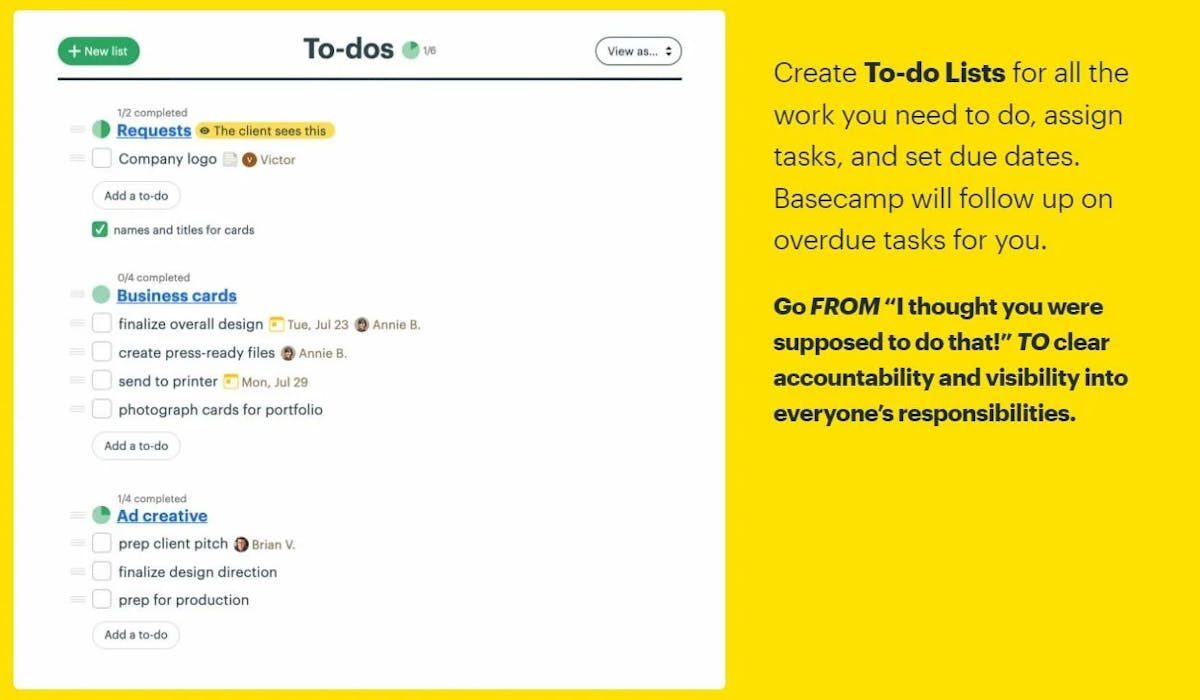
Basecamp is a different beast altogether. It shares little with the UI/UX of most project management software out there.
How little?
Well, it arranges all projects using six tools: message board, to-dos, schedule, docs and files, group chat, and automated check-ins.
Forget Gantt charts and bar graphs, Basecamp users track projects using hill charts.
Do you see the pattern here? Basecamp is its own thing. It isn't conducive to feature-by-feature comparisons with other tools in the market.
That's both a pro and a con. Several teams feel Basecamp is the most intuitive PM software out there. The rest? They think it's needlessly complex. A contrarian just because.
Pros
- Pricing, if you’re a mid-sized team
- A fresh approach to work management
- Clean UI that doesn’t feel dated
- Great team chat
Cons
- Pricing isn’t ideal for early-stage startups and SMBs with small teams
- Cannot view the information from different views
- Difficult to scale for complex projects; not enterprise-ready
- No attention to use-case specificity; no template system
- Bare-bones reporting
Best For
- Remote teams (with 20+ members) that don’t like most project management systems out there; seek an easy-to-use outlier; a love-it-or-hate-it solution
11. ProofHub
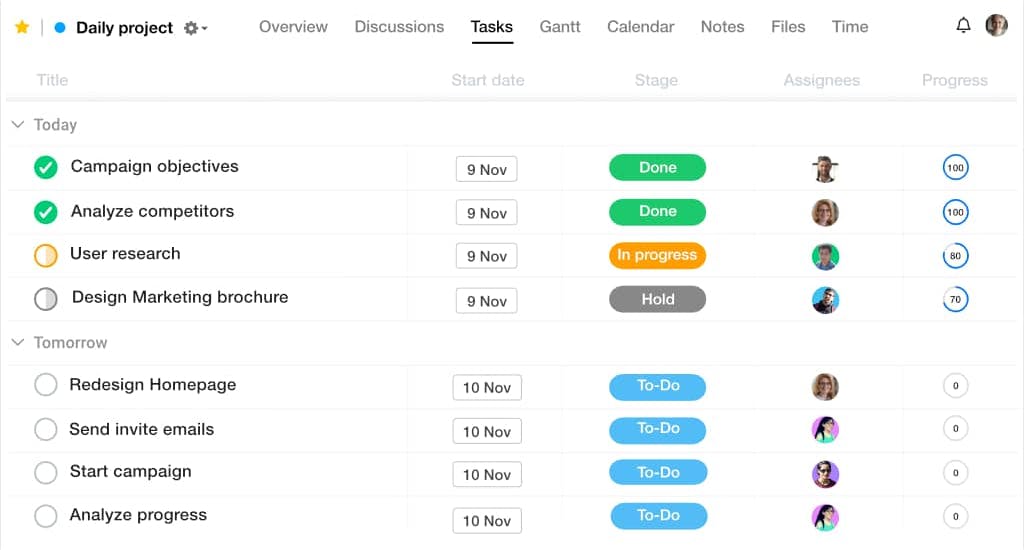
ProofHub, like Teamwork Projects, turns collaboration into the centerpiece of its product. For clients that deal with several visual assets (say a design agency), the proofing features are a big draw.
Even with task management, the tool is feature-heavy, yet everything is kept simple. Unique features like stickies (sticky notes to jot down impromptu thoughts) spice up the offering.
Multiple project views keep information digestible, and the ability to create sub-tasks and custom fields helps accommodate varying workflows.
There's little to dislike about ProofHub. We would have given it a better spot on the list if it featured a free plan.
Pros
- Robust collaboration tools; even allows users to review designs and documents in real-time
- Flat pricing for pro plans seems pretty fair for small and medium-sized teams
- Intuitive UI with ample views to digest project information
- Native time-tracking but lacks invoicing capabilities
- Support for several languages and emphasis on accessibility
Cons
- No free forever version is advertised on the website; have to email support to get it
- The number of integrations can be improved
Best For
- Small businesses that appreciate flat pricing and emphasize communication
12. Airtable
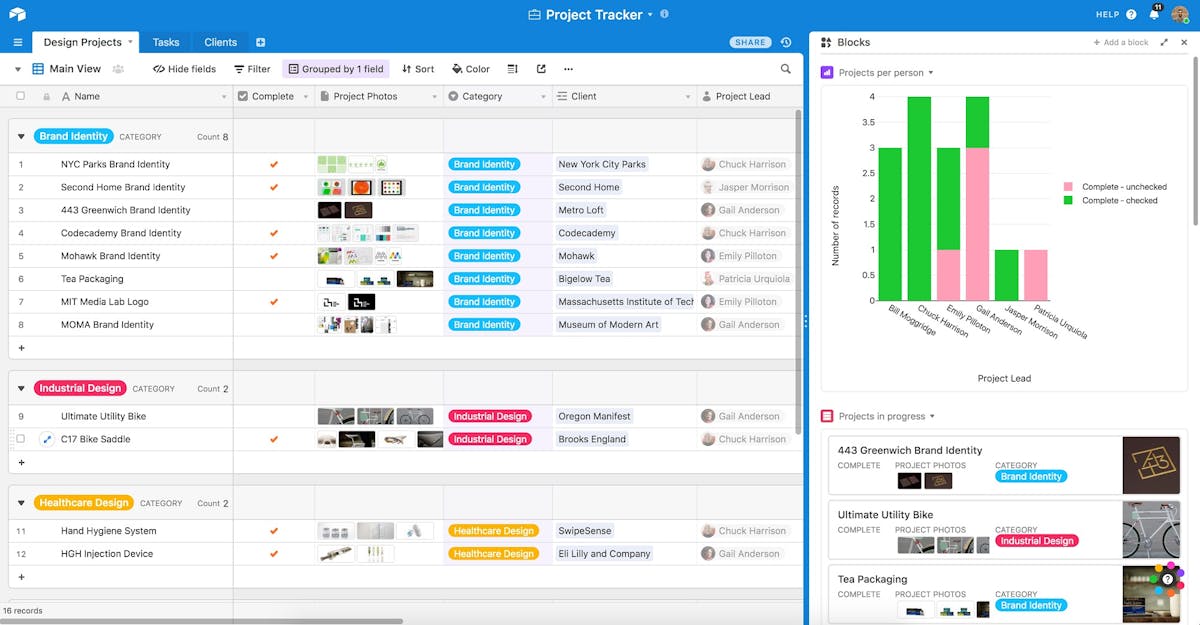
Valued at $11 billion, Airtable is a veteran in the SaaS space. Project management is among its use cases, but we wouldn't call it its USP.
So, why add it to the list? Because it's a highly intuitive tool that gets bare-bones task management right.
You don't get features like native time tracking or an-built CMS here. Not ideal, we know.
However, it makes up for those shortcomings by being a heavy-duty relational database that can power no-code applications.
So, under the right circumstances, Airtable can help you kill two birds with a single stone.
Pros
- A decent number of project views
- Very intuitive and powerful automation
- Ability to design custom interfaces
- Robust API conducive to innovation in the no-code space
- Simple spreadsheet-like UI that can support tons of complicated use cases
Cons
- UI feels a little outdated
- Collaboration and task management abilities are severely lacking compared to other PM tools
- More of a relational database that can power no-code solutions, and less of a PM software
Best For
- Teams innovating in the no-code space
13. GanttPro
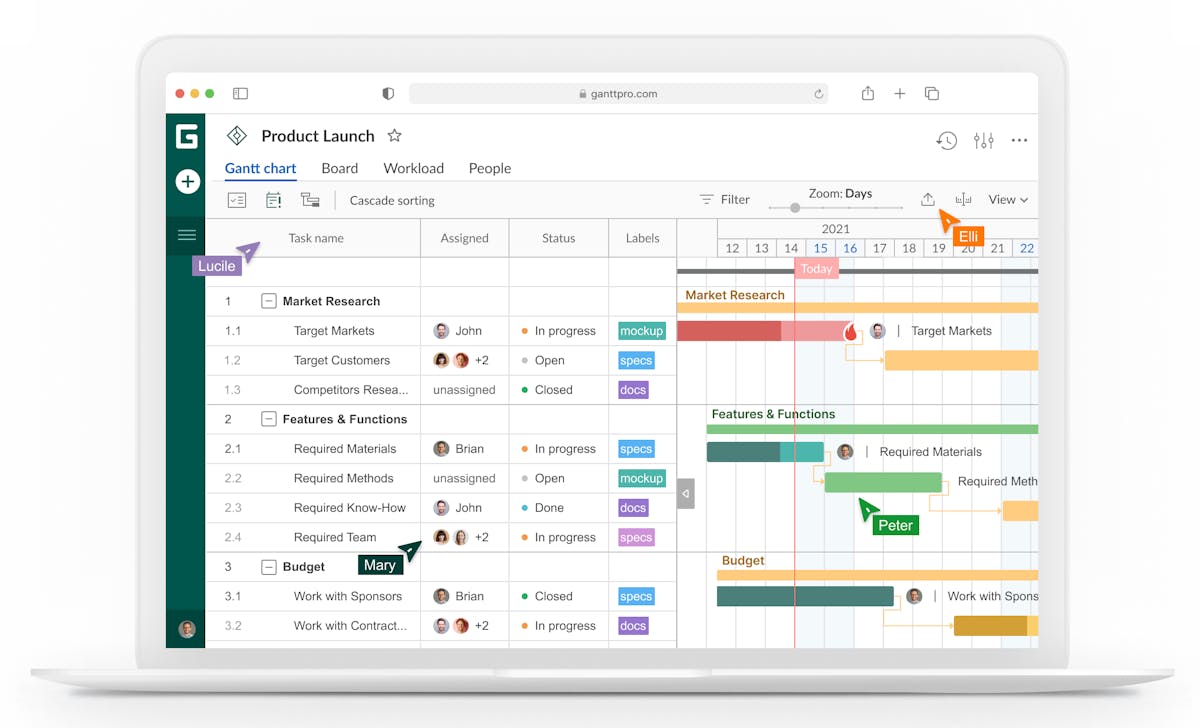
GanttPro is a project management tool built around interactive Gantt charts. Does it lack other project views? No.
Does it have extensive reporting capabilities? Yes.
Is that enough? You tell us.
Pros
- Great customer support
- The tool is fairly straightforward
- Native time-tracking and reporting
Cons
- The onboarding experience isn’t great, it kind of throws you into the wild: the tool itself isn’t very complicated but the onboarding could've been more helpful
- UI feels very 2000s esque
- Board view has limited capabilities; can’t create custom columns
- No free plan
- Items with lots of dependencies are not easy to manage in the Gantt chart view
- No native chat or team communication capabilities
- Ctrl+Z opens a version history instead of performing the undo command; it kind of feels unnecessary
- Switching between projects is clunky
Best For
- Small teams that want to use Gantt charts extensively and want a no-frills PM software
14. MS Project
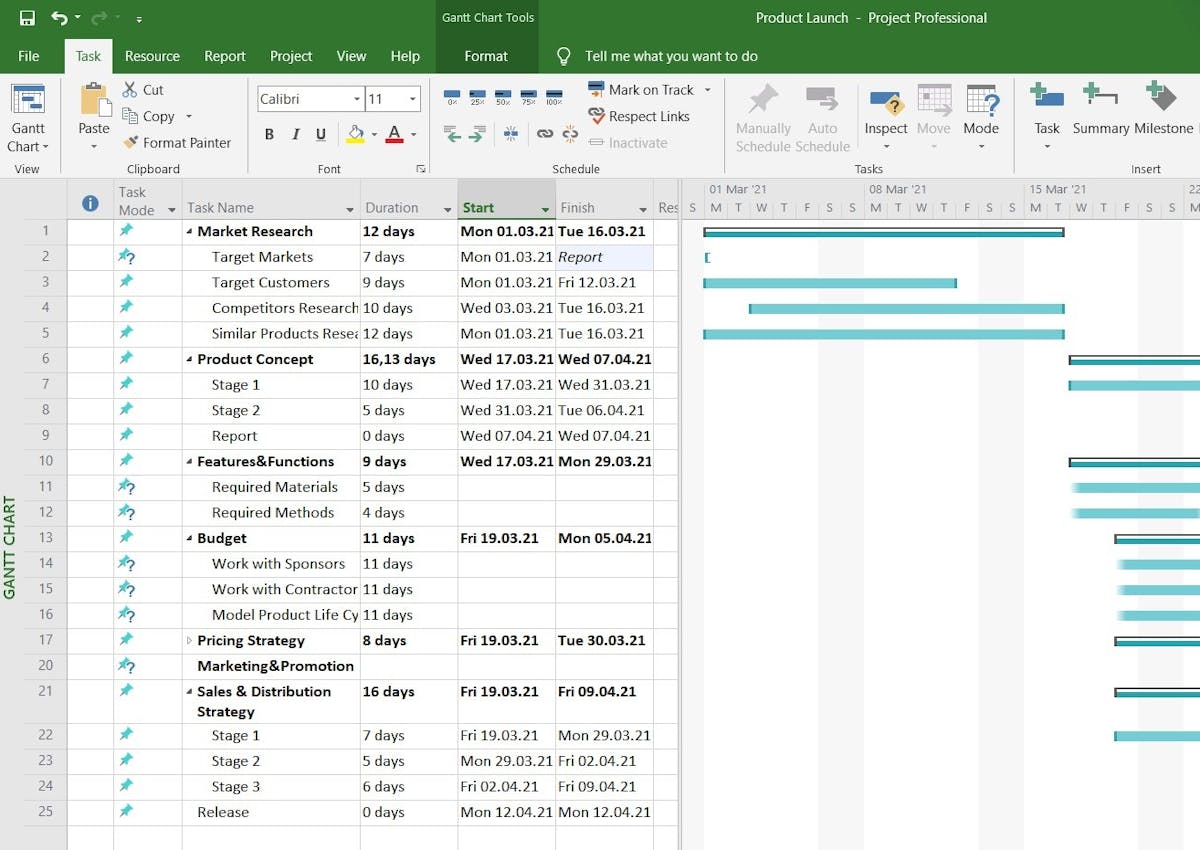
MS Project is old, like really old.
It looks similar to other Microsoft products, and a layperson might even mistake it for Excel.
Has it aged well? Yes, for the most part.
It has kept pace with modern project management tools and organizes info in three different project views: grid, board, and timeline.
Startups are better suited with the more modern options on the list, but hey... to each their own.
Enterprises, however, can use it to drive business intelligence with comprehensive reporting and data visualization. And that's just the tip of the iceberg.
The verdict? MS project may be old, but it still has gas in the tank.
Pros
- Built for scale; a 38-year-old tool that has grown over several years
- Integrates flawlessly with other Microsoft products
- Advanced time-tracking capabilities
- Supports multiple project management styles
- Advanced Gantt charts and easy-to-generate reports
Cons
- Not for beginners
- No in-built team communication capabilities
- Expensive cloud-based plans
- Lacks user-friendly learning resources
Best For
- Enterprises that want a time-tested product and are fond of the Microsoft ecosystem
15. Hive
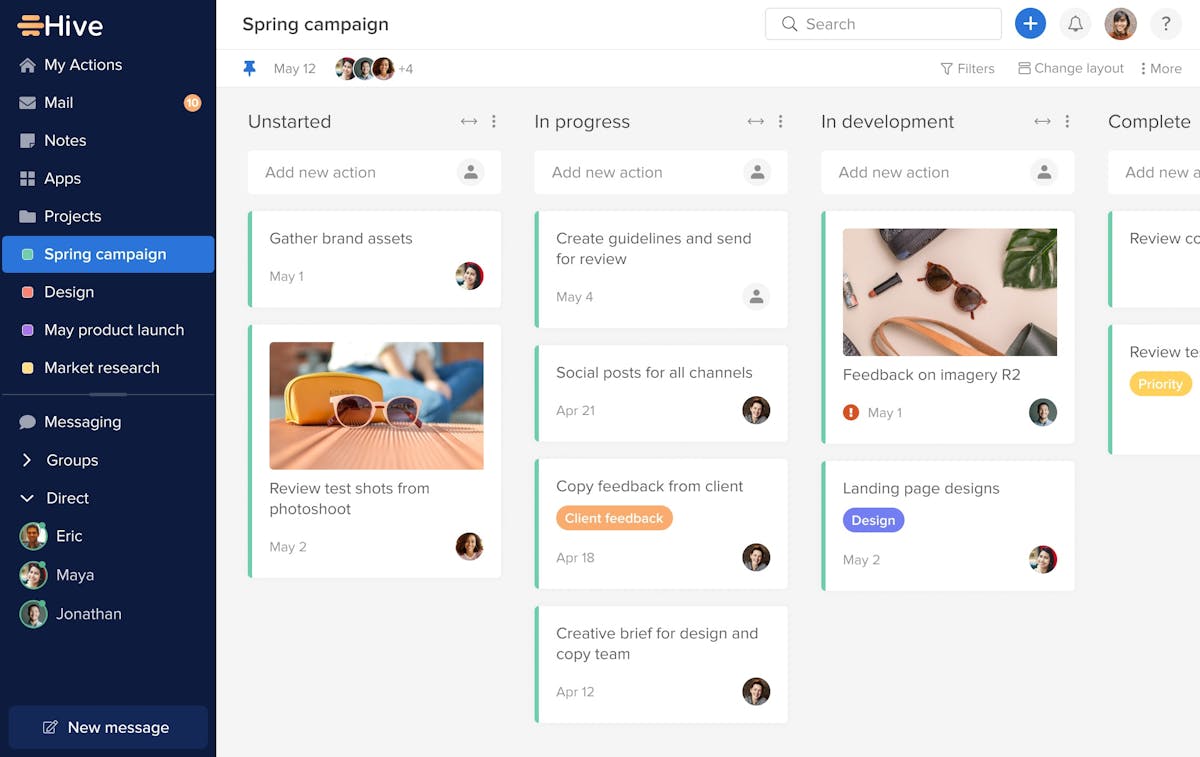
Hive, apart from getting the name right, does multiple things well.
The UI is the right balance between fresh and familiar. You feel like you're using a project management tool, yet the experience isn't run-of-the-mill. The design has personality.
The tool itself is buzzing with features, with more in the pipeline. Information about the upgrades the Hive team is working on is accessible on their public online forum.
Where Hive misses out is its pricing. We wish it were more straightforward.
Pros
- A fair number of integrations
- Pleasant onboarding experience and a fun UI
- Excellent collaboration tools: In-built mail, messenger, and collaborative notes
- Summary and portfolio views to view all organization-wide projects at a glance
- Awesome free forever plan with unlimited tasks, projects, and storage
Cons
- The mobile app stands pale in comparison to the desktop/web version
- Odd pricing for pro plans; several premium features are available as add-ons even with a $12/user/month price tag
- Questionable privacy policy
Best For
- SMBs with collaboration-heavy workflows
- Cash-strapped startups getting started with project management
16. Nifty
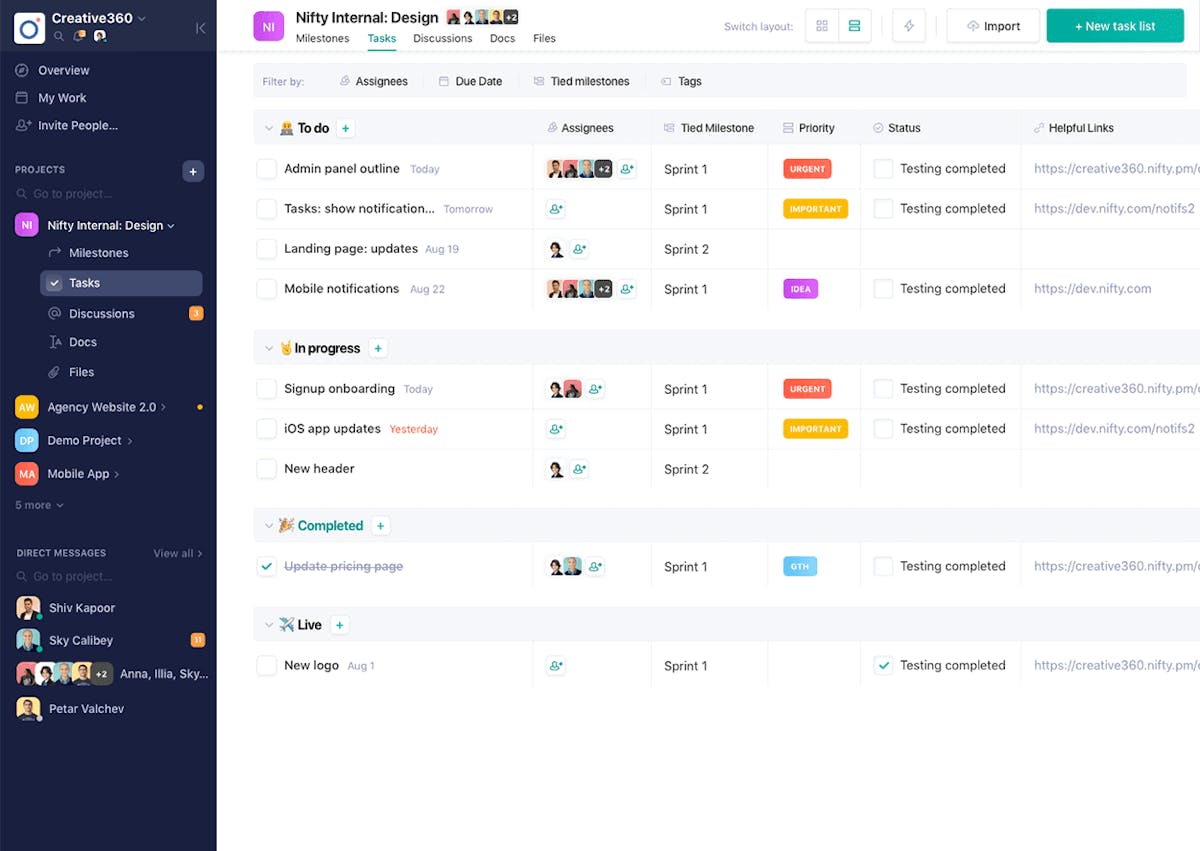
Borrowing a page from Monday's playbook (presumably), Nifty positions itself as the ultimate project management OS.
Nifty, however, isn't split into dedicated products for different use cases. It brings docs, chats, roadmaps, tasks, and other tools under one roof.
The result? A nifty project management software capable of managing everything from agile development to legal case management.
So, why isn't it higher on the list? Does it overwhelm new users with its capabilities? Nope. The onboarding experience is pretty great.
Nifty's Achilles heel, just like Hive, is an odd pricing structure.
Pros
- Built-in direct messaging, time-tracking, and docs
- Ability to import data from other PM tools (Asana, Basecamp, Jira, ClickUp, Trello, and Wrike are on the list)
- Color-coded milestones in Gantt charts
- Gets the basics right: multiple project views, clean UI, helpful onboarding
- Beloved iOS app
Cons
- Guest users can’t use the DM/chat feature (except with the account owner)
- Limited automation
- Still in its early days, prone to glitches
- $50/month flat pricing for the basic plan, which may not be ideal for small teams
Best For
- Startups with at least 10 members
17. awork
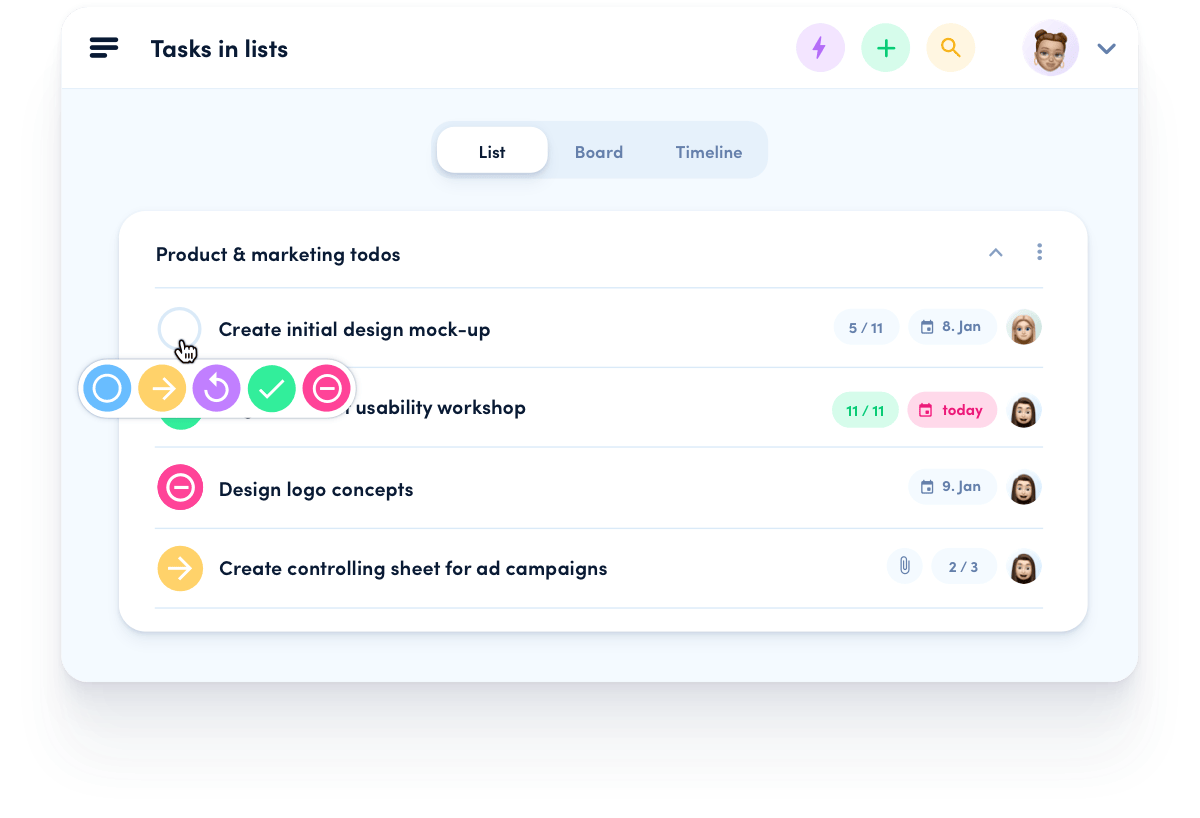
Headquartered in Germany, awork is among the newer project tracking software in the market.
This tool doesn't feel like a copy of a copy. It looks and feels like a breath of fresh air and performs quite well.
If we were to describe it, we'd call it a younger, less sophisticated ClickUp (less overwhelming too).
Pros
- Hands down the freshest, most intuitive UI in the PM space; the web app really is a joy to use
- Unbelievable pricing for enterprise clients
- Seamless time-tracking and invoicing capabilities
- Amazing onboarding experience
- Gets basic task, project, and portfolio management right
Cons
- New kid on the block, a tool launched in 2019, isn’t thoroughly vetted by experts
- No free forever plan; the basic pro plan is a little expensive at 10.99 euros/user/month
Best For
- Creative teams that want a PM app built especially for them
- Enterprises willing to entrust a relatively lesser-known PMS tool
18. Notion
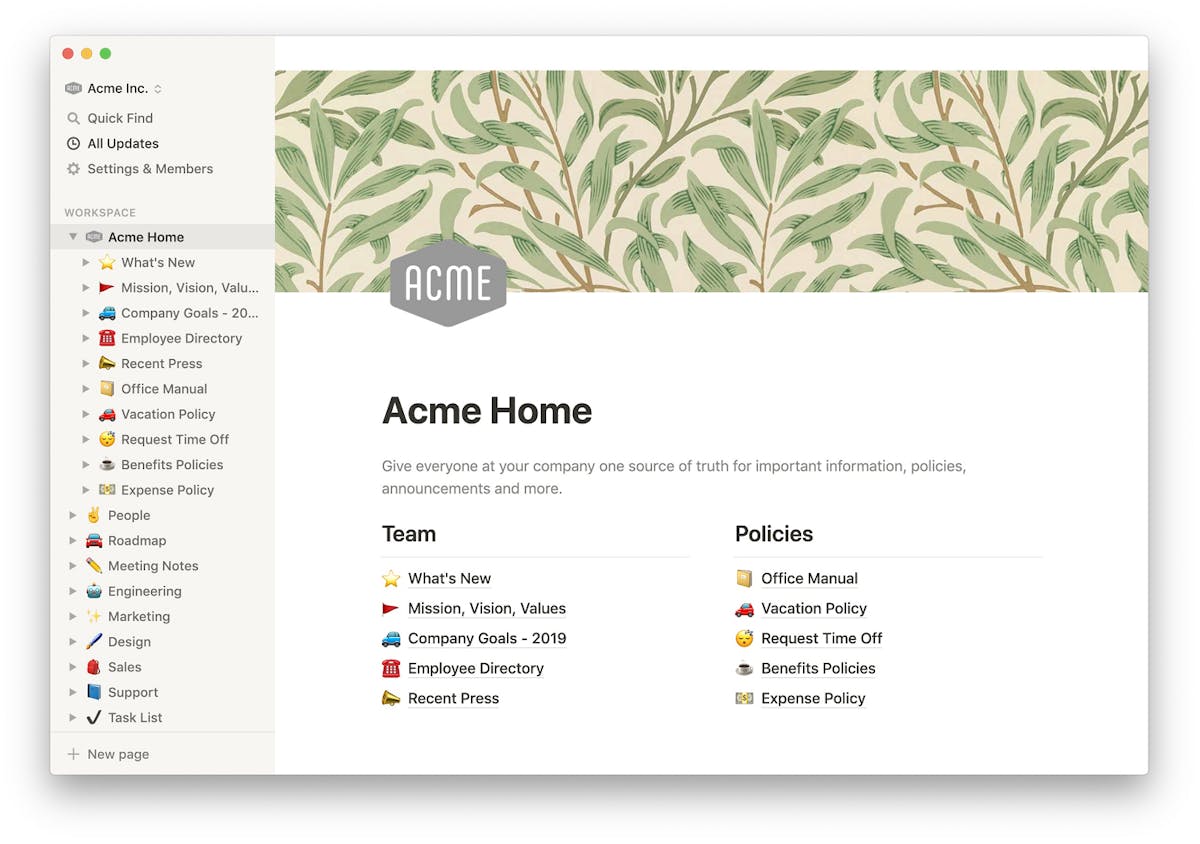
Notion, like Airtable, is not a dedicated project management software. Then why is it on this list?
Well, two reasons.
A. It implements project management (via templates) quite well.
B. The minds behind Notion do a tremendous job at expanding its capabilities.
So, if your team likes Notion enough, it can become your company's knowledge base, project management tool, second brain for team members, and possibly even a way to build no-code apps.
That's an insane value to derive out of one tool.
Pros
- Monstrous template gallery + great community support
- Aesthetic UI
- Best-in-class collaborative docs
Cons
- Not a dedicated project management software
- Steep learning curve
- No PM-specific features like time tracking, resource management, and portfolio management
- Very limited reporting/data visualization capabilities
Best For
- Teams already using Notion as the company knowledge base
- Startups that don’t want to spend time learning sophisticated project managing software
19. LiquidPlanner
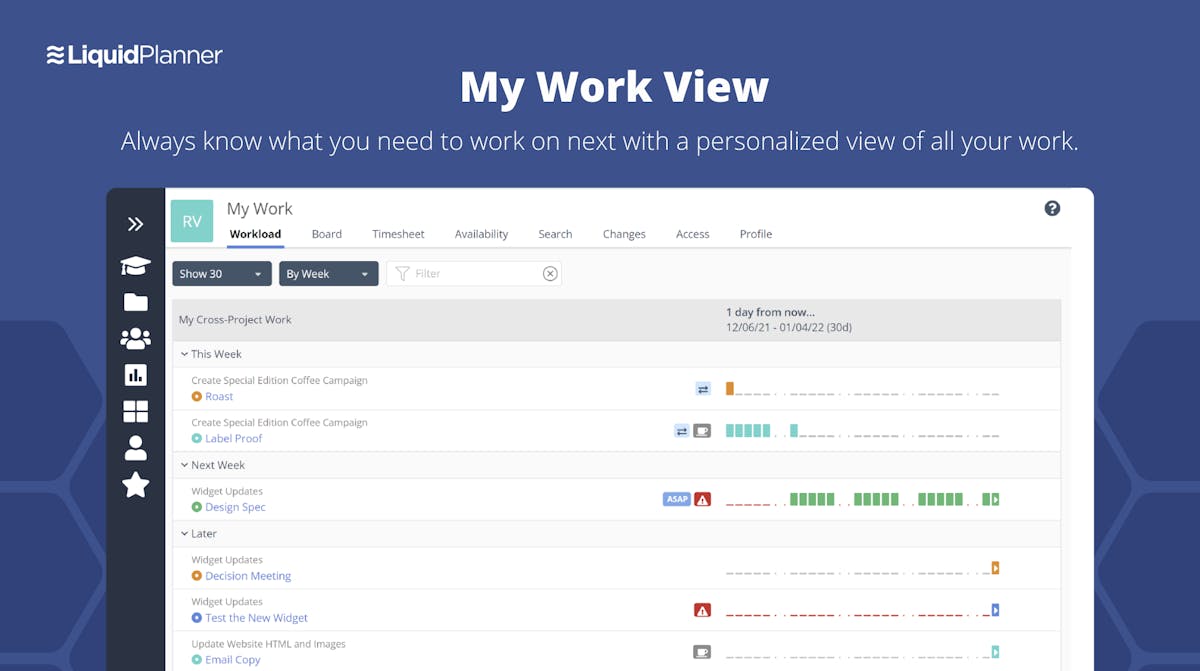
LiquidPlanner specializes in dealing with uncertainty.
Powered by its intelligent predictive scheduling engine, it creates realistic forecasts for projects and helps businesses control risk in real-time.
It is an insights-heavy platform with powerful dashboard insights and is ideal for data-savvy teams.
Pros
- A powerful combination of rare features: predictive scheduling, resource management, and native time-tracking
- Ability to assign placeholders before assigning tasks to specific personnel (for e.g., designer in place of Ryan)
- Tons of insights to help with decision making
Cons
- Non-interactive Gantt charts
- Inability to set milestones
- No in-built CMS
- Extensive initial setup
- No free forever version
- Expensive pro plan for smaller teams
Best For
- Data-driven SMBs that typically engage in projects with high uncertainty
20. Zoho Projects
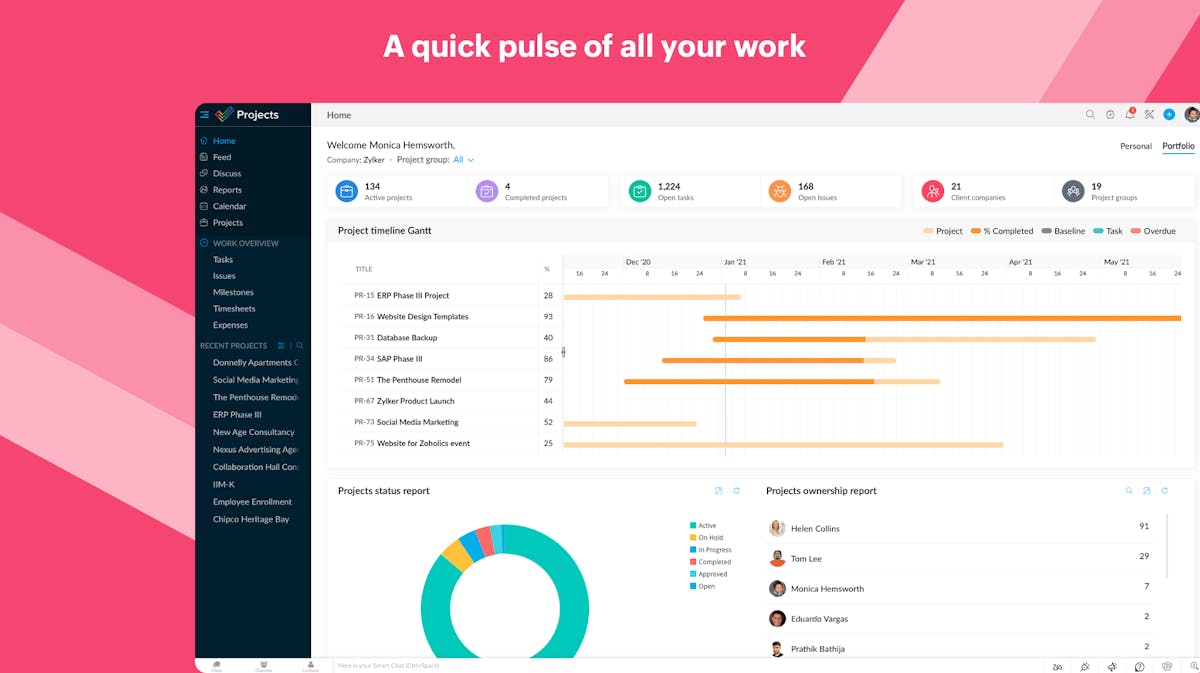
Cash-strapped startups need capable project management software just as much as their comfortable (read well-funded) counterparts.
Tools like Zoho Projects fulfill that need. With affordable plans that give most small businesses just the amount of sophistication they need, Zoho Projects helps teams steer away from freemium rabbit holes.
Zoho's extremely affordable pricing also extends to enterprises. Its feature list, however, doesn't seem to keep pace.
Pros
- Superb pricing even for the enterprise plan
- Gantt charts, even in the free version
- Clean UI
- Effective automation and reporting
Cons
- No accessible way to implement agile; need to purchase Zoho Sprints separately to achieve the same
- No in-built invoicing capabilities
- Not built for sophistication
Best For
- Startups with limited resources
21. Workzone
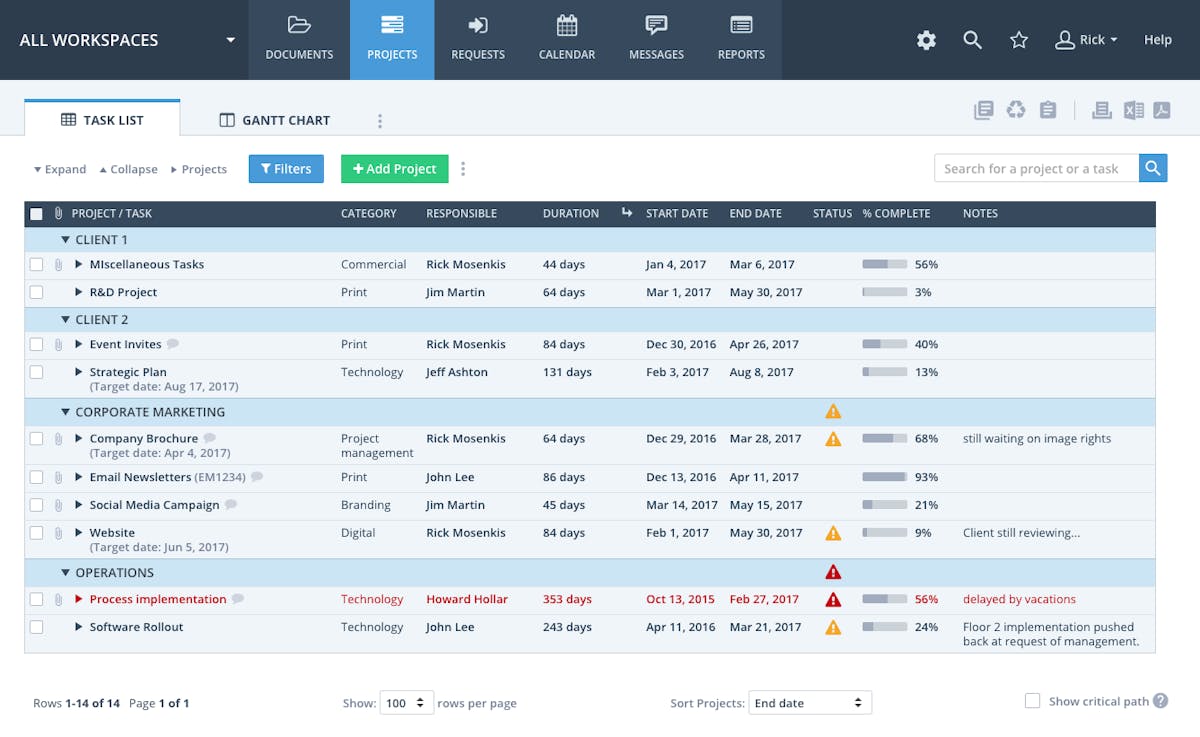
Workzone looks like a forum from 2015 that went to the gym for years and transformed into a project manager software.
We're not saying that's a bad thing. Its simple-to-use interface houses robust capabilities that come to the surface over time.
Workzone also provides unlimited support and is ideal for teams that don't wish to figure things out alone.
Pros
- Simple project management platform with unlimited support
- Native time-tracking
- Image markup tools to help with approvals
Cons
- Outdated design
- No free plan available
- Underpowered search function
- Costlier than several superior products on this list
Best For
- Mid-sized teams that need a lot of support while setting up their project management workflows
22. Adobe Workfront
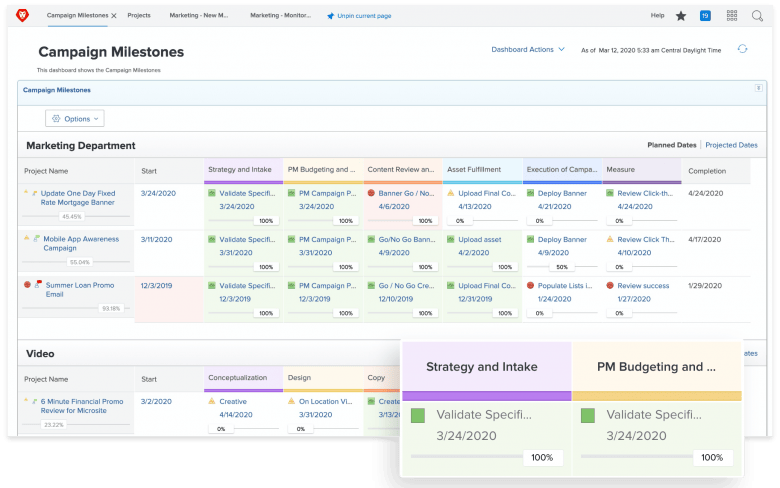
Adobe Workfront is a collaboration-heavy resource management & project planning software that comes with advanced analytics & reporting.
It is a part of the Adobe Experience Cloud and integrates flawlessly with G-Suite, Slack, Adobe Creative Cloud, Microsoft Teams, and more.
It's geared towards enterprises and assumes experience with project management tools on your part.
Pros
- AI-powered resource management that helps you allocate tasks based on team member’s bandwidth and skillset
- Integrates well with other apps in the Adobe Experience Cloud
- Powerful analytics and data visualization capabilities
- Built for enterprise-level approval workflows
- State-of-the-art online proofing features
Cons
- No free plan or trial available
- Complicated pricing; website doesn’t put tell how much each plan costs
- Not ideal for teams with straightforward workflows
Best For
- Enterprises with intricate hierarchies and complex workflows
23. ActiveCollab
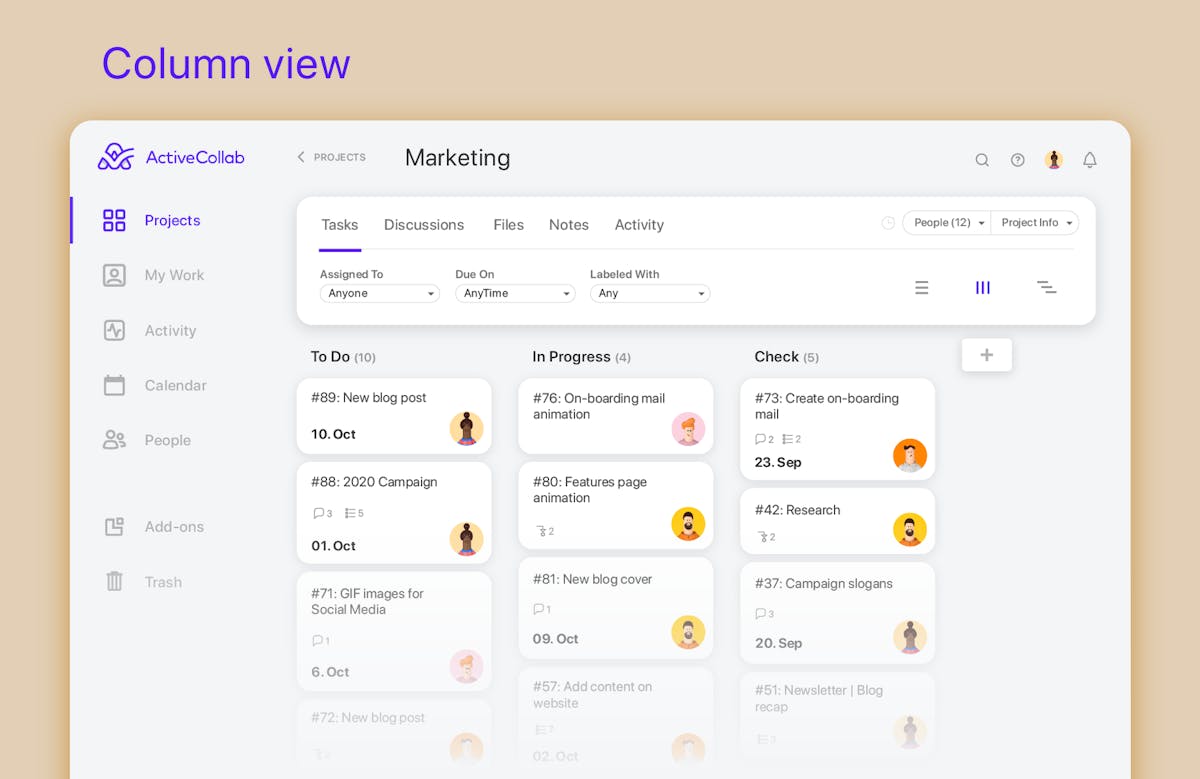
ActiveCollab is a holistic project management system with built-in time-tracking, invoicing, budgeting capabilities, and more.
It can help teams manage work, resources, clients, and time. It even has handy collaboration tools, including an in-app chat.
What about integrations? ActiveCollab supports quite a few, which you can leverage to build deep workflows.
There's also a mobile version just in case you want to manage projects on the fly.
Pros
- In-app chat with the ability to create custom groups
- In-app note taking with room for collaboration
- Impressive time-management: time-tracking, reporting, timesheet maintenance
- No-frills resource management with the ability to create export-ready custom reports
- Invoicing and budgeting capabilities
- Affordable pricing for pro plans
Cons
- Search function leaves more to be desired
- UI isn’t complex but feels uninspired
- A virtually non-existent onboarding experience
- Very difficult to discover advanced features by yourself
Best For
- Startups looking for affordable project management software that’s easy-to-use
24. MeisterTask
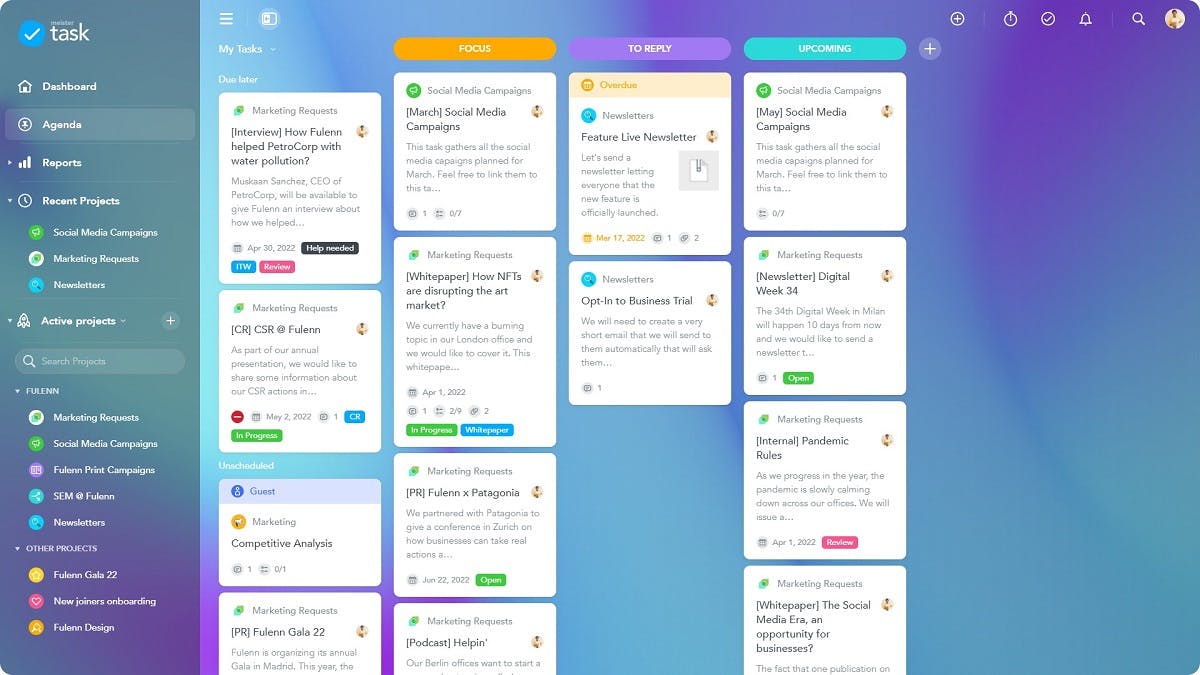
MeisterTask stands against the swiss-army knife approach to project management and proudly exists as a tool that *gets the job done*.
It optimizes team performance management — a category of its own in some right. But underneath that novel moniker is a simple, albeit limited, project management software.
That being said, the ease of use that MeisterTask embodies by trading off some advanced functionality is impressive.
It would’ve bagged a higher spot on this list if the free version was more powerful and custom fields weren’t pay-walled behind a price far higher than the industry average.
Pros
- Available across all platforms
- Easy task imports from Asana, Trello, and Wunderlist
- Clutter-free and intuitive user-experience
- The Pro plan is great value($4.19/month/user) for basic project management
Cons
- Custom fields are available from the business plan ($10.39/month/user) onwards
- Only three projects in the free tier
- Some users report delayed task synchronization between devices
- No calendar view
- Lacks portfolio management
Best For
- Small, excel-bound teams getting started with project management software
25. Height
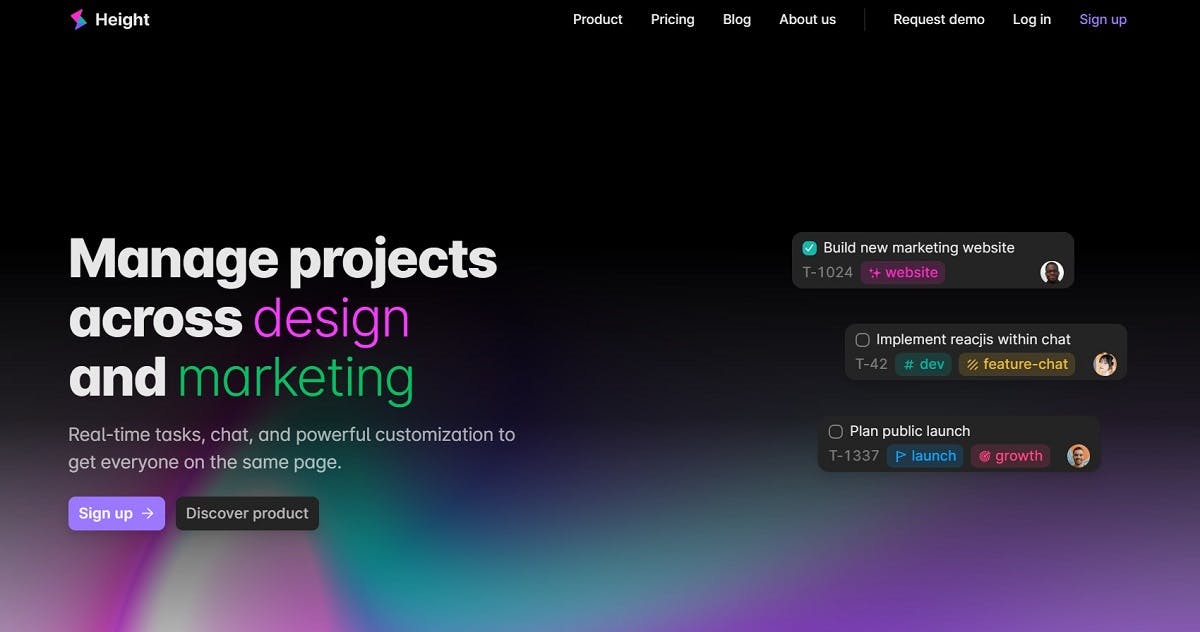
Height blends robust project management features with a refreshing, future-forward user experience.
It packs most bells and whistles you’re used to seeing in heavyweights like ClickUp and Asana, with some new features like code-to-task.
However, it’s still too young to survive the stringent approval protocols that enterprises typically have. That also explains why it lacks certain advanced features that seasoned project managers will miss.
Nonetheless, height deserves a spot on this list, for it seems like a disruptor in the making.
Pros
- Superb free version with all features unlocked
- Refined chat experience with rich messages, read receipts, inline replies, inline media, and more
- A modern, visually appealing UI
- Quick access to all features via customizable keyboard shortcuts
- VS Code extension that lets you turn code into tasks
Cons
- Lacks advanced features like dashboards, portfolio management, time-tracking, and resource management
- Pro plans offer better security but aren’t a big enough draw to upgrade from the free plan
- Founded in 2018, new entrant in the market with limited social proof
Best For
- Small and mid-sized teams with tech-strong members who can leverage the code-to-task feature
- Teams looking for a free project management solution
26. Plaky
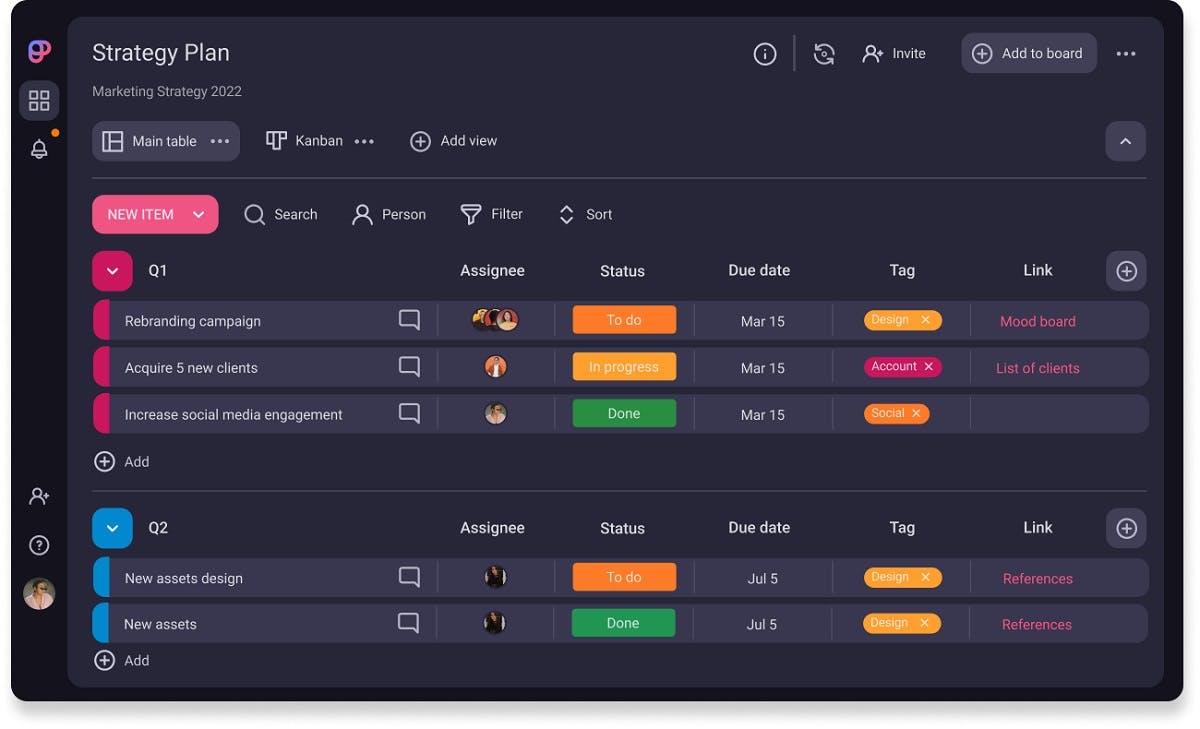
Plaky is a free project management software. Organizing and storing all your projects is easy and efficient with Plaky.
The platform is intuitive and user-friendly. Plaky allows its users to create boards to organize every project separately. You can also add cards with further information such as date, status, level of priority, type of project, and many more details that fit your project.
Plaky is perfect for beginners but also for those who have vast experience in project management.
Pros
- Intuitive interface
- Large number of board templates
- Free for any number of users
- Ability to store all client information in one place
Cons
- Limited integrations
- Limited board views
Best for
- Task management
- Small, mid-sized, and big businesses
- Beginners and more experienced professionals
One Last Piece of Advice
Phew! That was a long list, wasn't it?
But you braved it, and now you're here, knowing plenty about the best project management tools in the market.
We're so happy for you if you found the right tool for your needs when reading the list.
But if you're still a little iffy.
Here's a final recommendation: try SmartTask out for one project.
Business legends like Amul, ABB, Adecco, and Ecolab, along with 20,000+ teams, love working with us. So can you ;)
Give love a chance. Try Smart Task for free.
FAQs
1. What is a project management software?
Project management software is an essential tool for project planning, scheduling, resource allocation and change management. It allows project managers (PMs), stakeholders and users to control costs and manage budgeting, quality management and documentation. Project management software is also used for collaboration and communication between project stakeholders.
2. Do we have templates?
Yes, we have templates for all type of teams to get started with project management.
3. How to start a project?
From estimating and scoping to assigning resources, briefing your team, and the all-important first meeting with the client, there’s a minefield of tasks that can shape how your project develops. You have to set the tone for success.
So, SmartTask has it all covered in project initiation guide to equip you with the right tools, steps, and all you need to start off your project the right way and hopefully ease the future path.
4. What is project scheduling?
Scheduling is an important part of project management, as it ensures that all activities, deliverables, and milestones are accounted for. A schedule also typically includes a planned start and finish date, duration, and resources assigned to each activity. Having an effective schedule is essential for successful time management, especially for businesses that provide professional services.
5. How to prevent project scope creep?
Project scope management is the only weapon project managers can rely on to fight this creep-y nightmare. Having an effective project management process ensures that the project meets its intended purpose, goals, and scope requirements while escaping any unwanted changes.
💡 Some more interesting reads -
👉 25 Best Task Management Software for Work in 2024
Plan your resources smarter with one scalable client delivery management system.
Try it Live - It's FREE


