
Templates
Corporate Audit
The Corporate Audit Template streamlines audit tasks, ensures accountability, and provides a clear overview of the audit process, helping to manage deadlines, approvals, and responsibilities effectively.
Use TemplateCategories
What is a Corporate Audit Template?
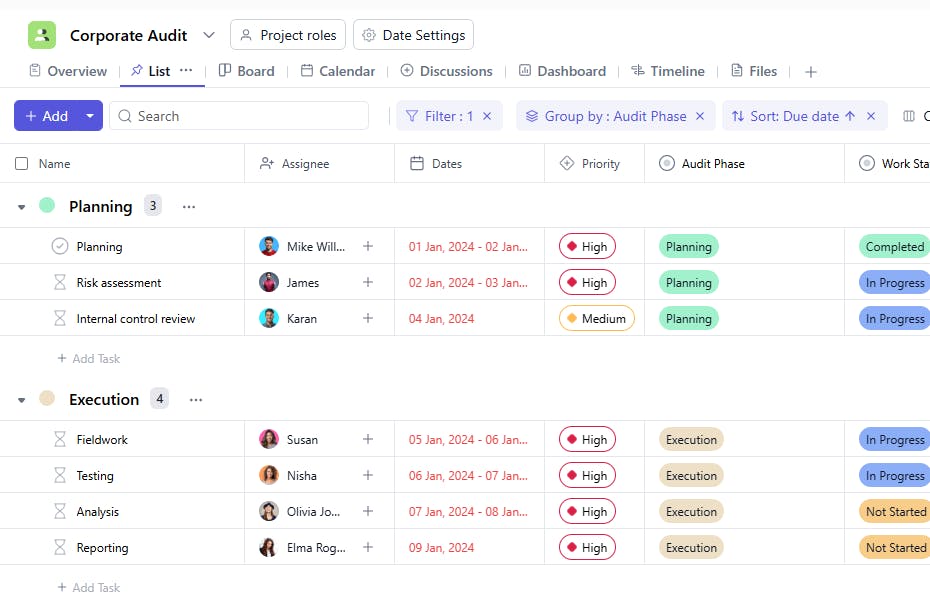
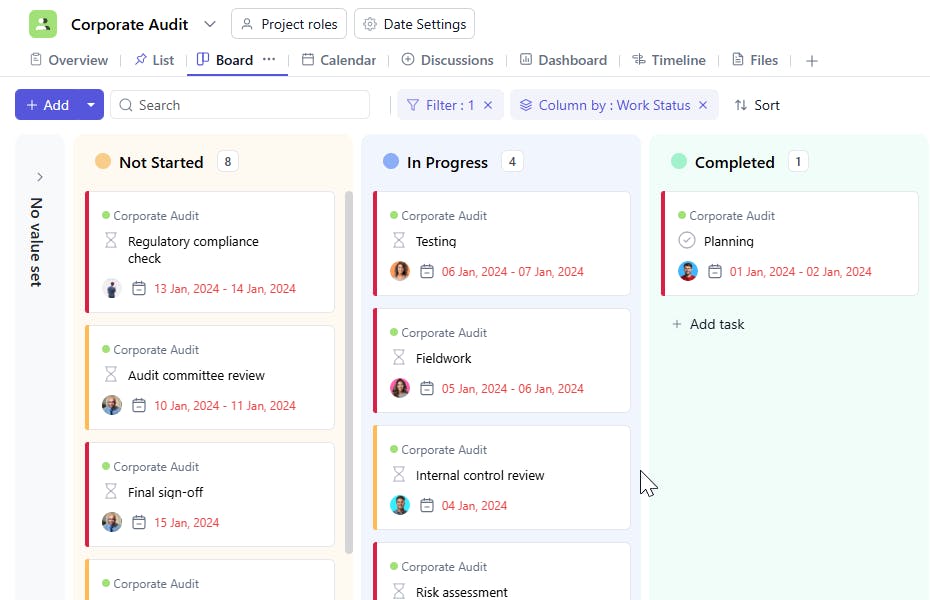
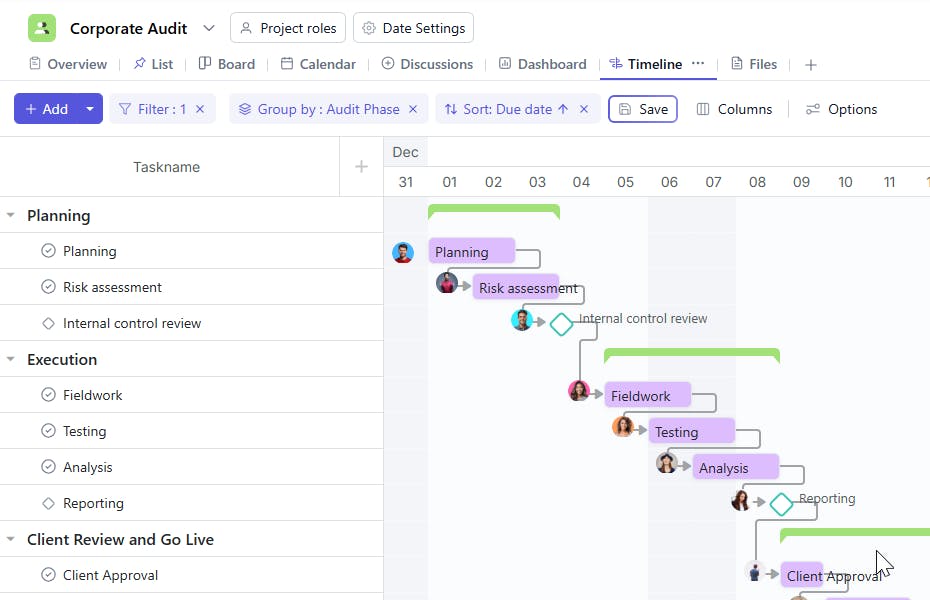
A Corporate Audit Template is a tool used to manage and organize audit tasks within a corporation. It includes key details such as task names, assignees, due dates, priorities, audit phases, reporting persons, approval statuses, stages, and start dates. This ensures a structured and efficient audit process, allowing for easy tracking and timely completion.
Here’s a closer look at its key features:
Corporate Audit Template: Key Features
- Comprehensive Audit Tracking: Capture essential information such as audit objectives, scope, findings, and action items to ensure a comprehensive audit process.
- Task Assignment & Monitoring: Assign team members to specific audit tasks, ensuring accountability and timely completion of each phase.
- Risk & Compliance Assessment: Track and assess risk areas and ensure compliance with legal, financial, and operational standards.
- Audit Findings Documentation: Record audit findings and generate reports that highlight key issues, risks, and areas for improvement.
- Audit Closure Tracking: Monitor the closure of audit tasks and ensure that corrective actions are implemented and issues are resolved.
How to Use the Corporate Audit Template?
Here’s a step-by-step guide to using SmartTask’s Corporate Audit Template:
- Set Up Audit Details: Start by entering the audit objectives, scope, and responsible parties for each audit.
- Assign Audit Tasks: Create tasks for each audit phase, such as data collection, risk assessment, and compliance review, and assign them to relevant team members.
- Track Findings and Risks: As you conduct the audit, document findings and assess potential risks or compliance issues.
- Generate Audit Reports: Use the template to generate audit findings and summary reports to highlight areas of concern.
- Implement Action Plans: Assign actions to resolve audit issues and monitor progress until issues are addressed and tasks are completed.
- Track Closure Dates: Set a closure date for each audit task to monitor progress and ensure timely resolution of audit findings.
Custom Fields for Enhanced Organization
This Corporate Audit Template includes the following fields for better tracking and management:
- Phase: Planning, Fieldwork, Reporting
- Reporting Person: The person responsible for reporting the task status.
- Approval Status: Pending, Approved, Rejected.
- Stage: In Progress, Completed
Additional Customization Options
Here are a few ways to further customize the Corporate Audit Template:
- Audit Category: Add a category for each audit task (e.g., Financial Audit, Compliance Audit).
- Audit Notes: Include a section for any special notes related to the task (e.g., Challenges, Delays).
- Audit Results: Track any audit findings or results for future reference.
- Deadline Reminders: Set automatic reminders for approaching deadlines.
- Audit Follow-ups: Add a field for follow-up actions after the audit is completed.


