
Templates
Customer Support Tickets
Managing customer support requests or tickets across teams can feel overwhelming. Here's how a customer support template can help.
Use TemplateCategories
Managing customer support requests across teams can feel overwhelming. Here's how a customer support template can help.
What is a Customer Support Tickets Template?
A customer support tickets template allows you to capture, organize, and track critical support requests from your customers. From initial contact to issue resolution, the template ensures consistent and efficient handling of all customer inquiries.
Here's a closer look at its key features:
Customer Support Template: Key Features
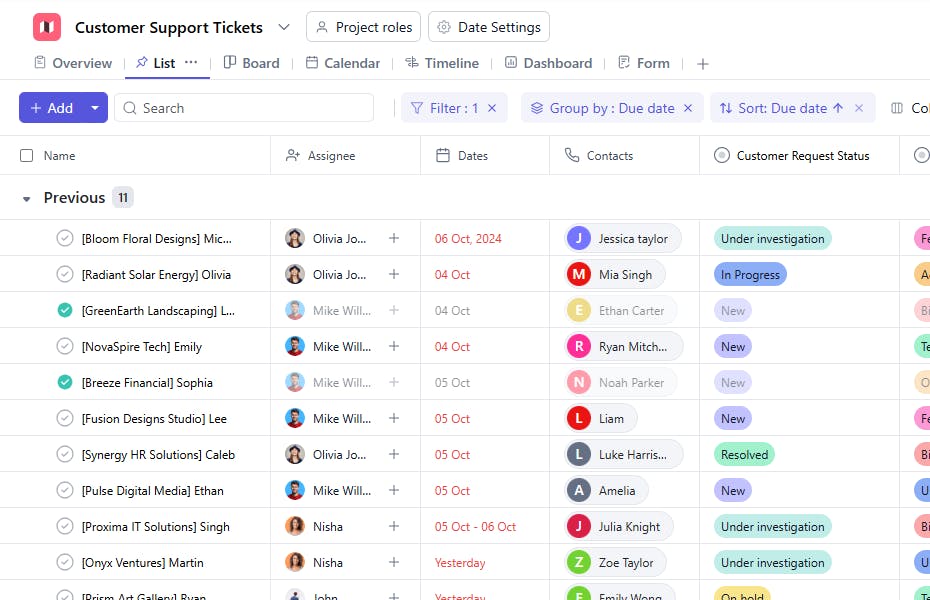
- Comprehensive Request Tracking: Monitor all customer interactions from initial inquiries to resolution—keeping everything organized and accessible.
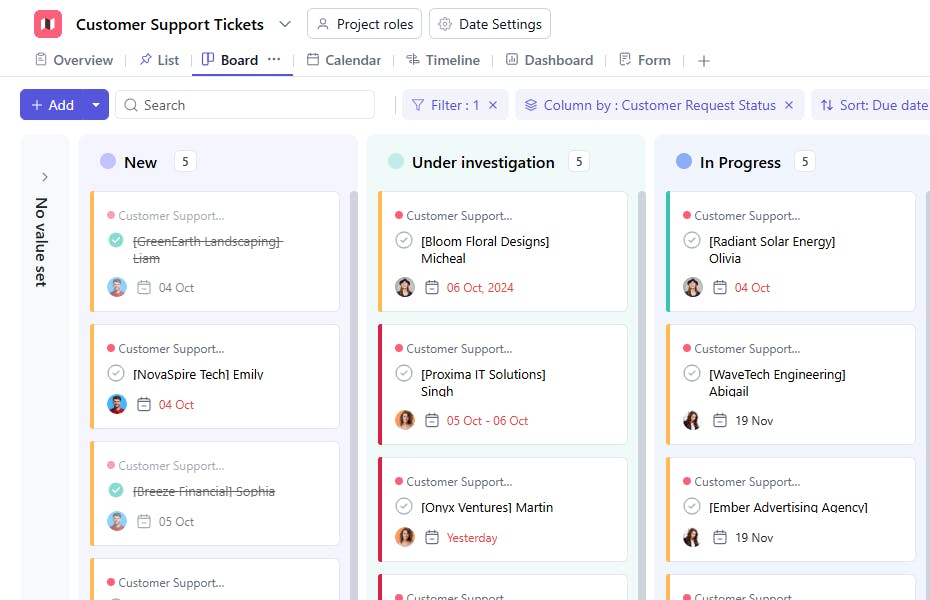
- Seamless Task Management: Track all support activities from ticket creation to closure, maintaining clear visibility of request status.
- Team Collaboration: Enable support staff to share updates and coordinate responses, keeping everyone aligned.
- Automated Workflows: Built-in assignment rules and notification systems help prevent delayed responses.
How to Use the Customer Support Template
Here's a step-by-step guide to using SmartTask's Customer Support Template for your team:
- Choose and Customize: Select the Customer Support Tickets Template from SmartTask's template library. Customize fields, response protocols, and tracking parameters as needed.
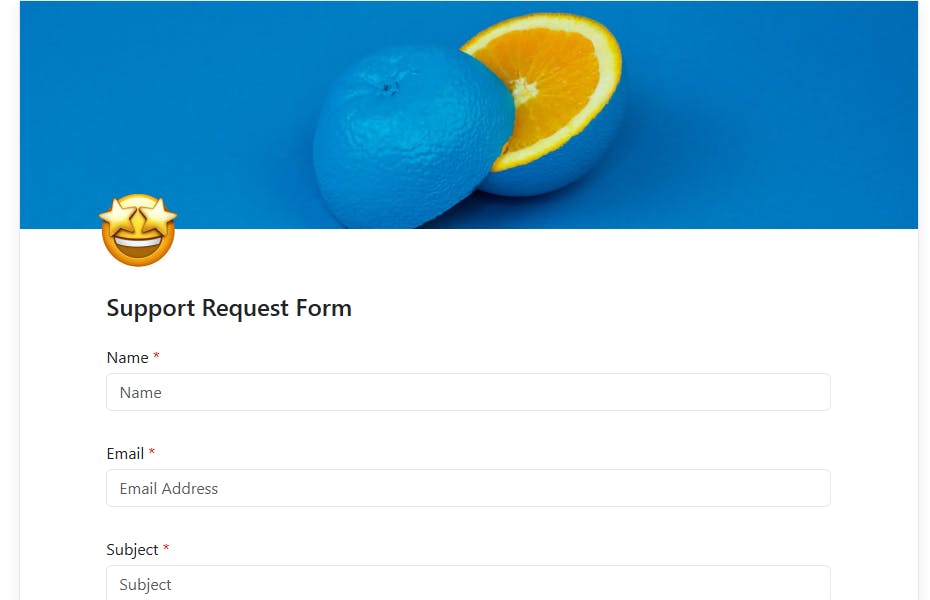
- Log Requests: Create new tickets for incoming support requests, capturing all essential details. This can be achieved through our Forms features, forms can be embedded directly in your website.
- Assign Support Staff: Delegate tickets to appropriate team members based on expertise and workload.
- Monitor Progress: Track resolution status and response times through the built-in tracking system.
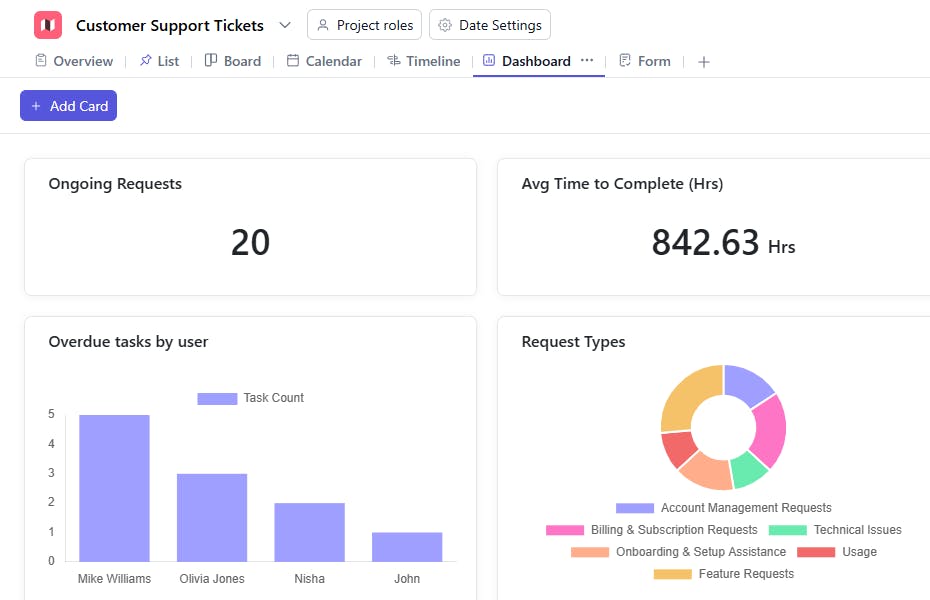
- Analyze Performance: Use SmartTask's analytics to identify trends and optimize support delivery.
Custom Fields for Enhanced Organization
SmartTask's customer support template includes several custom fields, including:
- Request Type: Type of issue.
- Customer Request Status: New, Investigating, Working, Closed
- Customer Request Type: Billing & Subscription Requests, Technical Issues, Feature Requests, Onboarding & Setup Assistance, Usage, Account Management Requests
- Time to Completion: Time it took to address a particular customer support request.
Additional Customization Options
Here are a few more ways to customize the Customer Support Template:
- Automated Responses: Set up automatic acknowledgments and updates for common requests.
- Real-Time Updates: Enable instant notifications for ticket updates and customer responses.
- Performance Metrics: Generate reports to track support team efficiency and satisfaction rates.
The customer support template is your one-stop tool for managing support requests and delivering exceptional customer service through organized ticket management.


