
Templates
Email Marketing Calendar
Running a successful email marketing campaign involves more than just sending out messages—it’s about planning, timing, and collaboration.
Use TemplateCategories
What is a Email Marketing Calendar Template?
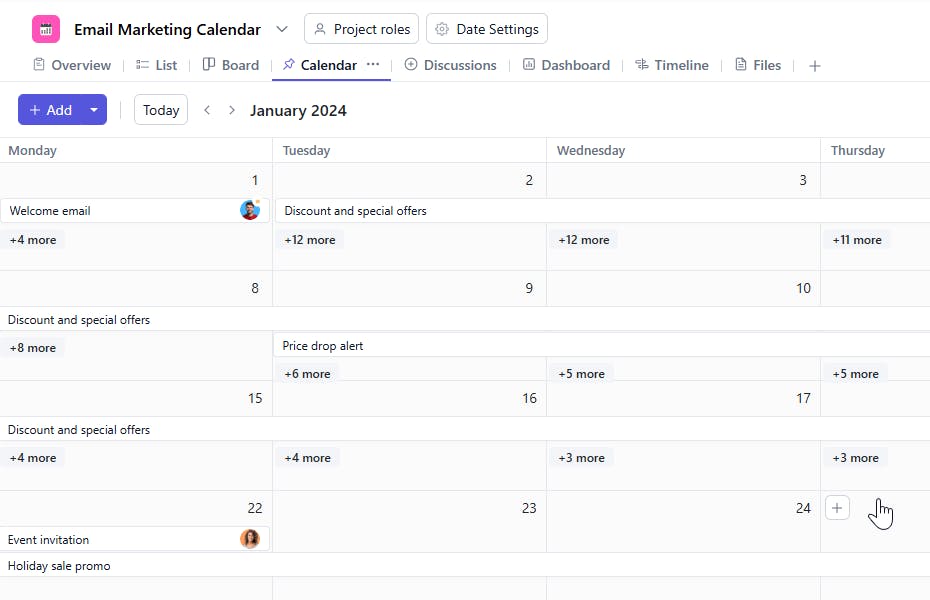
Planning email campaigns can quickly become overwhelming without a clear structure. An Email Marketing Calendar Template helps you stay on top of important dates, deadlines, and tasks, while ensuring your communication with customers is consistent and engaging.
Here's a closer look at its key features:
Email Marketing Calendar Template: Key Features
- Comprehensive Campaign Planning: From one-off emails to recurring campaigns, easily organize everything in one place.
- Real-Time Collaboration: Assign tasks, share updates, and track progress as a team to ensure nothing falls through the cracks.
- Automated Reminders: Set automatic reminders for upcoming tasks and deadlines to ensure timely execution.
- Analytics Integration: View campaign performance directly within the calendar, allowing you to tweak and optimize campaigns based on data-driven insights.
How to Use the Email Marketing Calendar Template
Here’s a simple guide to getting started with the Email Marketing Calendar Template:
- Select & Customize the Template: Choose the email marketing calendar template from SmartTask, or create your own custom calendar tailored to your needs.
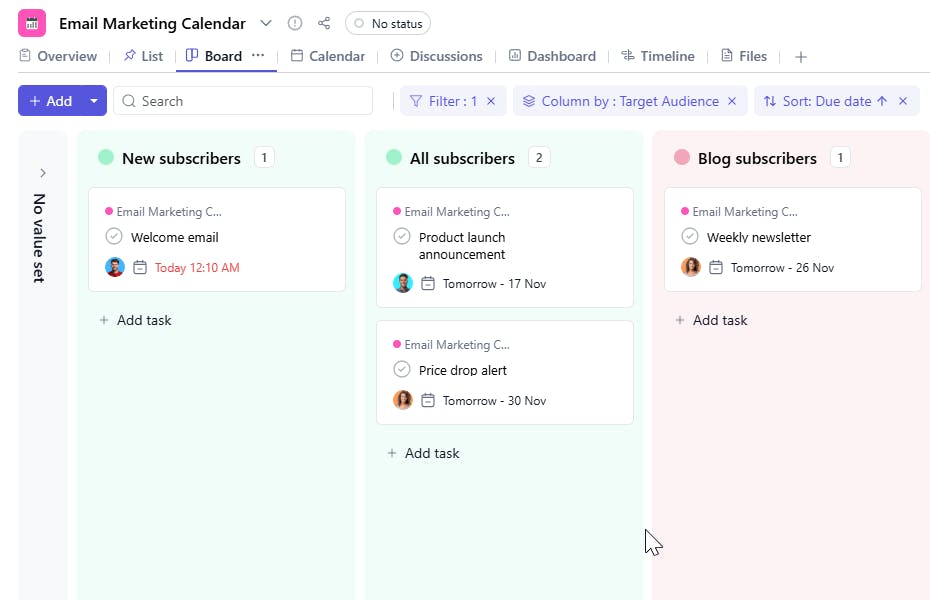
- Plan Your Campaigns: Add important details like campaign titles, target audience, and campaign type to keep your planning on track.
- Set Deadlines & Assign Tasks: Organize tasks like content creation, design, and approvals, and assign them to the appropriate team members.
- Automate Reminders: Set up automated reminders for key tasks and deadlines to keep everyone accountable and on schedule.
- Review & Refine: After each campaign, use SmartTask’s built-in reporting tools to evaluate performance and adjust future campaigns.
Custom Fields for Enhanced Organization
SmartTask's Email Marketing Calendar template includes several custom fields:
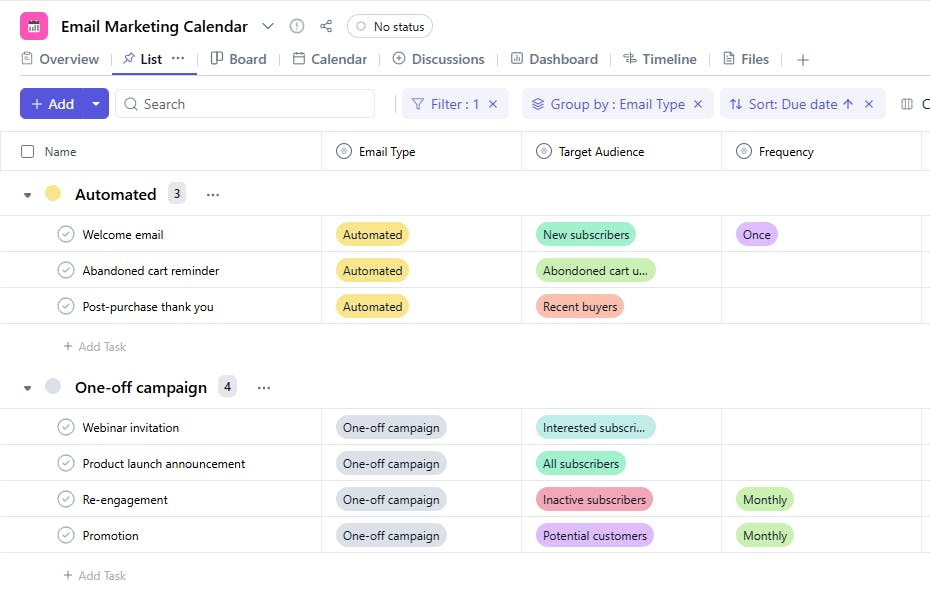
- Target Audience: New subscribers, All subscribers, Blog subscribers, Active customers, Abandoned cart users, Recent buyers , Existing customers, Potential customers, Industry professionals.
- Email Type: Automated, One-off, Seasonal, or Recurring.
- Status: Not Started, In Progress, Completed.
- Frequency: Once, As needed, Weekly, Seasonally, After cart inactivity, After purchase, Monthly, Before event
Additional Customization Options
- Task Dependencies: Link tasks together to ensure everything flows smoothly, from content creation to scheduling.
- Collaboration Tools: Enable team discussions and feedback through task comments or SmartTask’s chat feature.
- Visual Timelines: Use SmartTask’s visual timeline to see all your campaigns at a glance, helping you avoid scheduling conflicts and ensuring timely delivery.
With the Email Marketing Calendar Template, you can make your campaign planning process more streamlined and efficient, allowing you to focus on what matters most: creating engaging, high-impact email content.


