
Templates
Feature Requests
Managing features requests from dozens or even hundreds of customers can feel overwhelming. Here's how feature request template can help.
Use TemplateCategories
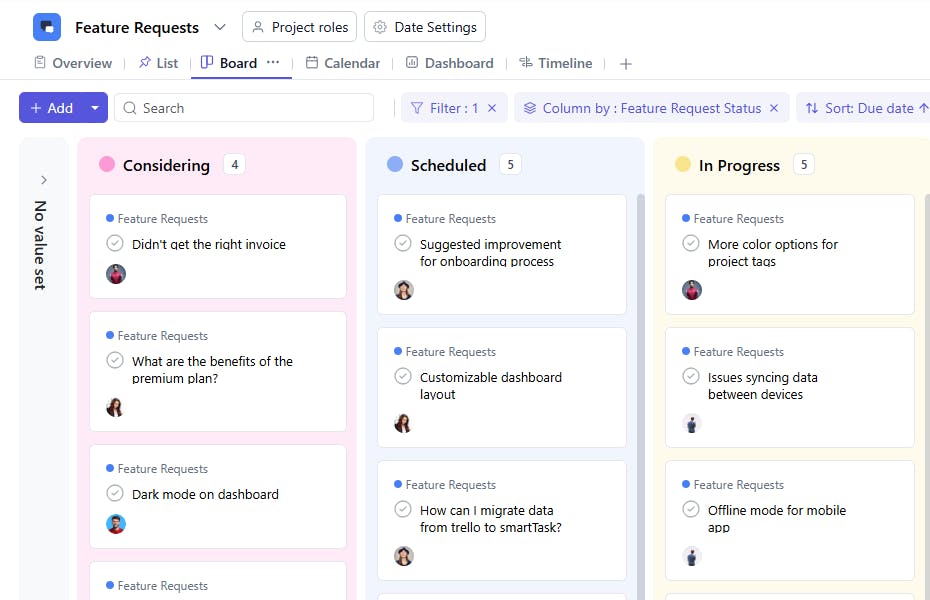
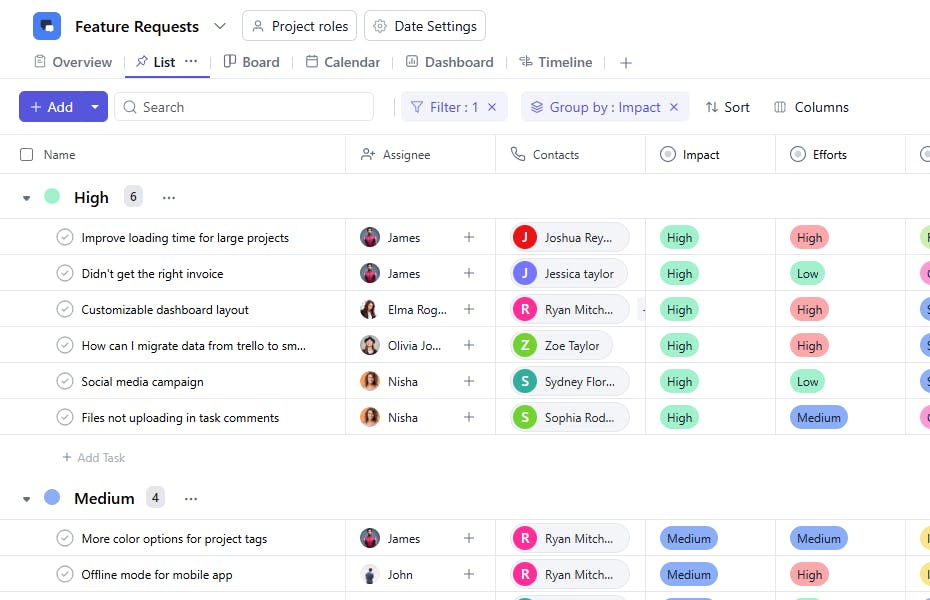
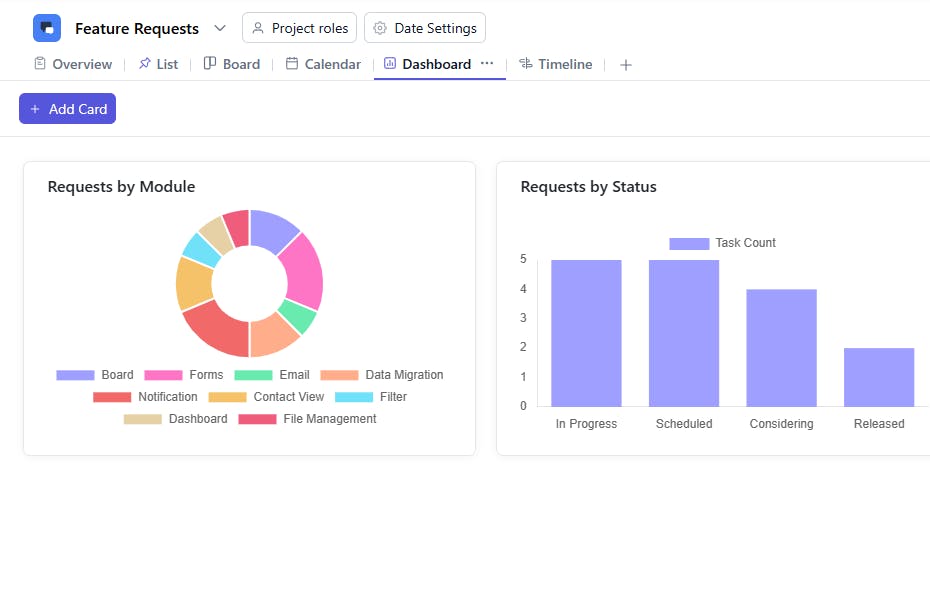
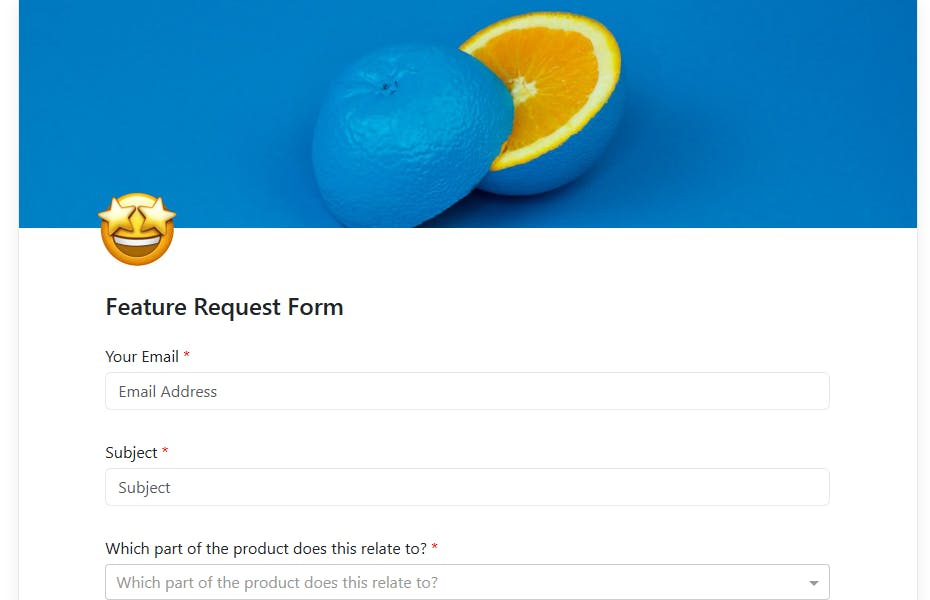
Managing product feedback and feature suggestions from multiple customers can get chaotic. A feature request template helps your team stay organized, prioritize effectively, and ensure the right features make it to your roadmap.
What is a Feature Request Template?
A feature request template allows you to capture, organize, and track product improvement ideas from your customers, prospects, or internal teams. It ensures every request big or small is logged, reviewed, and acted upon systematically, helping you make data-driven product decisions.
Feature Request Template: Key Features
- Centralized Feedback Collection: Capture all incoming feature requests in one place whether from customer support, sales, or user surveys.
- Prioritization Made Easy: Evaluate each request based on customer impact, number of votes, and efforts needed.
- Transparent Tracking: Keep customers and internal teams updated on feature request statuses from “Under Consideration” to “Released.”
- Collaborative Decision-Making: Enable product, engineering, and customer success teams to collaborate on prioritization and implementation.
How to Use the Feature Request Template
Here’s how to make the most of SmartTask’s Feature Request Template:
- Select and Customize: Choose the Feature Request Template from SmartTask’s template library. Add or modify fields such as impact level, votes, and product area to fit your workflow.
- Log Requests: Start adding feature suggestions from customers or teammates. You can also import existing feedback from spreadsheets or CRMs.
- Assign Ownership: Designate owners for reviewing, researching, or implementing each request.
- Set Priorities: Use custom fields like Impact or Votes to decide which requests to prioritize.
- Track Progress: Move requests through stages such as New, Under Consideration, Planned, In Development, and Released—so everyone stays informed.
Custom Fields for Better Organization
SmartTask’s Feature Request Template includes helpful custom fields like:
- Requester Contact: Person or team who suggested the feature
- Votes: Number of customers requesting this feature
- Impact: High, Medium, Low — based on how critical it is to users
- Feature Status: New, Under Review, Planned, In Development, Released
- Product Area: Module or functionality affected (e.g., Dashboard, Reports, Integrations)
Additional Customization Options
You can further enhance your feature request process with:
- Automated Workflows: Automatically assign reviewers or notify stakeholders when a request moves to the next stage.
- Customer Visibility: Share progress updates with customers to improve transparency and engagement.
- Visual Boards & Reports: Track the flow of requests using boards and dashboards for real-time visibility.


