
Templates
GST Filing
The GST Filing Template provides a structured framework to plan, manage, and track all GST-related activities for an organization. This template ensures that all filing stages, deadlines, and responsibilities are clearly defined — helping finance teams stay compliant, avoid penalties, and streamline their GST processes.
Use TemplateCategories
What is a GST Filing Template?
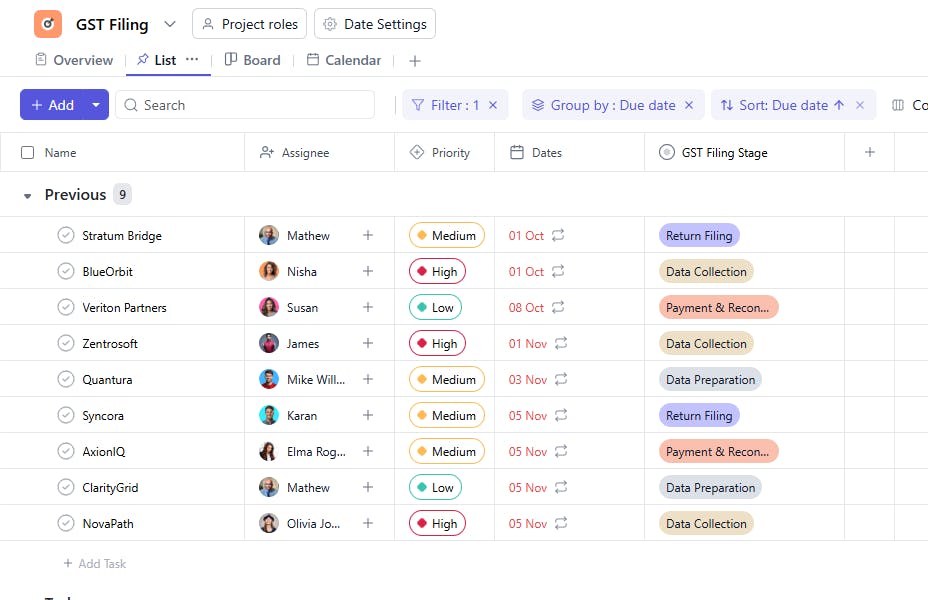
A GST Filing Template is a structured tool designed to help accounting teams, tax consultants, and finance departments manage all GST return activities efficiently. It includes fields such as task name, GST filing stage, assignee, due date, start date, and GST status — enabling accurate tracking of returns, timely filings, and improved visibility into compliance progress.
This template helps organizations manage multiple GST accounts, track filing timelines, and ensure that every stage — from data preparation to final submission — is completed on time.
Here’s a closer look at its key features:
GST Filing Template: Key Features
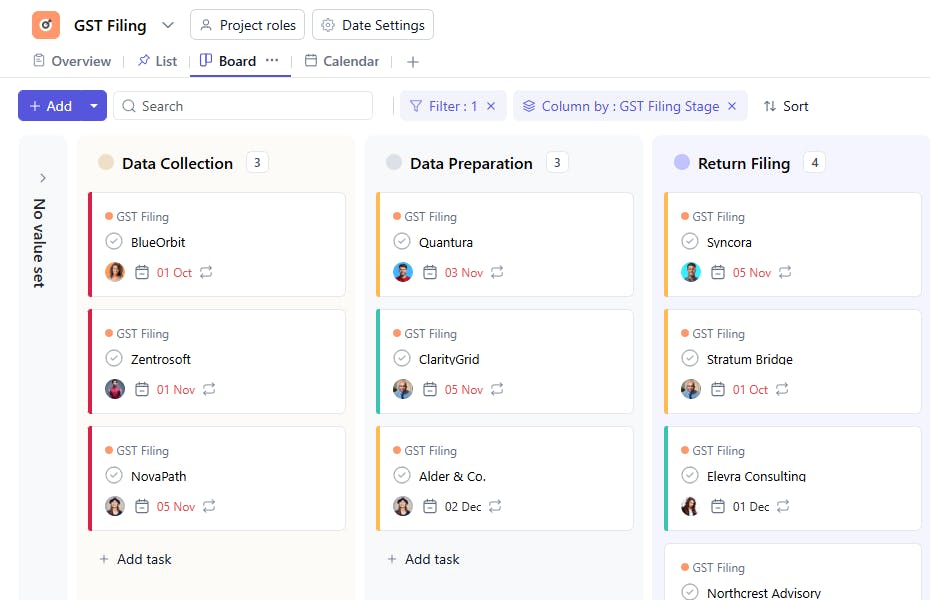
- Stage-Wise GST Tracking: Manage different stages of GST filing such as data collection, return preparation, reconciliation, and submission.
- Deadline Management: Use due dates to ensure all returns are filed within the prescribed timelines.
- Team Accountability: Assign tasks to team members to track ownership and progress.
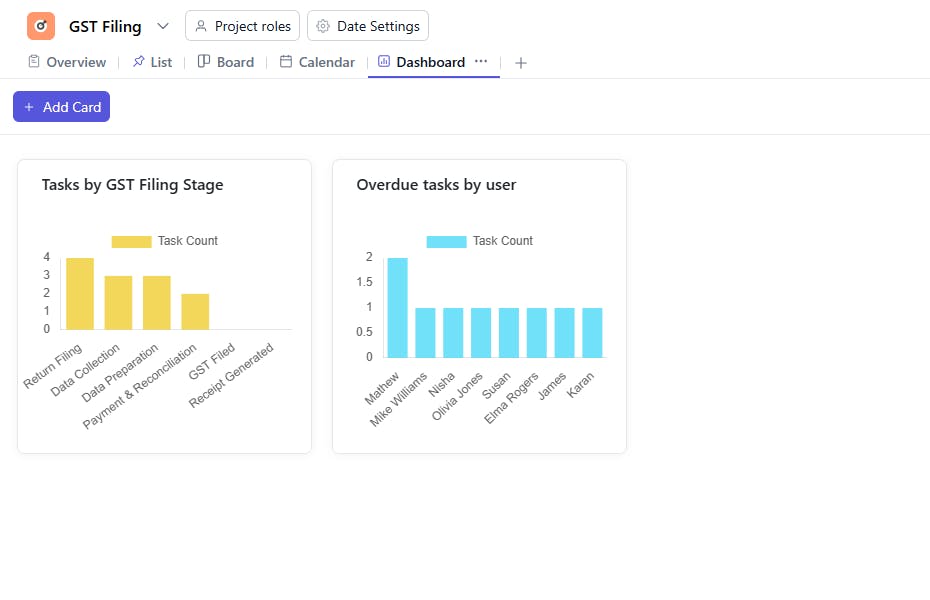
- Compliance Visibility: View GST status in real-time to identify pending or completed filings.
- Scalable Structure: Easily manage GST filings for multiple clients, entities, or branches within one organized workspace.
How to Use the GST Filing Template
Here’s a simple guide to getting started with the GST Filing Template:
- Select and Customize: Choose the GST Filing Template from your project management tool. Customize it with your organization’s filing periods and GST types.
- Add Filing Activities: Create tasks for each GST activity — such as data verification, GSTR-1 preparation, and reconciliation.
- Assign Responsibilities: Allocate assignees to each task to ensure accountability.
- Set Dates and Stages: Define the start and due dates and categorize tasks by GST filing stages.
- Track Filing Progress: Update the GST status as each filing moves from “Not Started” to “Filed” or “Under Review.”
Custom Fields for Enhanced Organization
This GST Filing Template includes the following fields for detailed tracking and management:
- Task Name: Represents the specific GST filing activity (e.g., GSTR-1 Preparation, Payment Reconciliation, Return Submission).
- GST Filing Stage: Indicates the current phase such as Data Collection, Preparation, Reconciliation, Filing, or Audit.
- Assignee: The accountant or team member responsible for completing the filing activity.
- Start Date: The date when the GST task or filing process begins.
- Due Date: The deadline by which the GST return or activity must be completed.
- GST Status: Reflects the progress — Not Started, In Progress, Filed, or Pending Verification.
Additional Customization Options
Here are a few ways to further customize the GST Filing Template:
- GSTIN: Record the GST Identification Number for each entity.
- Filing Period: Mention the return period (monthly, quarterly, or annual).
- Return Type: Specify GSTR-1, GSTR-3B, GSTR-9, etc.
- Payment Amount: Add the amount of tax payable or refund due.
- Remarks / Notes: Include additional comments or special instructions.


