
Templates
Hiring Requests
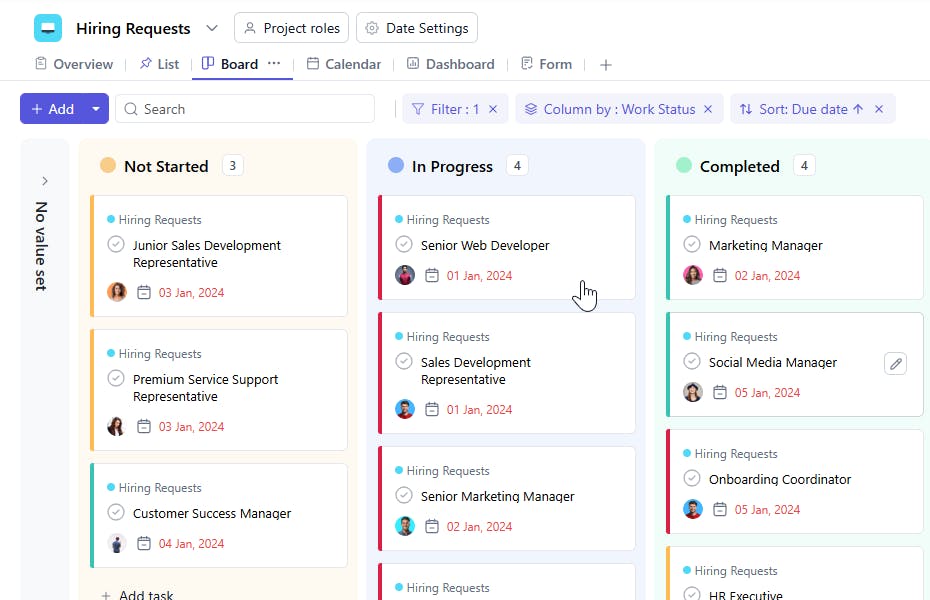
The Hiring Requests Template streamlines the process of raising, managing, and tracking hiring needs across your organization. From initial role request to posting and coordination with recruitment teams, this template ensures clarity, accountability, and faster hiring cycles.
Use TemplateCategories
What is a Hiring Requests Template?
A Hiring Requests Template is a structured framework that helps teams submit hiring requirements, capture essential details, and track the status of each request. It aligns hiring managers, HR, and stakeholders so that nothing slips through the cracks - from defining the role to going live on job platforms.
This template eliminates back-and-forth, brings transparency, and standardizes how hiring requests move through your internal process.
Hiring Requests Template: Key Features
- Standardized Hiring Intake Process
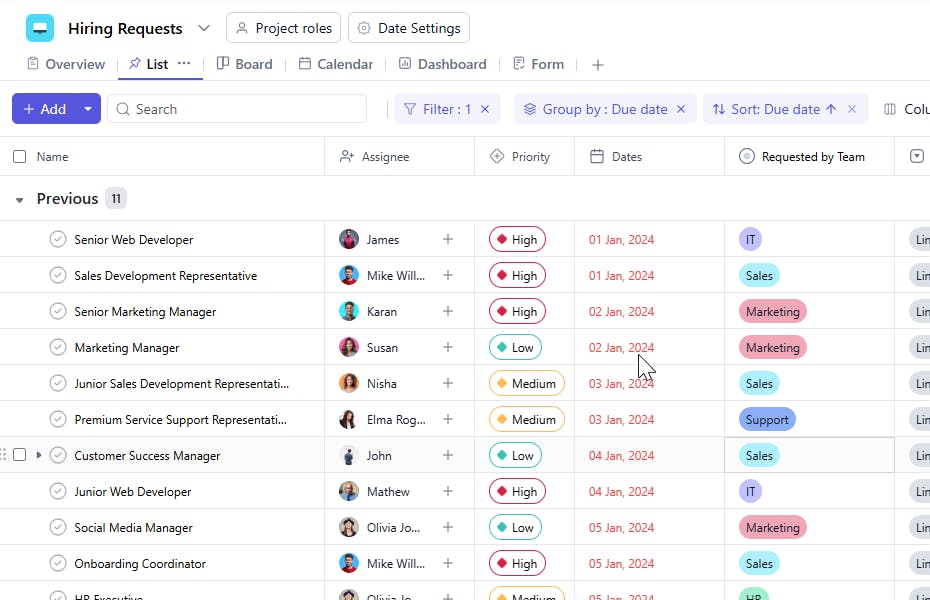
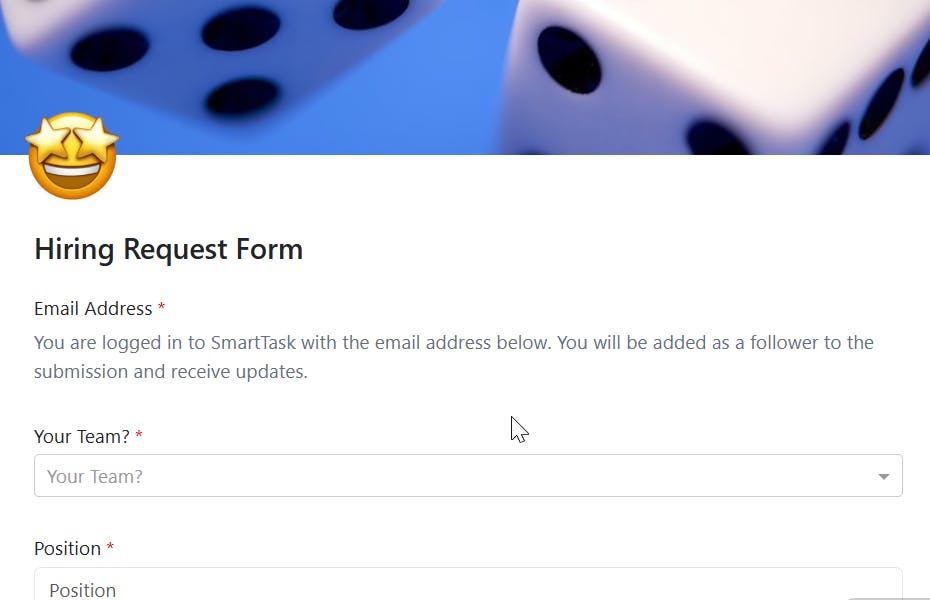
- Capture all necessary information upfront - role title, department, job type, required skills, urgency, and justification reducing delays and clarifications.
- Smooth Collaboration Across Teams
- HR, team leads, and management can discuss requirements, share feedback, and track progress in one place.
- End-to-End Visibility
- Track each request from creation → approval → job posting → candidate screening → final hiring decision.
- Customizable for All Departments
- Whether it's marketing, tech, sales, or operations, easily tailor fields and workflow based on the nature of the role.
How to Use the Hiring Requests Template
Follow these steps to get started with SmartTask’s Hiring Requests Template:
- Create a New Project
- Click "New Project" in SmartTask and select the Hiring Requests Template.
- Enter Request Details
- Fill in role details, required qualifications, expected salary range, urgency, and justification.
- Assign HR & Stakeholders
- Bring HR, department heads, and relevant approvers into the conversation early.
- Track Platform Publishing
- Once approved, HR can mark which job platforms the role will be posted on and update the Work Status accordingly.
- Monitor the Hiring Progress
- Stay updated as candidates apply, get screened, move to interviews, and reach final selection.
Custom Fields for Better Tracking & Organization
This Hiring Requests Template includes essential custom fields for seamless coordination:
- Requested by Team
- Specify which team (e.g., Marketing, Product, Engineering, Sales, HR) raised the hiring request.
- Job Platforms
- Track where the job will be or is currently posted. Examples:
- LinkedIn, Indeed, Naukri, AngelList, GitHub Jobs, Stack Overflow Jobs, ZipRecruiter, WeWorkRemotely, Workable, Monster
- Work Status
- Monitor progress with clear statuses like:
- Not Started, In Progress, Under Review, Posted, Screening Candidates, Interviews Ongoing, Finalizing Offer, Completed
Additional Customization Options
Enhance the template further to match your internal hiring workflow:
- Role Priority (Critical / High / Medium / Low)
- Approval Status (Pending, Approved, Revisions Required)
- Budget / Compensation Range
- JD Approval Notes
- Candidate Pipeline Tracking
- Follow-Up Actions (e.g., refresh job posting, review pipeline weekly)


