
Templates
HR Requests
The HR Requests Template streamlines the management and tracking of HR-related tasks and requests, ensuring efficient handling and timely resolution of employee concerns.
Use TemplateCategories
Slide 1 of 4 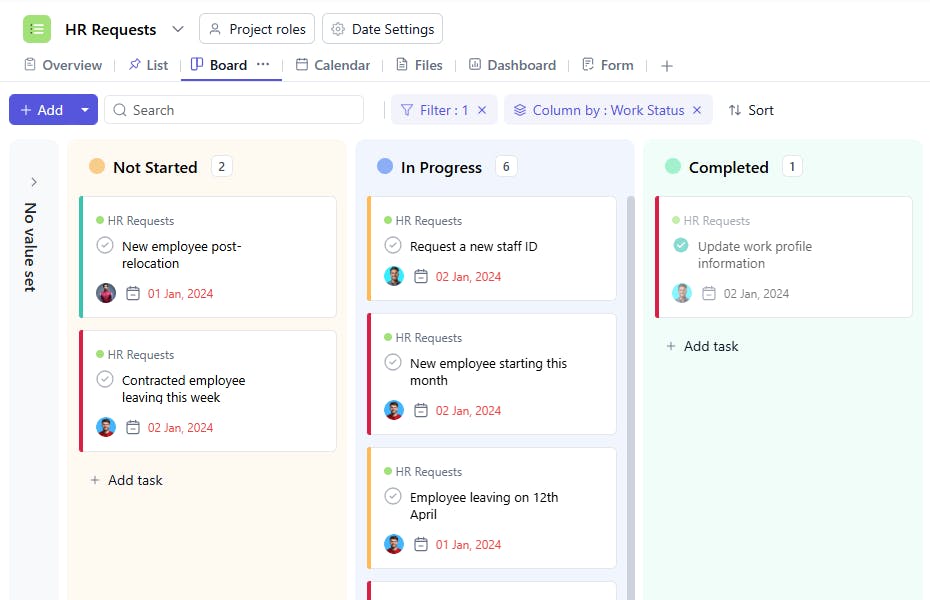
Slide 2 of 4 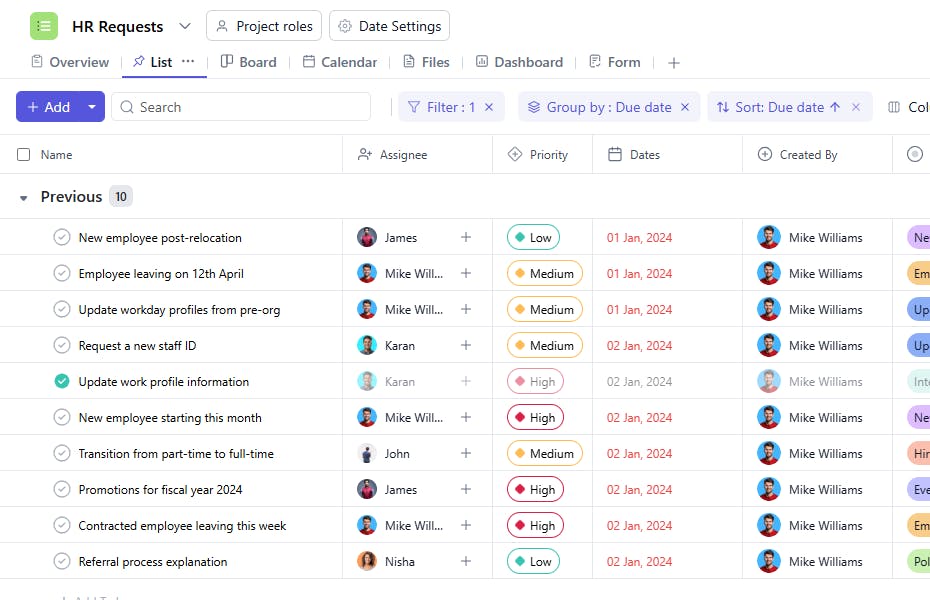
Slide 3 of 4 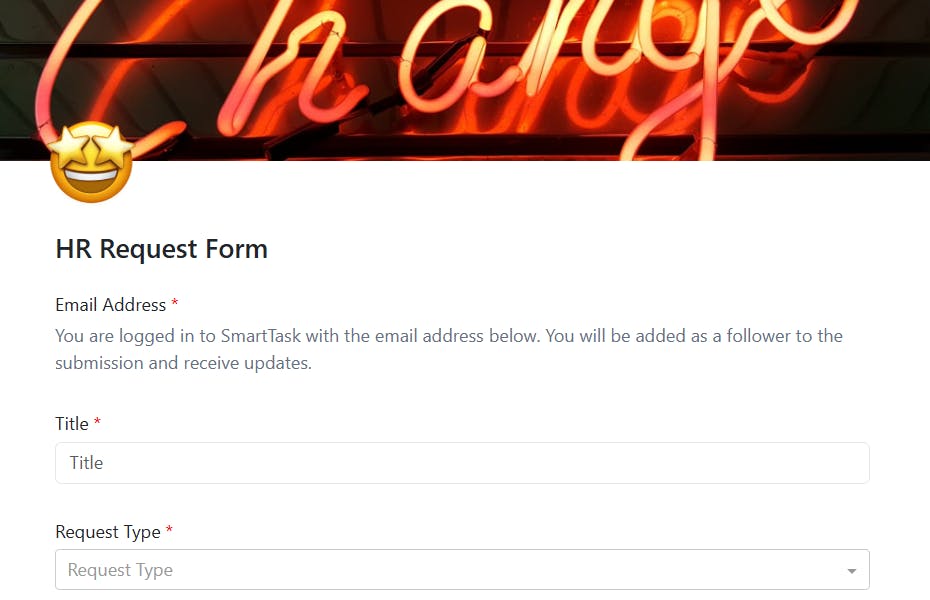
Slide 4 of 4 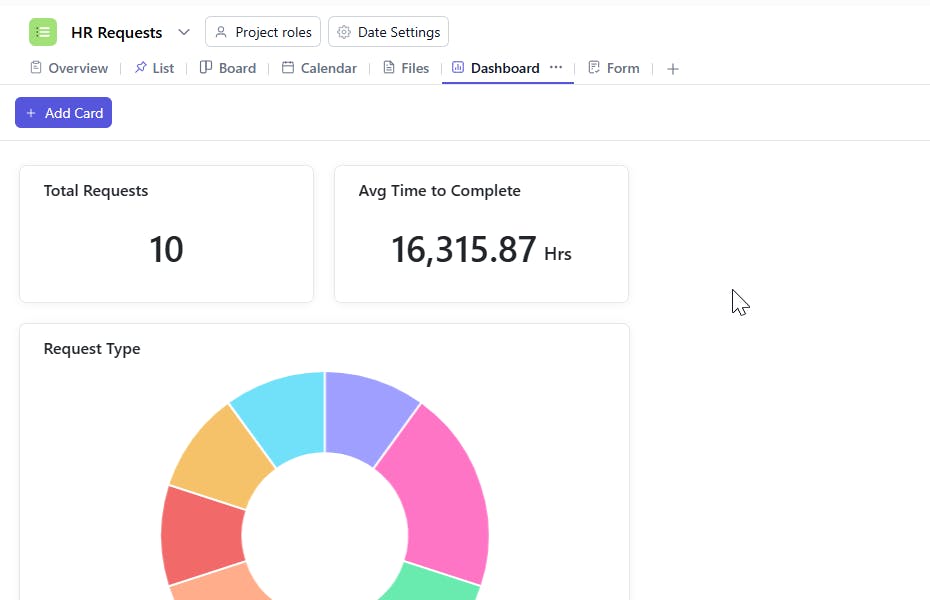
What is a HR Requests Template?
An HR Requests Template provides a structured framework to organize, assign, and track HR tasks and requests. It ensures that all requests are handled in an orderly manner with clear accountability and prioritization, fostering a smooth workflow within the HR department.
Here’s a closer look at its key features:
HR Requests Template: Key Features
- Structured Workflow: The template organizes HR requests into clear phases, making it easier to manage tasks and ensure requests are addressed on time.
- Efficient Collaboration: Built-in collaboration tools allow HR teams, managers, and employees to stay aligned, share updates, and provide feedback.
- Customizable to Your Needs: Whether you’re managing leave requests, payroll issues, or employee development, the template can be adjusted to fit your organization’s specific HR needs.
How to Use the HR Requests Template?
Here’s a step-by-step guide to using SmartTask’s HR Requests Template:
- Create a New Project: Log into SmartTask, click “New Project,” and select the HR Requests template.
- Customize Your Workflow: Tailor the template to your needs by adding request categories such as leave requests, performance evaluations, or employee benefits.
- Organize HR Phases: The template guides you through different stages of HR tasks, such as approval workflows, feedback gathering, and status updates.
- Collaborate in Real-Time: Use SmartTask’s built-in tools to share updates, comments, and feedback with team members and employees.
- Finalize and Process: Once a request is resolved, ensure the final step involves confirming the action taken and notifying relevant stakeholders.
Custom Fields for Enhanced Organization
This HR Requests Template includes the following fields for better tracking and management:
- Request Type: Employee Onboarding, Profile Update, Organize Event, Hiring Request
- Work Status: In Progress, On Hold, Completed
Additional Customization Options
Here are a few ways to further customize the HR Requests Template:
- Comments Section: Add a section for additional notes or comments related to the request.
- Escalation Tracking: Include a field to track if a request has been escalated.
- Follow-Up Actions: Add a section to log any follow-up actions taken post-resolution.


