
Templates
Interior Design
Managing interior design projects — from layouts and color schemes to client expectations — can feel overwhelming. Here's how an interior design template can help.
Use TemplateCategories
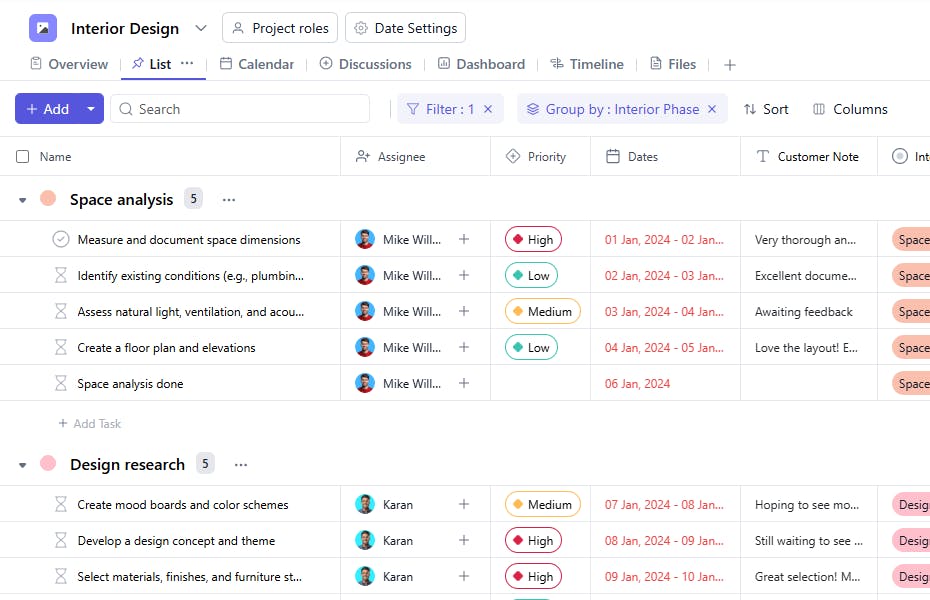
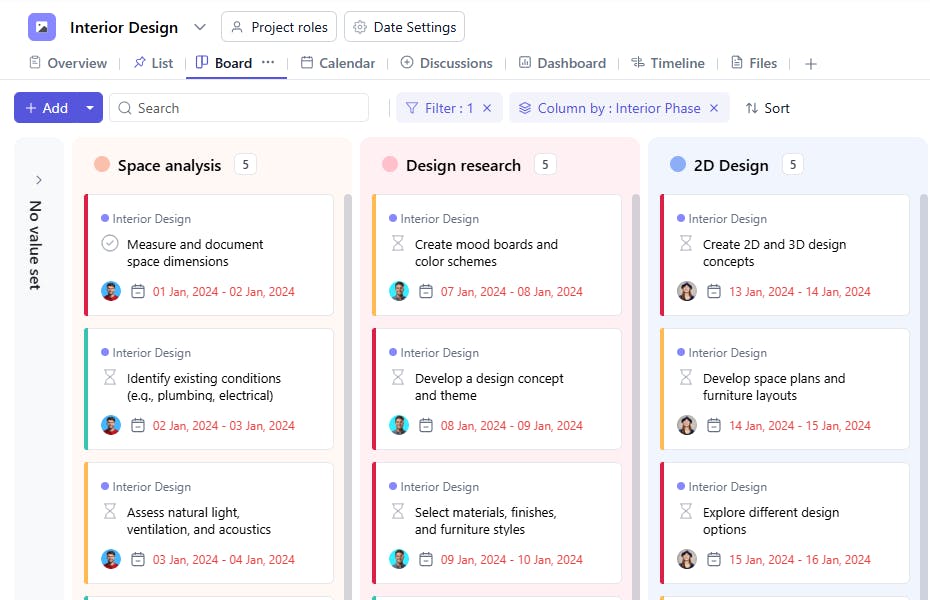
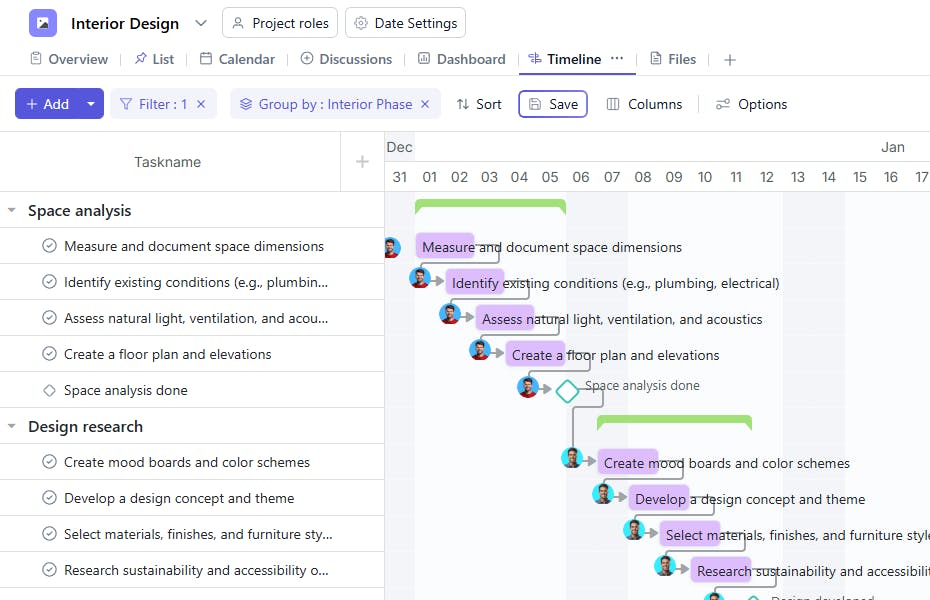
What is an Interior Design Template?
An interior design template serves as your project's foundation for organizing, planning, and executing design projects efficiently. From space planning to final installations, the template helps manage every aspect while keeping client satisfaction at the forefront.
Here's a closer look at its key features:
Interior Design Template: Key Features
- Comprehensive Project Management: Organize all project elements—from initial concepts to final installations—in one central location. This ensures smooth coordination across all phases.
- Design Planning Tools: Track layouts, color schemes, materials, and furnishings while maintaining clear documentation of all design decisions.
- Collaborative Workflow: Enable real-time communication between team members, contractors, and clients to keep everyone aligned.
- Budget Tracking: Monitor expenses, track invoices, and manage project costs effectively.
How to Use the Interior Design Template
Here's a step-by-step guide to using SmartTask's Interior Design Template for your next project:
- Setup Project: Select the Interior Design Template from SmartTask's library. Customize phases, timelines, and workflows to match your project requirements.
- Plan Design: Begin documenting space requirements, design concepts, and material selections in organized sections.
- Assign Tasks: Delegate responsibilities to team members and contractors, tracking progress in real-time.
- Manage Timeline: Create detailed project schedules, from initial consultation to final installation.
- Track Progress: Monitor project status, update milestones, and communicate with stakeholders using SmartTask's collaboration features.
Custom Fields for Enhanced Organization
SmartTask's interior design template includes several custom fields, including:
- Phase Status: Space Analysis, Design Development, Installation
- Reviewed by Clients : Yes, No
- Approval Status: Approved, Pending, Rejected
- Client Review: Required, Completed, Not Required
Additional Customization Options
Here are a few more ways to customize the Interior Design Template:
- Project Phases: Add custom stages to match your unique design process and workflow
- Client Communication: Set up automated updates and feedback channels for better engagement
- Visual Planning: Create mood boards and design presentations within the template
The interior design template is your one-stop tool for coordinating every aspect of your design projects while delivering exceptional results for your clients.


