
Templates
IT Support Ticket Management
Managing support tickets can quickly become overwhelming when handling dozens — or even hundreds — of customer inquiries. Here's how a support ticket management template can help.
Use TemplateCategories
What is a Support Ticket Management Template?
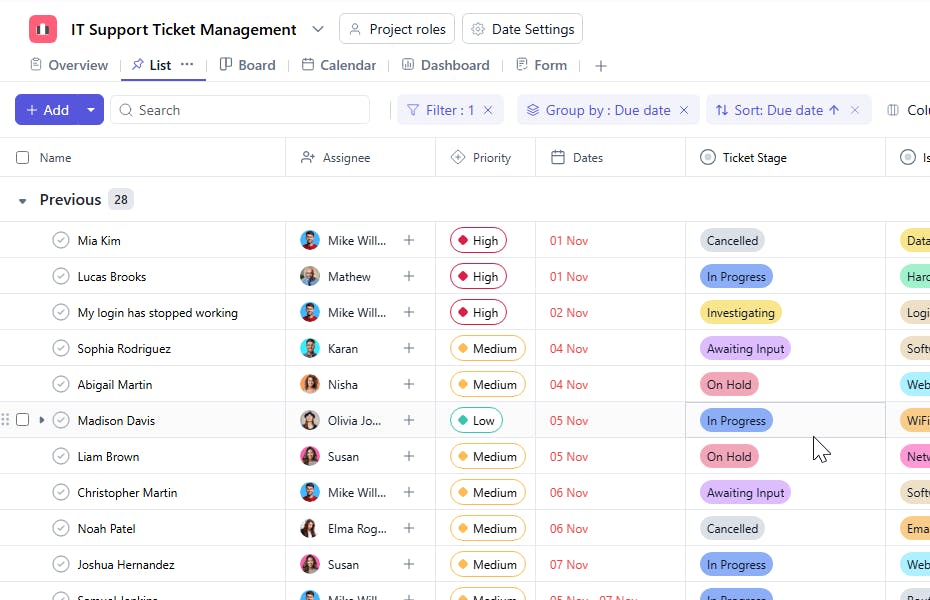
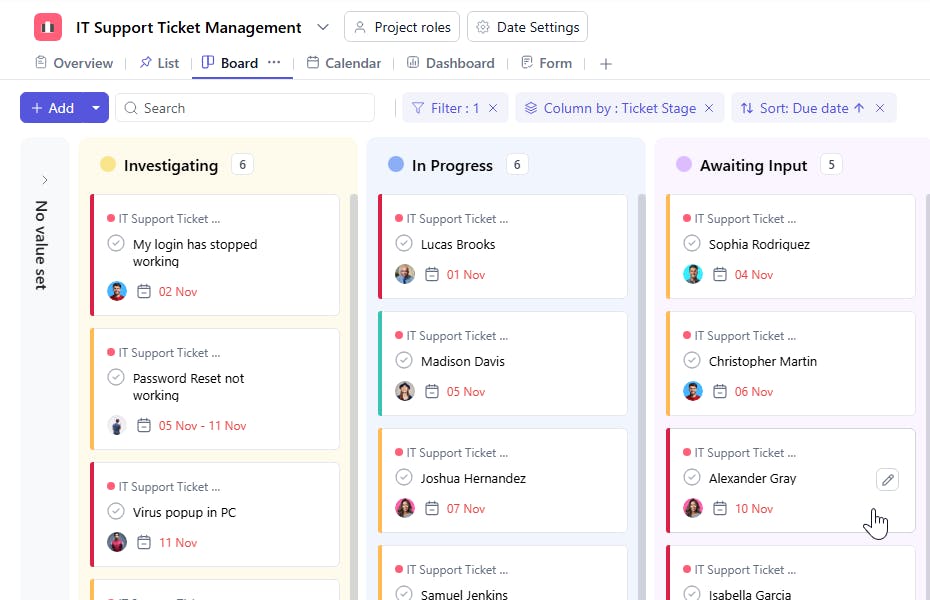
A support ticket management template enables you to capture, organize, and track all customer support requests efficiently. From initial contact to final resolution, the template ensures you deliver consistent, high-quality support to every customer.
Here's a closer look at its key features:
Support Ticket Template: Key Features
- Standardized Workflow: Implement a consistent process for every support ticket, ensuring organized and efficient issue resolution across your team.
- Centralized Information: Track all customer tickets in one place, making it easy to monitor progress from creation to completion.
- Performance Analytics: Access built-in metrics to measure team performance and identify areas for improvement.
- Automated Alerts: Receive instant notifications about new tickets, approaching deadlines, and status updates to prevent delays.
How to Use the Support Ticket Template?
Here's a step-by-step guide to using SmartTask's Support Ticket Management Template:
- Access and Setup: Log into SmartTask, navigate to "Templates," and select the Support Ticket Management template to begin.
- Customize Fields: Configure ticket categories, priority levels, and workflow stages to match your support process.
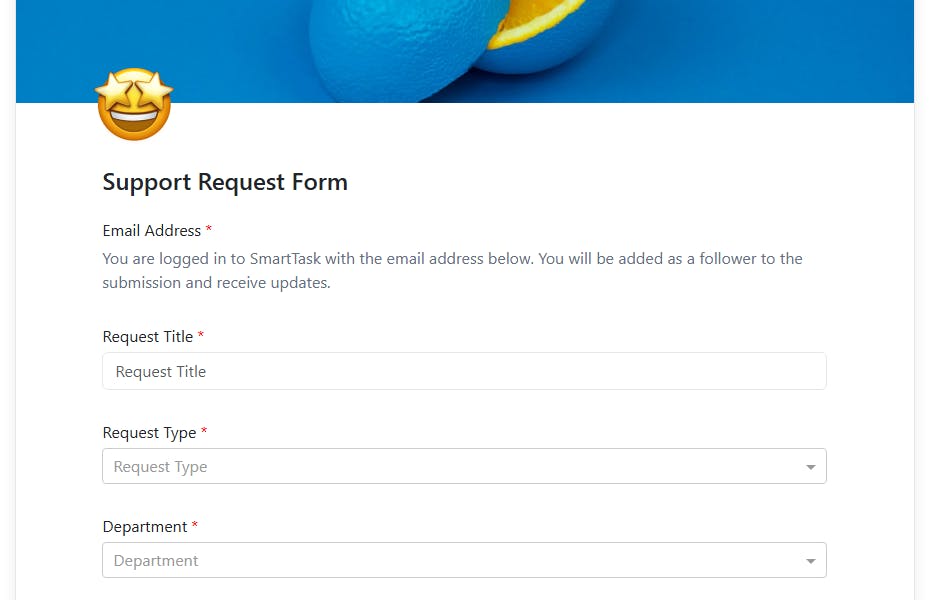
- Create Tickets: Log new support requests and assign them to appropriate team members for resolution.
- Track Progress: Monitor ticket status, update information, and ensure timely resolution of all customer issues.
- Analyze Performance: Review support metrics and adjust processes to improve efficiency and customer satisfaction.
Custom Fields for Enhanced Organization
SmartTask's support ticket template includes several custom fields:
- Ticket ID: Unique ID for each ticket that is generated
- Issue Type: Login Error, Virus Removal, Software Bug, Network Connectivity, Account Lockout , Account Lockout, Hardware Failure, Website Down.
- Stage: New, Resolved, Reopened, Escalated, On Hold, Closed, Cancelled
- Location: Which location in the office is facing issue the IT related issue.
Additional Customization Options
Here are a few more ways to customize the Support Ticket Template:
- Automated Workflows: Set up automatic ticket routing and status updates based on predefined rules.
- Team Collaboration: Enable real-time communication through comments, chat, and status updates.
- Custom Reporting: Generate detailed reports to track support team performance and identify trends.
The support ticket management template is your comprehensive solution for streamlining customer support operations and ensuring consistent, high-quality service delivery.


