
Templates
Marketing Request Management
The Marketing Request Management Template is a versatile tool for ensuring marketing requests are efficiently handled, enhancing productivity, and maintaining clear communication between teams and clients.
Use TemplateCategories
What is a Marketing Request Management Template?
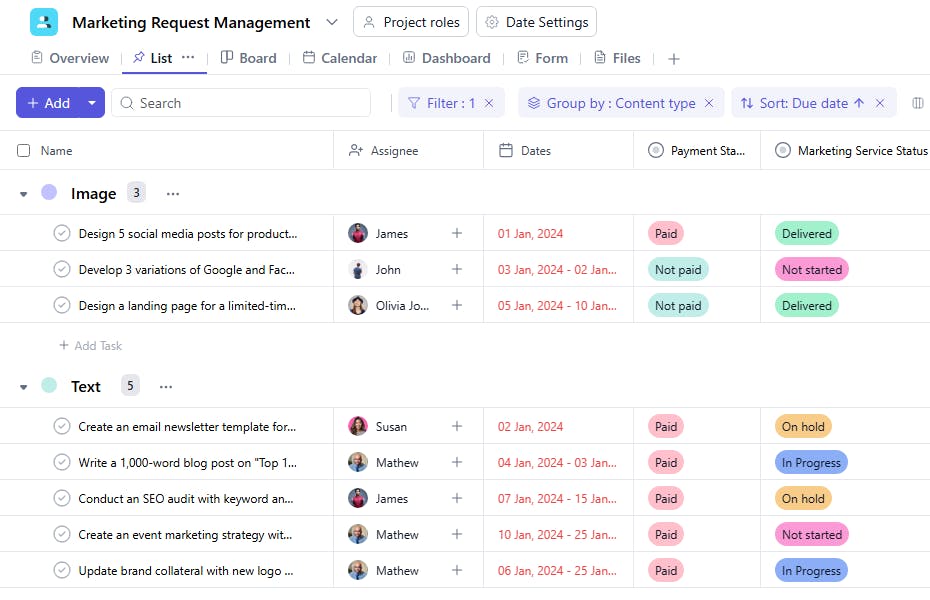
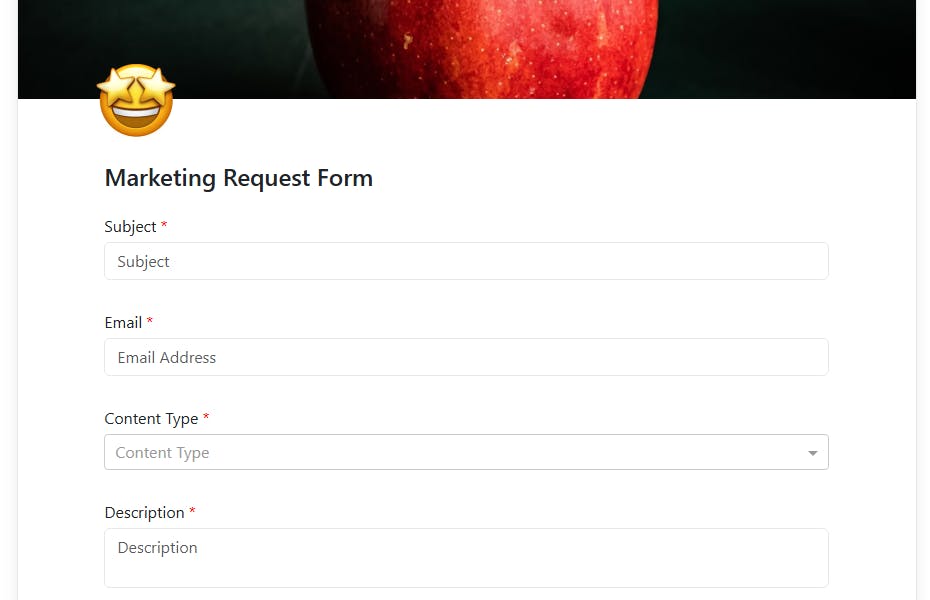
A Marketing Request Management Template provides a structured framework for managing marketing service requests. It enables teams to track tasks, assign responsibilities, monitor status, and organize request details, including pricing and payment status. This ensures that all requests are handled systematically, improving efficiency and accountability.
Here’s a closer look at its key features:
Marketing Request Management Template: Key Features
- Structured Campaign Workflow: Break down the marketing process into clear phases, helping teams follow a logical sequence from planning to execution and review.
- Collaborative Environment: Built-in communication tools help marketing teams, clients, and stakeholders collaborate, share feedback, and align on goals.
- Customizable to Your Needs: Whether you’re running an ad campaign, working on content marketing, or managing SEO, this template can be adjusted to fit the unique needs of each marketing service.
How to Use the Marketing Request Management Template?
Here’s a step-by-step guide to using SmartTask’s Marketing Service Management Template:
- Create a New Project: Log into SmartTask, click “New Project,” and select the Marketing Service Management template.
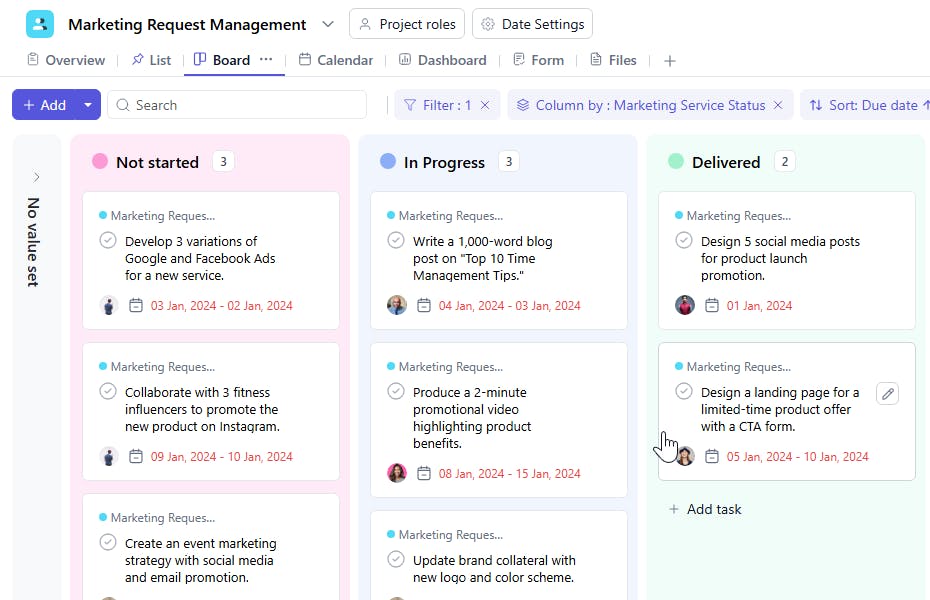
- Organize Work Status: The template organizes key stages such as - In Progress, Review, Approved, Completed
- Collaborate in Real-Time: Share updates, marketing assets, and feedback using SmartTask’s communication and collaboration tools to stay aligned with your team.
- Track Progress & Analyze Results: Monitor the completion of tasks and review performance metrics to adjust strategy
Custom Fields for Enhanced Organization
This Marketing Request Management Template includes the following fields for better task tracking and management:
- Requested By: The individual or department requesting the service.
- Marketing Service Status: Not Started, In Progress, Completed
- Content Type: Blog, Ad Copy, Graphic Design
- Price: The cost of the requested service.
Additional Customization Options
Here are a few ways to further customize the Marketing Request Management Template:
- Priority Levels: Add a priority field to identify high-importance tasks.
- Feedback Field: Include a section for requester or client feedback to track satisfaction.
- Recurring Services: Use recurring tasks for ongoing or periodic service requests.
- Approval Workflow: Add fields for approvals required before starting a service.
- File Attachments: Attach relevant files, such as design briefs or contracts, for quick reference.


