
Templates
Order Tracker
The Order Tracker Template is a comprehensive tool designed to streamline the order process, ensuring that all necessary details are captured for accurate order management, tracking, and delivery.
Use TemplateCategories
Slide 1 of 3 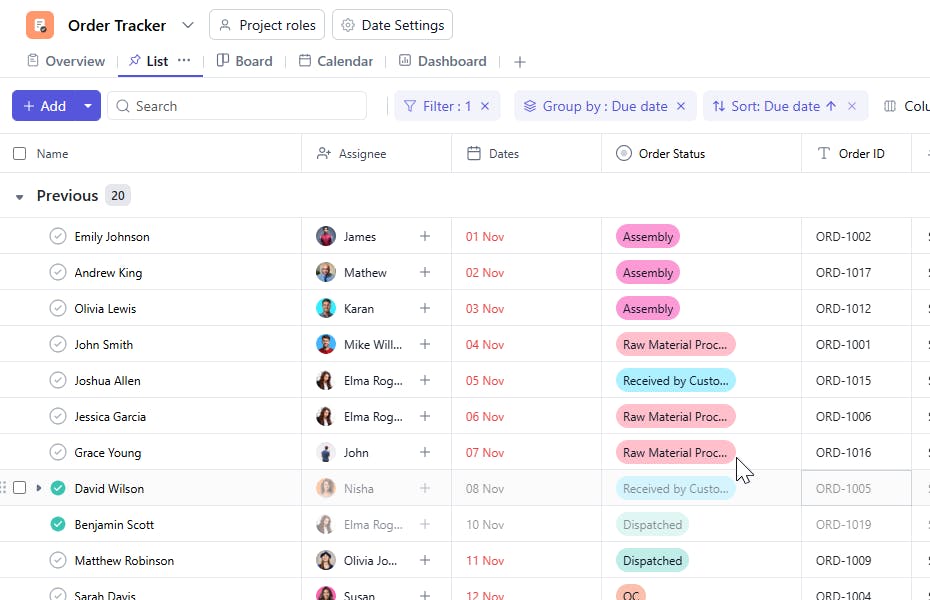
Slide 2 of 3 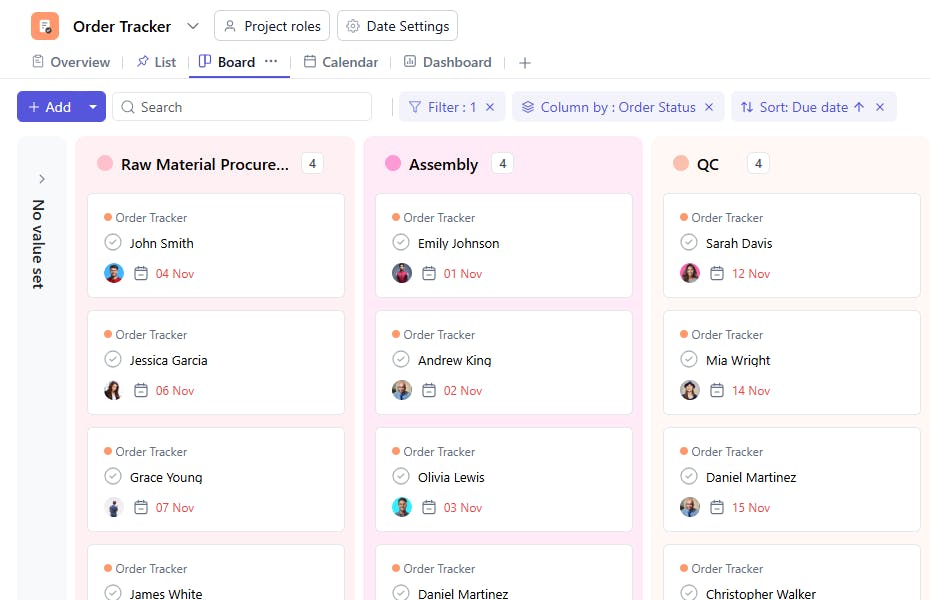
Slide 3 of 3 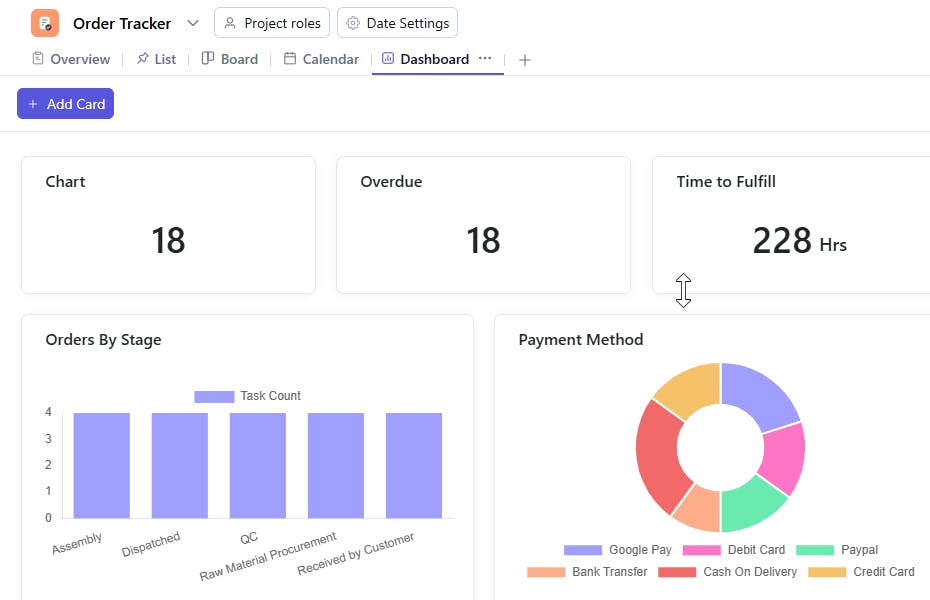
What is an Order Tracker Template?
An Order Tracker Template is a tool used to organize and track orders placed by customers or clients. It includes essential information like order items, quantities, shipping details, payment methods, and other relevant data to ensure smooth processing and delivery.
Here’s a closer look at its key features:
Order Tracker Template: Key Features
- Comprehensive Order Tracking: Track essential order details, including product descriptions, quantities, prices, delivery information, and payment statuses.
- Customer Information Management: Capture customer contact details and order history, ensuring personalized service and seamless order fulfillment.
- Status Tracking: Monitor the status of each order, from placed to shipped, delivered, or canceled, to stay on top of customer expectations.
- Task Assignment & Monitoring: Assign order fulfillment tasks to team members, such as packaging, shipping, and customer communication.
- Payment & Delivery Integration: Integrate payment status and delivery dates to streamline the order processing workflow.
How to Use the Order Tracker Template?
Here’s a step-by-step guide to using SmartTask’s Order Tracker Template:
- Capture Customer Order Details: Enter order information such as product names, quantities, pricing, and shipping address.
- Track Payment Status: Record the payment method and payment status (pending, paid, or refunded) to ensure proper billing.
- Assign Fulfillment Tasks: Delegate responsibilities such as packaging, shipping, or customer follow-up to appropriate team members.
- Monitor Order Status: Track the status of each order, updating it as it progresses through the stages (e.g., pending, in progress, shipped, delivered).
- Send Automated Notifications: Set up automated reminders to alert customers about order status, shipping, or payment issues.
- Review and Finalize: Review the entire order once completed, ensuring the payment is processed and the shipment is on its way.
Custom Fields for Enhanced Organization
This Order Form Template includes the following fields for better tracking and management:
- Item Ordered: The product(s) the customer has ordered.
- Quantity: The quantity of each item ordered.
- Order ID: A unique identifier for the order.
- Shipping Address: The destination address for the order.
- Shipping Price: The cost of shipping the order.
- Payment Method: Credit Card, PayPal
- Order Date: The date the order was placed.
- Order Status: Order status from raw material procurement, qc, dispatch and received by customer
Additional Customization Options
Here are a few ways to further customize the Order Form Template:
- Customer Feedback: Include space for the customer’s feedback or special requests.
- Discounts and Coupons: Track any discounts or promotional codes applied to the order.
- Estimated Delivery Date: Include a field to track the expected delivery date.
- Invoice Number: Add a field for generating or tracking invoice numbers related to the order.


