
Templates
Real Estate Management
The Real Estate Management Template helps streamline property tracking, task management, and operations in real estate projects, ensuring efficient oversight and timely decision-making.
Use TemplateCategories
What is a Real Estate Management Template?
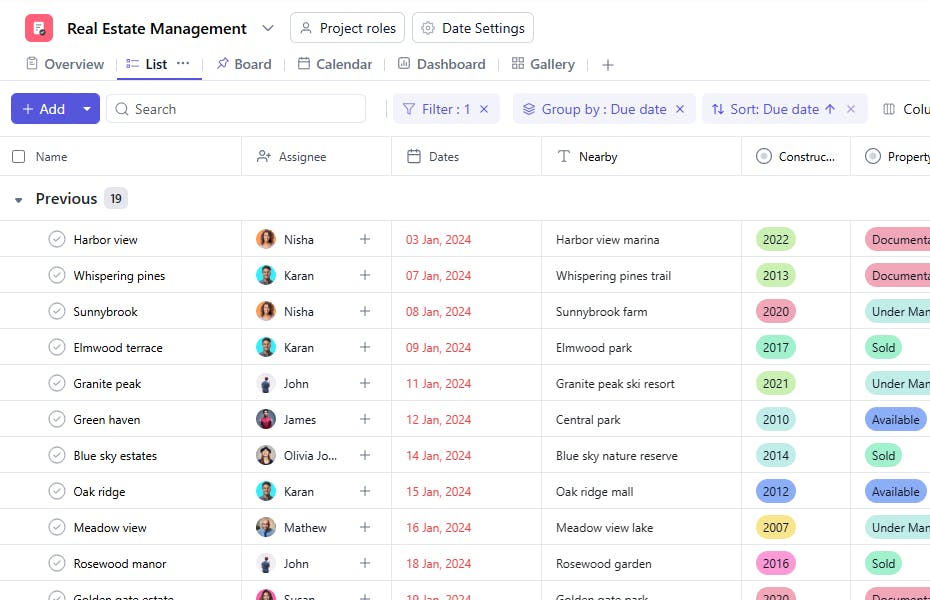
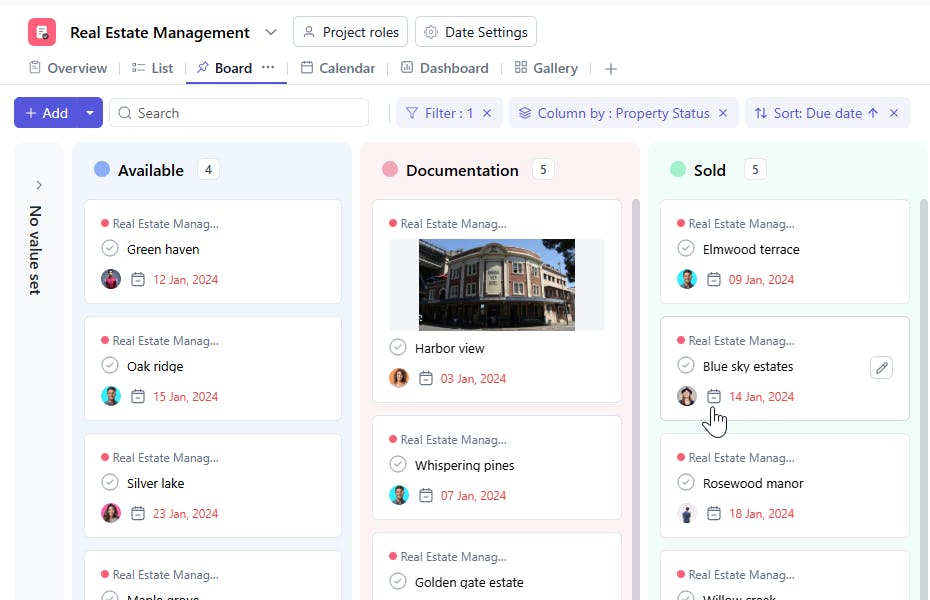
A Real Estate Management Template is a structured tool used to manage and track real estate properties and associated tasks. It includes task names, property IDs, status updates, nearby features, assignees, construction years, costs, and start dates. This ensures properties and related activities are managed systematically to meet objectives effectively.
Here’s a closer look at its key features:
Real Estate Management Template: Key Features
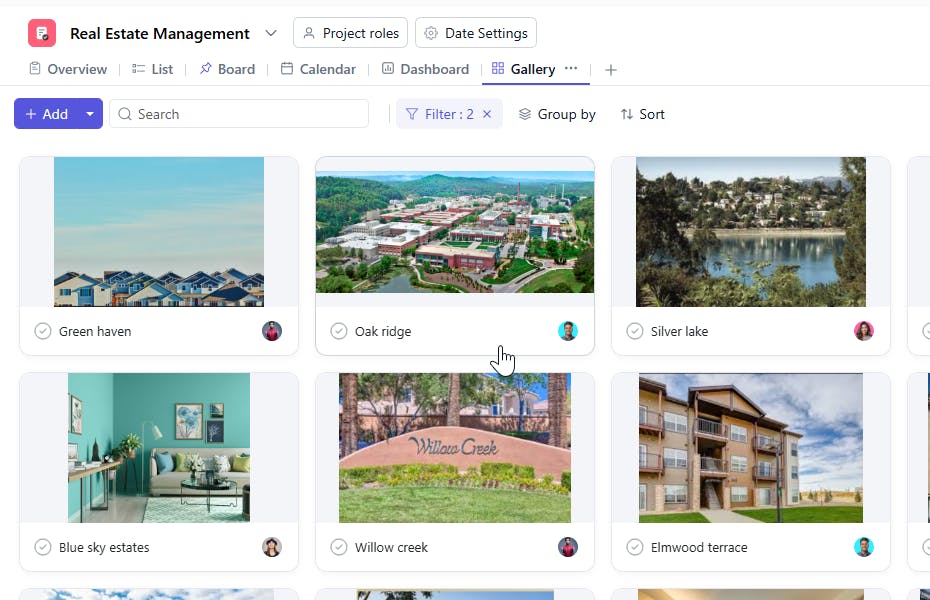
- Comprehensive Property Details: Capture essential information about properties, including addresses, features, pricing, and availability, to maintain a well-organized listing.
- Client and Lead Tracking: Track potential buyers, tenants, and sellers, ensuring timely follow-ups and better conversion rates.
- Task Assignment and Progress Monitoring: Assign tasks like property showings, document preparation, or follow-ups to team members and track progress in real-time.
- Automated Notifications: Get reminders for important deadlines, such as contract renewals, inspection dates, or client meetings, to ensure nothing is overlooked.
How to Use the Real Estate Management Template
Here’s a step-by-step guide to using SmartTask’s Real Estate Management Template for your business:
- Choose and Customize: Select the Real Estate Management Template from SmartTask’s library. Customize fields for property details, client preferences, deal stages, and follow-ups.
- Enter Property Listings: Add information for each property, including location, price, size, features, and availability. Import existing data to save time.
- Add Client and Lead Details: Log information about buyers, tenants, or sellers, including their preferences and requirements.
- Assign Tasks: Delegate tasks like client meetings, property visits, or document collection to team members. Track task status to ensure timely completion.
- Monitor Deals and Transactions: Use the template to oversee deal stages, document statuses, and payment schedules for a seamless transaction process.
Custom Fields for Enhanced Organization
This Real Estate Management Template includes the following fields for better tracking and management:
- Task Name: A brief description of the property-related task.
- Status: Available, Under Maintenance, Sold
- Property ID: A unique identifier for the property.
- Nearby: Key features or landmarks close to the property.
- Constructed Year: The year the property was built.
- Cost: The financial value or expenses related to the property.
Additional Customization Options
Here are a few ways to further customize the Real Estate Management Template:
- Priority Levels: Add a field to specify the priority of tasks or properties (e.g., High, Medium, Low).
- Property Type: Include a category for property type (e.g., Residential, Commercial, Industrial).
- Lease/Rental Details: Add fields for rental amounts or lease expiration dates.
- Inspection Dates: Record dates for property inspections.
- Notes/Comments: Include a section for additional details or feedback regarding properties or tasks.


